
- Home
- AI Summarizer
- MeetGeek
MeetGeek
Open Website-
Tool Introduction:FlowGPT: Community-curated ChatGPT prompts to speed up work and learn AI.
-
Inclusion Date:Oct 21, 2025
-
Social Media & Email:


Tool Information
What is MeetGeek AI
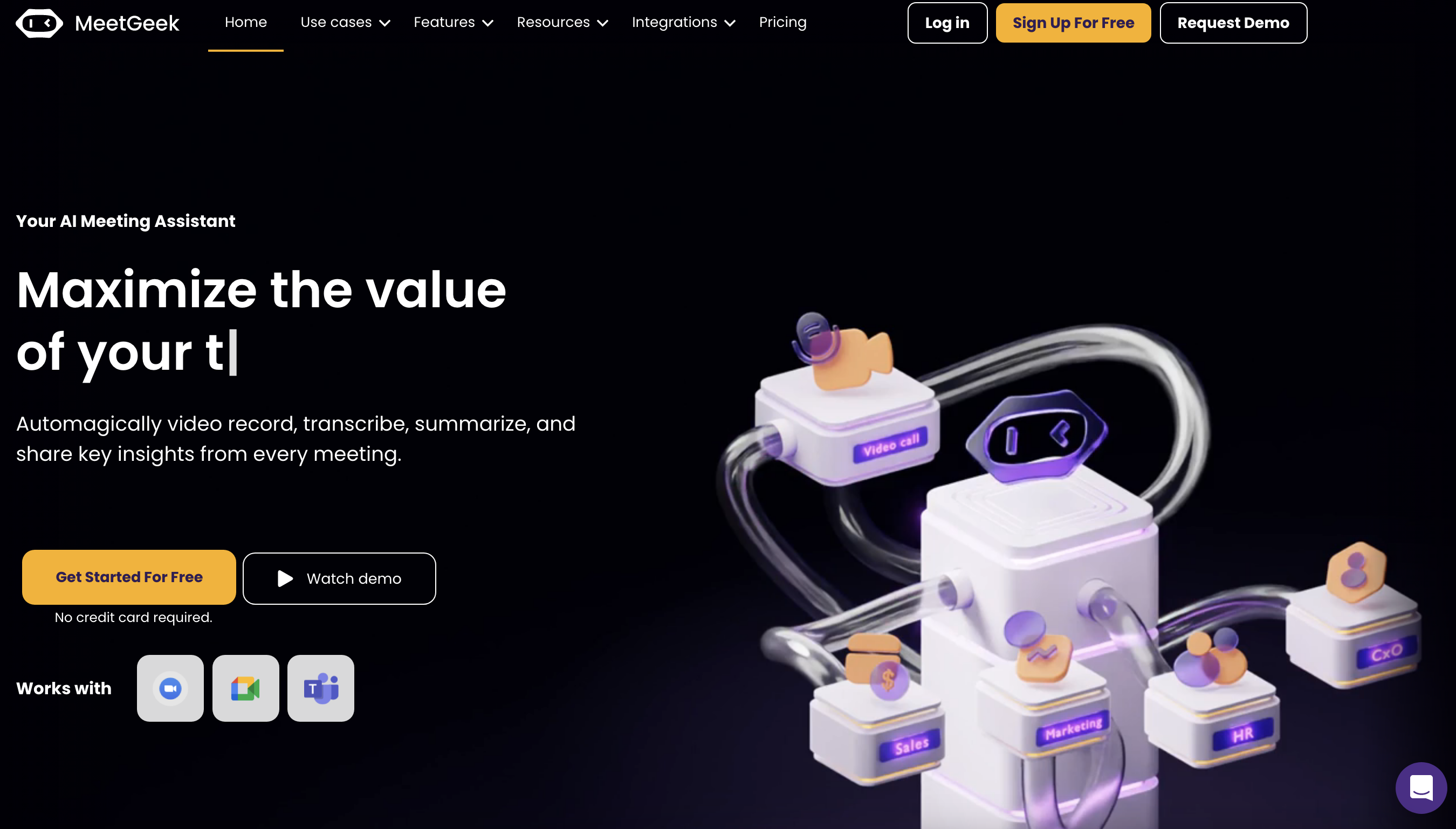
MeetGeek AI is an AI meeting assistant that records, transcribes, and summarizes conversations across your favorite video platforms. It captures every detail from sales calls, stand-ups, interviews, and more, then delivers clear transcripts, automatic summaries, action items, and key insights moments after the meeting ends. With built-in collaboration and integrations for Microsoft Teams, Google Meet, Zoom, and other tools, MeetGeek turns scattered meeting notes into a searchable source of truth that helps teams follow up faster, reduce manual note-taking, and stay aligned.
MeetGeek AI Main Features
- Recording and transcription: Automatically records meetings and produces searchable transcripts with timestamps for quick review.
- Automatic summaries: Generates concise meeting summaries highlighting decisions, key points, and next steps.
- Action item detection: Identifies tasks and follow-ups so teams can track ownership and deadlines.
- Key insights: Surfaces highlights and patterns to help you understand outcomes and context at a glance.
- Team collaboration: Share transcripts and summaries, comment, and keep stakeholders in sync without rewatching full calls.
- Platform integrations: Works with Microsoft Teams, Google Meet, Zoom, and other workflows to fit your existing stack.
- Instant availability: Access transcripts and summaries right after the call to accelerate follow-ups.
- Central knowledge base: Build an organized, searchable repository of meeting content for reuse across projects.
Who Is MeetGeek AI For
MeetGeek AI suits sales teams, customer success, product and engineering squads, recruiters and HR, project managers, consultants, educators, and any team running frequent virtual meetings. It is ideal when you need accurate meeting transcription, consistent meeting summaries, and reliable action items to improve accountability and knowledge sharing.
How to Use MeetGeek AI
- Sign up and connect your calendar and preferred meeting platforms (Microsoft Teams, Google Meet, Zoom).
- Set recording and consent preferences according to your company’s policies.
- Schedule or start a meeting; MeetGeek will join or auto-capture the session as configured.
- After the call, open the workspace to review the transcript, automatic summary, and detected action items.
- Edit or add context, tag teammates, and assign follow-ups to keep work moving.
- Share the summary or transcript with stakeholders and search past meetings as needed.
MeetGeek AI Industry Examples
Sales teams use MeetGeek to capture discovery and demo calls, then share summaries and action items for faster follow-ups. Customer success managers document QBRs and onboarding sessions to track commitments and risks. Product and engineering teams record sprint planning and design reviews to preserve decisions. Recruiters and hiring managers transcribe interviews to compare candidates efficiently. Educators and trainers archive lectures and workshops for accessible review.
MeetGeek AI Pros and Cons
Pros:
- Reduces manual note-taking with accurate meeting transcription and summaries.
- Action item detection improves accountability and follow-through.
- Integrations with Microsoft Teams, Google Meet, and Zoom fit existing workflows.
- Searchable transcripts create a reusable knowledge base.
- Near-instant availability accelerates post-meeting work.
- Collaboration features keep non-attendees aligned.
Cons:
- Transcription quality can vary with audio clarity, accents, and background noise.
- Teams must manage consent and privacy expectations across participants.
- May require process changes to adopt summaries and action tracking effectively.
- Value depends on integration setup and consistent team usage.
MeetGeek AI Popular Questions
-
Does MeetGeek AI work with my meeting platform?
Yes. It integrates with major platforms such as Microsoft Teams, Google Meet, and Zoom.
-
How soon are transcripts and summaries available?
They are available shortly after the meeting ends, enabling quick follow-ups.
-
Can it automatically detect action items?
Yes. MeetGeek identifies tasks and follow-ups so you can assign owners and deadlines.
-
Can teammates who did not attend access the content?
Yes. You can share transcripts and summaries so stakeholders stay informed without attending the call.
-
Do I need participant consent to record?
Best practice is to follow your organization’s policies and local laws by informing participants and obtaining consent before recording.