
- Home
- AI Transcription
- Talknotes
Talknotes
Open Website-
Tool Introduction:Turn voice notes into structured text: summaries, tasks in 50+ languages.
-
Inclusion Date:Nov 08, 2025
-
Social Media & Email:


Tool Information
What is Talknotes AI
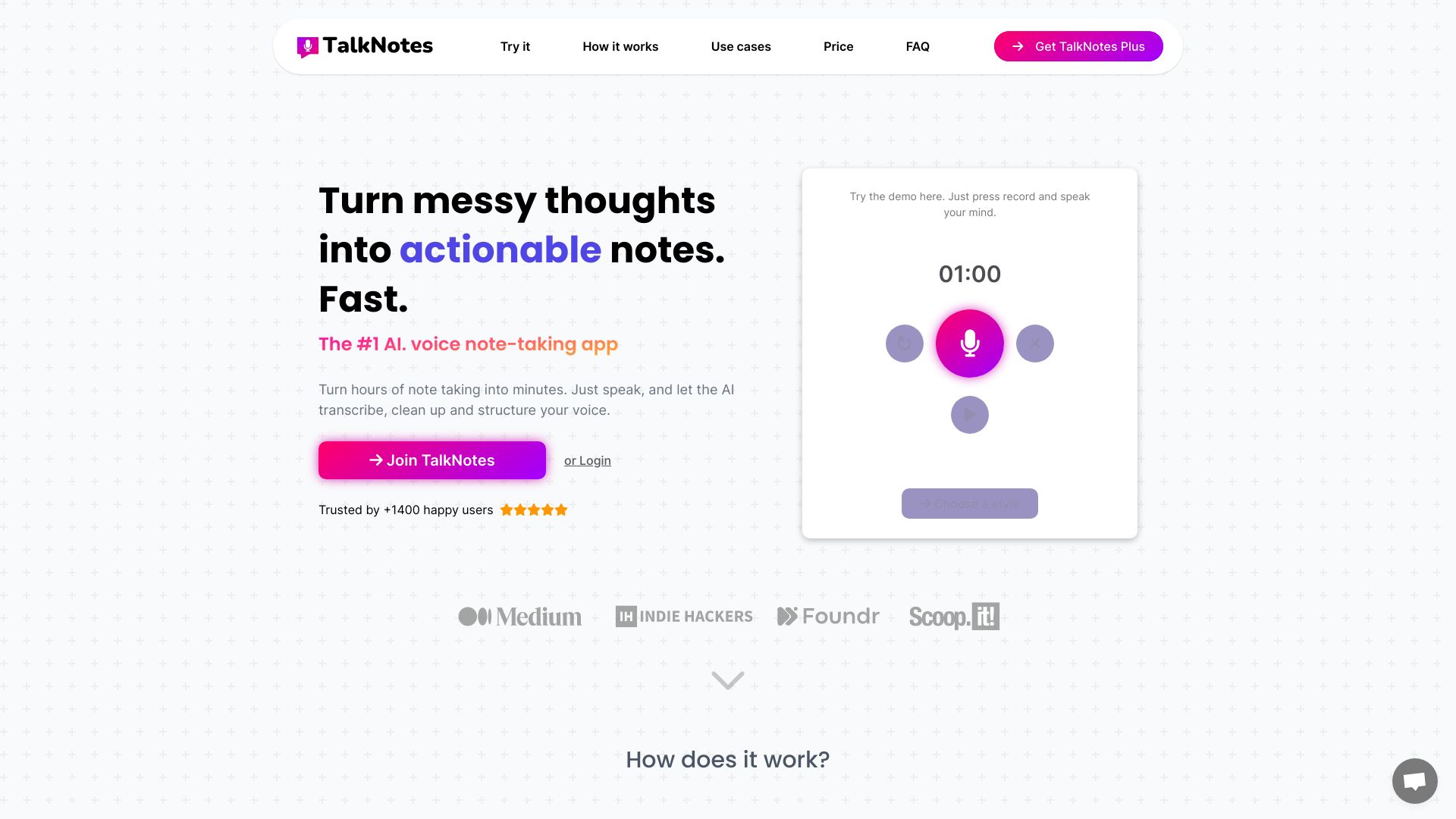
Talknotes AI is an AI-powered voice note app that turns spoken ideas into clean, actionable text. It automatically transcribes, cleans up, and structures voice recordings so you can move straight to outcomes: polished transcripts, concise summaries, email drafts, video scripts, task lists, and blog post starters. With support for 50+ languages and smart formatting, Talknotes AI helps you organize thoughts, capture meetings, and document interviews in seconds—reducing manual note-taking and letting you focus on thinking, not typing.
Main Features of Talknotes AI
- Accurate speech-to-text transcription: Convert voice notes into readable, searchable text with minimal effort.
- Automatic cleanup and structuring: Remove fillers, improve grammar, and organize content into headings, bullets, and sections.
- Multi-format outputs: Generate summaries, email drafts, video scripts, task lists, and blog post outlines from a single recording.
- 50+ language support: Capture and produce content across multiple languages for global teams and creators.
- Action item extraction: Turn spoken decisions into clear tasks and follow-ups.
- Template-driven workflows: Choose output styles that match common use cases like meeting notes, outreach emails, or content scripts.
- Time-saving automation: Reduce hours of manual note-taking to seconds with AI-driven structuring.
Who Can Use Talknotes AI
Talknotes AI suits professionals and creators who rely on voice for fast idea capture. Common users include marketers drafting campaign emails, product managers summarizing meetings, journalists and researchers turning interviews into notes, students creating study summaries, sales reps logging call notes and actions, podcasters and YouTubers shaping episode outlines or video scripts, and freelancers converting brainstorms into publishable content.
How to Use Talknotes AI
- Open the app and record a voice note, or upload an existing audio file.
- Select the language and choose your desired output format (transcript, summary, email, script, task list, or blog post).
- Let the AI transcribe, clean up, and structure your recording automatically.
- Review the generated text, make quick edits, and refine tone or length if needed.
- Copy, download, or share your content to email, docs, or project tools.
- Repeat with templates to standardize meeting notes, calls, and content workflows.
Talknotes AI Use Cases
Teams use Talknotes AI to capture meeting minutes with action items, summarize client calls for follow-up emails, convert interviews into clean notes for research, build podcast show notes and video scripts from recordings, create blog post outlines from brainstorms, and produce multilingual content for global audiences. It streamlines documentation for marketing, sales, product, media, education, and consulting workflows.
Pros and Cons of Talknotes AI
Pros:
- Fast, accurate transcription with automated cleanup and structure.
- Multiple output formats from a single recording for flexible workflows.
- Supports 50+ languages for global teams.
- Helps surface action items and next steps from voice notes.
- Reduces manual note-taking and post-processing time.
Cons:
- Output may require light proofreading for nuance or domain-specific terms.
- Results depend on audio quality and clarity of speech.
- AI-generated structure might not match every personal formatting preference.
- Requires an internet connection for processing.
FAQs about Talknotes AI
-
Does Talknotes AI support multiple languages?
Yes. It supports transcription and generation across 50+ languages.
-
Can it create emails or scripts from my recording?
Yes. You can generate email drafts, video scripts, summaries, task lists, and more from one voice note.
-
Will I need to edit the output?
Often only minor edits are needed, especially for specialized terminology or specific tone requirements.
-
Is it useful for meetings and interviews?
Yes. It turns meeting audio and interviews into clean notes with clear sections and action items.
-
Does it clean up filler words and hesitations?
It automatically removes fillers and improves readability while keeping your core message intact.