
Docswrite
Open Website-
Tool Introduction:1-click Google Docs to WordPress, SEO-ready images, tags, Zapier.
-
Inclusion Date:Nov 09, 2025
-
Social Media & Email:

Tool Information
What is Docswrite AI
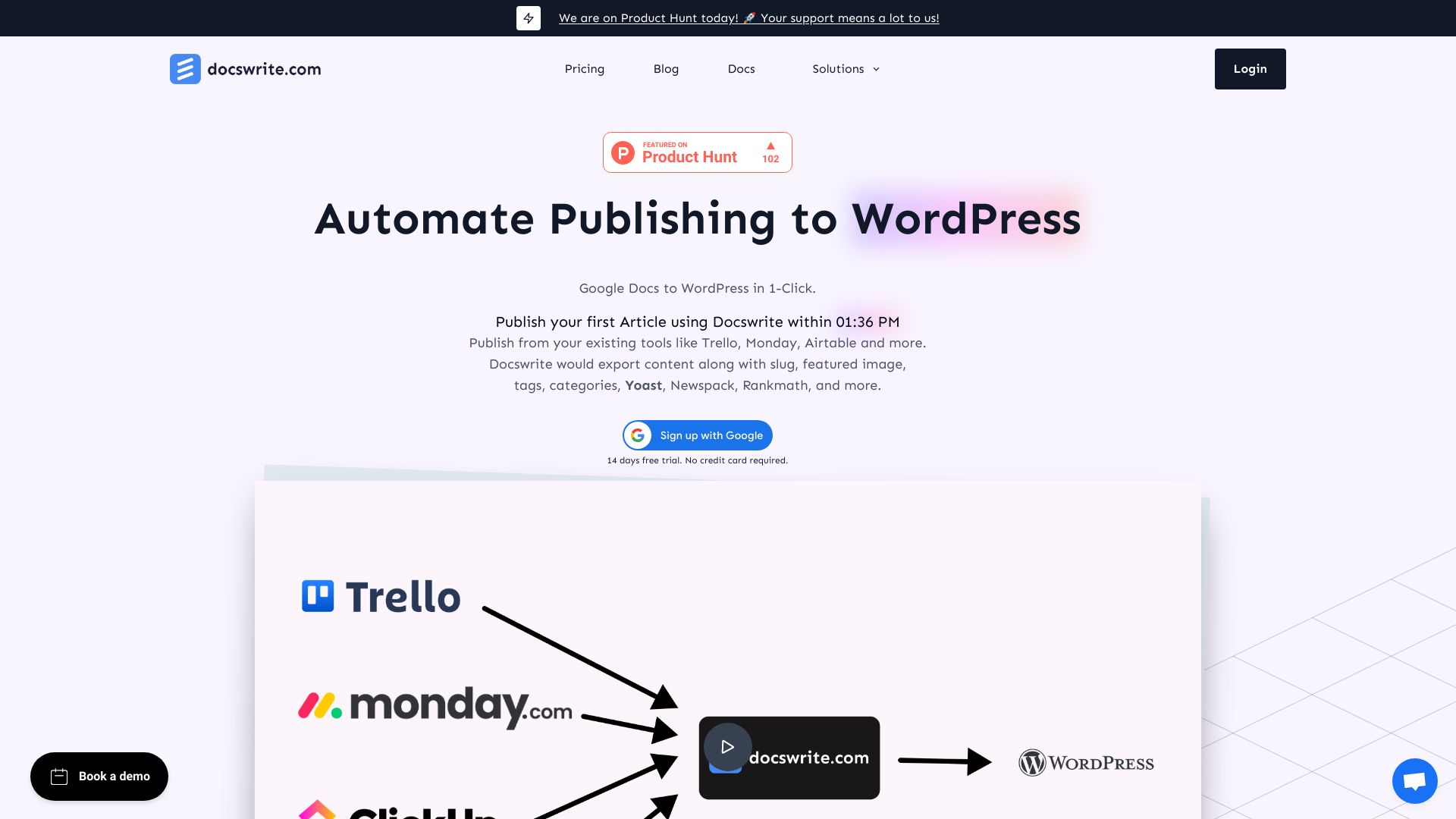
Docswrite AI is a publishing automation tool that moves content from Google Docs to WordPress in a single click. It exports clean formatting along with compressed images, slugs, featured images, tags, categories, and SEO metadata compatible with Yoast, Rank Math, and Newspack. Beyond Google Docs, it can publish posts from Trello, Monday.com, Airtable, and Google Sheets, or from almost any source via Zapier. By removing manual copy-and-paste and metadata entry, Docswrite AI streamlines editorial workflows and speeds up content deployment for busy teams.
Main Features of Docswrite AI
- One-click Google Docs to WordPress export: Publish posts without manual copying while preserving headings, links, and structure.
- Automatic SEO fields: Send slugs, meta titles, descriptions, and schema-friendly data to Yoast, Rank Math, and Newspack-ready setups.
- Image handling and compression: Optimize and upload images, set featured images, and reduce page weight for faster load times.
- Taxonomies and post data: Map and publish tags, categories, and other key fields to match your WordPress configuration.
- Multi-source publishing: Create articles from Trello, Monday.com, Airtable, and Google Sheets to keep content flowing from the tools you already use.
- Zapier integration: Connect virtually any content source to WordPress with automated triggers and consistent field mapping.
- Consistent formatting: Preserve clean formatting from drafts to live posts, reducing editing time in the CMS.
- Workflow automation: Standardize publishing steps to minimize errors and speed up editorial cycles.
Who Can Use Docswrite AI
Docswrite AI is ideal for publishers, online magazines, newsrooms, content marketers, and agencies that produce high volumes of content. It suits SEO teams that rely on Yoast or Rank Math, editorial teams collaborating in Google Docs, and operations that manage content pipelines in Trello, Monday.com, Airtable, or Google Sheets. Solo bloggers seeking a faster Google Docs to WordPress workflow can also benefit.
How to Use Docswrite AI
- Connect your WordPress site and authorize access so Docswrite AI can publish posts to your domain.
- Link your content sources, such as Google Drive (Docs) or boards/bases in Trello, Monday.com, Airtable, or Google Sheets.
- Configure field mapping for titles, body content, slugs, featured images, tags, categories, and SEO metadata.
- Enable image compression options to optimize media before upload.
- Optionally integrate Zapier to trigger publishing from additional tools or custom workflows.
- Select a draft from your source, review the preview, and confirm export to WordPress.
- Open the post in WordPress for a final check, then update as needed.
Docswrite AI Use Cases
Digital publishers can push newsroom articles from Google Docs directly to WordPress with tags and categories prefilled. Agencies can move client-approved content from Airtable records or Trello cards into SEO-ready posts. Content operations teams can synchronize Google Sheets content calendars with WordPress. Niche bloggers can streamline long-form posts while automatically setting slugs, featured images, and Yoast fields for better search visibility.
Pros and Cons of Docswrite AI
Pros:
- Significant time savings by eliminating copy-paste and manual SEO entry.
- Built-in image compression improves performance and Core Web Vitals.
- Reliable SEO plugin compatibility (Yoast, Rank Math) and Newspack support.
- Flexible, multi-source publishing with Trello, Monday.com, Airtable, and Google Sheets.
- Zapier integration enables scalable, automated workflows.
- Consistent formatting reduces CMS cleanup and human error.
Cons:
- Focused on WordPress; teams on other CMSs will need alternatives.
- Initial field mapping and setup may require editorial process alignment.
- Advanced automations may depend on third-party Zapier tasks.
- Complex taxonomies or custom fields might need extra configuration.
FAQs about Docswrite AI
-
Does Docswrite AI support Yoast and Rank Math?
Yes. It can send SEO titles, descriptions, and related metadata to Yoast and Rank Math fields during export.
-
Can I publish from Trello, Monday.com, Airtable, or Google Sheets?
Yes. Docswrite AI connects to these sources directly and can also use Zapier to expand integrations.
-
Will my Google Docs formatting be preserved?
Core structure such as headings, lists, links, and images is retained for clean WordPress output.
-
Does it compress images automatically?
Yes. Images can be compressed on export and uploaded with the post, including featured images.
-
Can I map tags, categories, and slugs?
Yes. You can configure taxonomies and slugs so posts publish with the correct structure and SEO-friendly URLs.
-
How do I connect other tools not listed?
Use the Zapier integration to connect virtually any source that can trigger a Zap, then map fields to WordPress.