
- Home
- AI Outline Generator
- Podwise
Podwise
Open Website-
Tool Introduction:Learn from podcasts: transcripts, summaries, chapter picks, Notion sync.
-
Inclusion Date:Nov 09, 2025
-
Social Media & Email:


Tool Information
What is Podwise AI
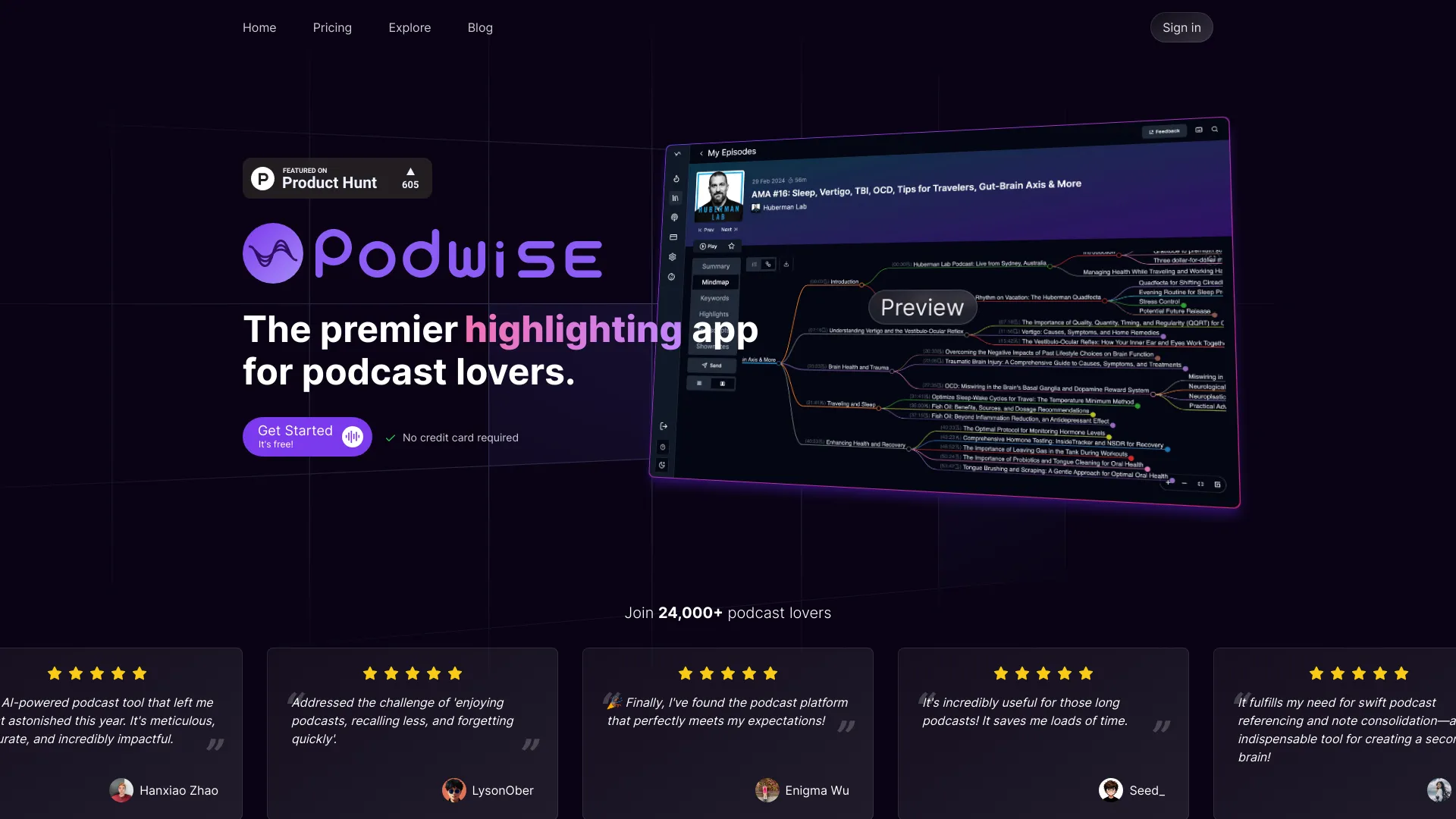
Podwise AI is a learning app for podcast listeners that turns long, information-dense episodes into structured knowledge you can act on. It automatically transcribes audio, generates chapter-level summaries, and extracts key insights with time-stamped references. With native integrations to Notion, Readwise, Obsidian, and Logseq, Podwise weaves podcast highlights into your second brain so you can review, search, and connect ideas. Select the chapters that matter, accelerate understanding, and retain more across tech, history, fitness, and beyond.
Main Features of Podwise AI
- Accurate transcription: Converts episodes into searchable text with time-stamped segments for quick navigation.
- AI chaptering and summaries: Breaks episodes into logical chapters and delivers concise summaries for each section.
- Insight extraction: Highlights key ideas, quotes, definitions, and action items to speed up learning.
- Time-stamped citations: Jump from notes back to the exact moment in the audio for context.
- Semantic search: Find topics, names, and themes across episodes using transcript search.
- Second brain integrations: Send highlights and summaries to Notion, Readwise, Obsidian, and Logseq with structured formatting.
- Chapter-based listening: Queue only the sections that fit your goals and available time.
- Cross-device workflow: Capture, review, and revisit insights wherever you learn.
Who Can Use Podwise AI
Podwise AI suits professionals, students, and lifelong learners who rely on podcasts for continuous education. Product managers, engineers, and founders can track tech trends without playing entire episodes. Researchers and students can extract citations and summaries for study notes. Creators and coaches can gather quotes and frameworks for content. Busy listeners who prefer chapter-based listening can focus on high-value segments and export highlights to their knowledge management systems.
How to Use Podwise AI
- Sign up and set your interests or connect your podcast sources.
- Paste an episode link or select from your library to start processing.
- Let Podwise transcribe the audio and generate chapter summaries and insights.
- Skim the chapter list, then dive into sections that match your goals.
- Highlight key ideas and add notes or tags for future retrieval.
- Export structured summaries to Notion, Readwise, Obsidian, or Logseq.
- Search transcripts later to revisit topics and jump to time-stamped moments.
- Build a focused listening queue based on selected chapters.
Podwise AI Use Cases
Tech professionals use Podwise AI to summarize AI, engineering, and product episodes while capturing reusable notes. History learners extract timelines and references for deeper research. Fitness coaches and enthusiasts pull training protocols and habit frameworks into Readwise for spaced review. Educators collect chapter highlights to share with classes. Journalists and creators gather quotes and insights for articles and scripts, linking back to time-stamped audio for verification.
Pros and Cons of Podwise AI
Pros:
- Transforms long episodes into structured, chapter-based summaries.
- Rich integrations with Notion, Readwise, Obsidian, and Logseq.
- Time-stamped notes make verification and context easy.
- Semantic search across transcripts and highlights.
- Improves retention by turning passive listening into active learning.
Cons:
- AI summaries may miss nuance or tone present in the full audio.
- Transcription quality can vary with audio clarity and speaker accents.
- Initial integration setup may require mapping templates or fields.
- Best suited for educational listening rather than casual entertainment.
- Requires an internet connection for processing and search.
FAQs about Podwise AI
-
Does Podwise AI integrate with Notion, Readwise, Obsidian, and Logseq?
Yes. It exports summaries and highlights in structured formats designed for these second brain tools.
-
Can I search across transcripts?
You can run semantic and keyword searches to find topics, names, and quotes across processed episodes.
-
How do chapter summaries work?
Podwise segments the episode into logical chapters and generates concise summaries so you can review or listen selectively.
-
Can I jump from notes to the exact audio moment?
Yes. Time-stamped references let you return to the precise segment for context or verification.
-
Which podcasts are supported?
Podwise works with most public episodes you provide via link or library; processing depends on audio quality and availability.