
- Home
- AI Blog Generator
- Podsqueeze
Podsqueeze
Open Website-
Tool Introduction:AI podcast tool from audio/video: transcripts, notes, timestamps, clips.
-
Inclusion Date:Nov 09, 2025
-
Social Media & Email:


Tool Information
What is Podsqueeze AI
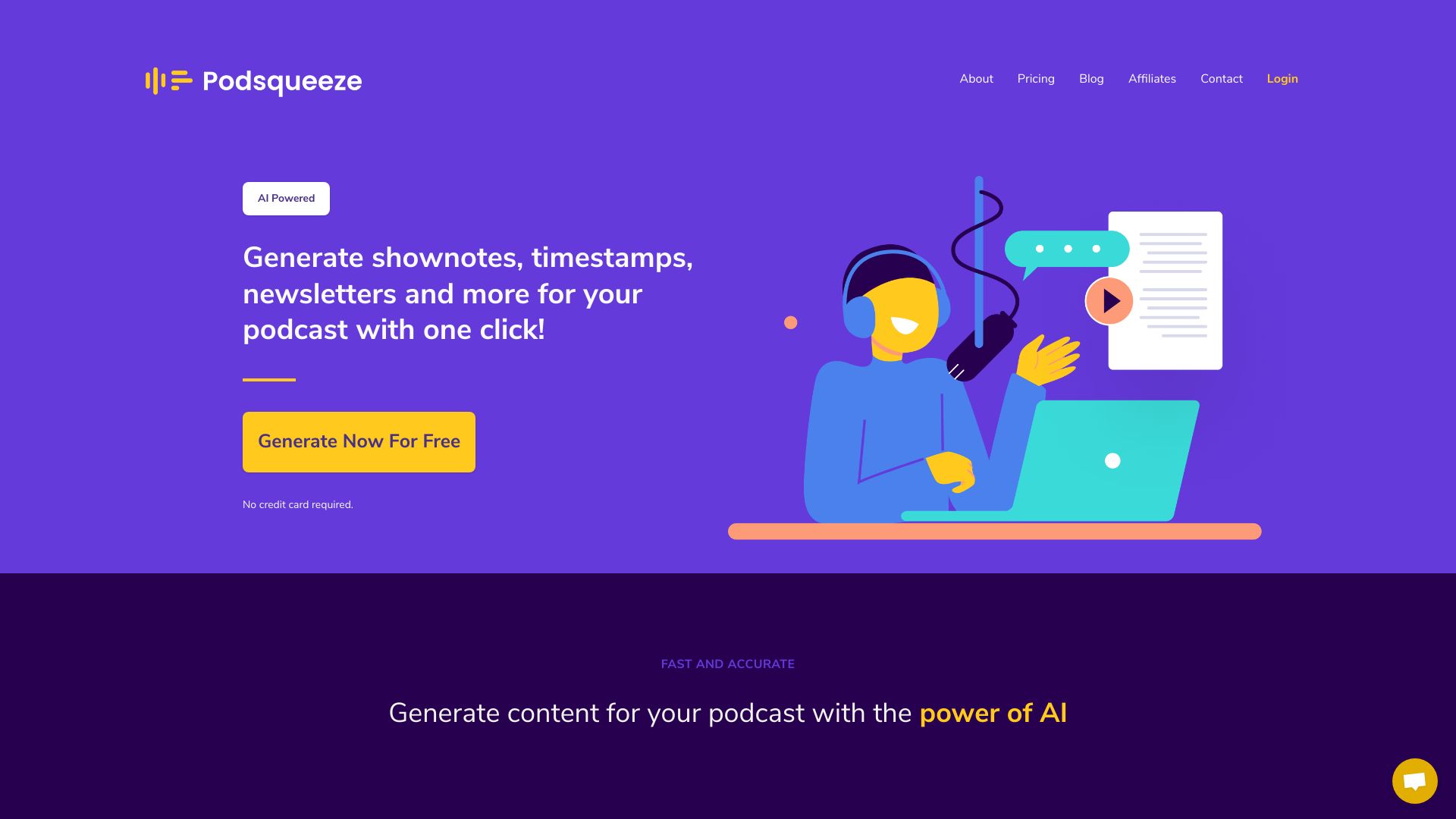
Podsqueeze AI is an AI-powered content repurposing tool built for podcasters. It transforms podcast audio or video into structured assets such as transcripts, show notes, timestamps, newsletters, and social media posts including tweets and captions. Beyond writing assistance, it supports AI summarization, clip creation from long episodes, and AI audio enhancement to improve clarity. By automating repetitive tasks, Podsqueeze AI helps creators publish faster, maintain consistent messaging, and expand reach across channels without adding production overhead.
Main Features of Podsqueeze AI
- Transcript generation: Accurate, searchable podcast transcripts with speaker-aware formatting for accessibility and SEO.
- Show notes & summaries: Structured summaries, key takeaways, and episode descriptions ready for podcast platforms.
- Timestamps & chapters: Auto-generated chapter markers to improve navigation and listener engagement.
- Social content: Drafts for tweets, LinkedIn posts, Instagram captions, and short copy tailored to your tone.
- Newsletters & blog drafts: Repurpose episodes into email newsletters and article outlines for content marketing.
- Clip maker: Identify highlight moments and generate short clips suitable for reels and shorts.
- AI audio enhancement: Clean up audio with noise reduction and clarity improvements.
- Customization controls: Adjust tone, length, keywords, and calls-to-action to match your brand.
- From audio or video: Works with uploaded files or episode video sources to streamline your workflow.
Who Can Use Podsqueeze AI
Podsqueeze AI suits independent podcasters, podcast networks, and production teams who need scalable content creation. it's also useful for marketers and social media managers repurposing episodes, agencies managing multiple shows, brands hosting thought leadership podcasts, educators turning lectures into notes, and creators producing video podcasts who want fast transcripts, show notes, short clips, and social copy from a single recording.
How to Use Podsqueeze AI
- Upload your podcast audio or video file, or import from a supported source.
- Select desired outputs: transcript, show notes, timestamps, summaries, clips, or social posts.
- Set preferences for tone, length, keywords, and audience.
- Run generation to create transcripts, summaries, and content variations.
- Review and edit drafts; fine-tune chapters and clip selections as needed.
- Export content to your publishing workflow or schedule social posts.
- Optionally apply AI audio enhancement and re-run content generation for best results.
Podsqueeze AI Use Cases
Media teams accelerate podcast post-production by generating transcripts, chapters, and show notes in minutes. Marketing departments transform executive podcasts into newsletters, blog outlines, and social campaigns. Agencies repurpose client episodes into multi-channel content packages. Educators and nonprofits convert talks and interviews into accessible transcripts and summaries. Creators producing video podcasts extract short clips for YouTube Shorts, Reels, and TikTok to drive discovery.
Podsqueeze AI Pricing
Podsqueeze AI commonly follows a tiered subscription model based on usage and feature access, with options suitable for solo creators and teams. Plans may include limits on minutes processed, clip exports, or advanced features, and billing is typically available monthly or annually. Check the official Podsqueeze website for the latest plan details and any free trial or free tier availability.
Pros and Cons of Podsqueeze AI
Pros:
- All-in-one workflow for transcripts, show notes, timestamps, and social content.
- Saves significant post-production time and reduces manual editing.
- Customizable tone and keywords to match brand voice.
- Clip maker and AI audio enhancement extend content lifespan and quality.
- Supports both audio and video sources for flexible input.
Cons:
- AI outputs still benefit from human review for nuance and factual accuracy.
- Automatic chaptering and clip selection may need manual adjustments.
- Quality of transcripts and enhancement depends on source recording quality.
- Usage limits on lower tiers can constrain high-volume production.
FAQs about Podsqueeze AI
-
Can it generate accurate transcripts from video as well as audio?
Yes, Podsqueeze AI works with both audio and video inputs to produce transcripts and derived assets.
-
Does it create social media posts automatically?
It generates draft posts for platforms like X/Twitter, LinkedIn, and Instagram captions, which you can review and edit.
-
Can I customize the tone and length of summaries?
You can set tone, length, and keywords so summaries and show notes align with your brand and audience.
-
Will I need to edit the AI outputs?
Light editing is recommended to ensure factual accuracy, style consistency, and final polish.
-
Does it help create short clips from episodes?
Yes, the clip maker identifies highlight moments and exports short segments for reels and shorts.
-
Is audio enhancement included?
Podsqueeze AI offers AI audio enhancement to reduce noise and improve clarity before repurposing.