
- Home
- AI Summarizer
- Elephas
Elephas
Open Website-
Tool Introduction:AI knowledge assistant for macOS/iOS; organize notes offline, private
-
Inclusion Date:Nov 09, 2025
-
Social Media & Email:

Tool Information
What is Elephas AI
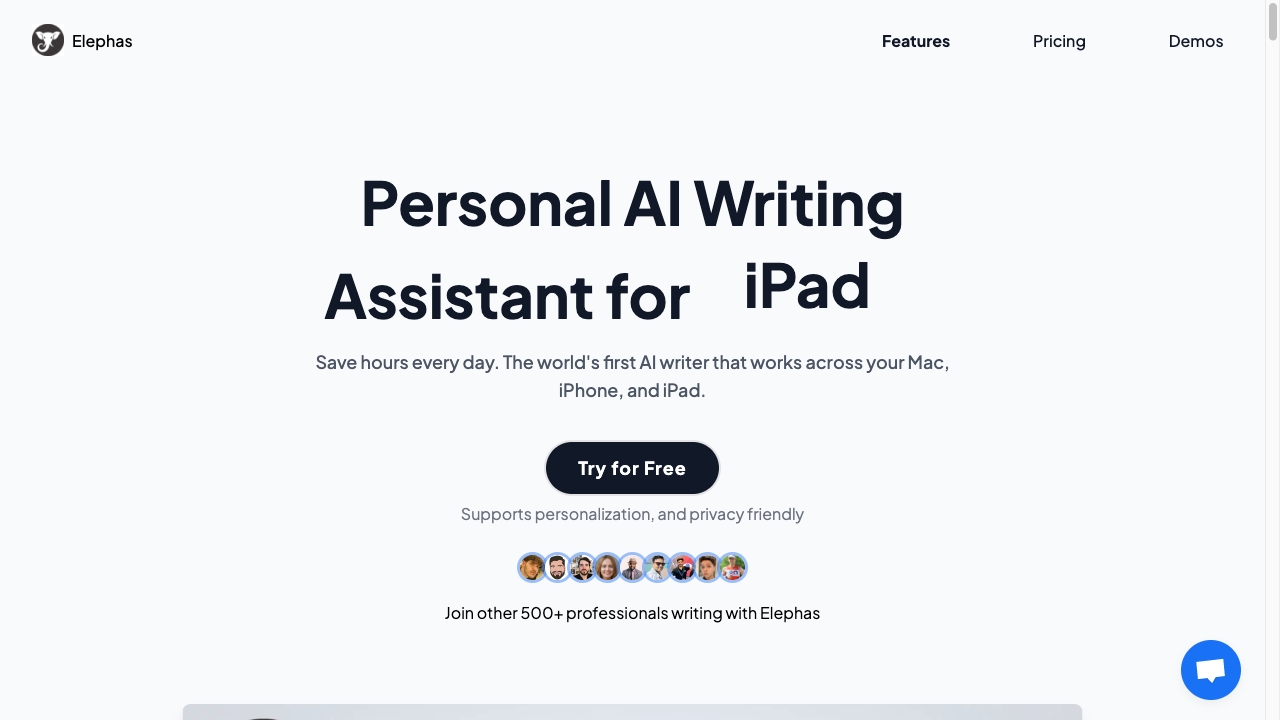
Elephas AI is an AI-powered knowledge assistant for macOS and iOS that works like a personal ChatGPT across your entire knowledge base. It connects to notes, documents, and web clippings to organize information, surface ideas, and streamline daily writing. With support for multiple file formats and integrations with popular PKM tools, Elephas enables semantic search, fast summarization, and context-aware drafting anywhere you work. A privacy-friendly design and optional offline mode help keep your data under your control while you save time.
Main Features of Elephas AI
- Apple ecosystem integration: Native support for macOS and iOS for smooth, system-wide access to AI assistance.
- Personal ChatGPT on your data: Ask questions and get answers grounded in your notes, files, and clippings.
- Semantic search: Find ideas and passages by meaning, not just keywords, across connected sources.
- Multi-format support: Works with PDFs, docs, notes, and web content to unify your knowledge base.
- PKM tool integrations: Connect with popular personal knowledge management apps to keep knowledge in sync.
- Summarize and extract: Create concise summaries, highlights, and outlines from long documents.
- Writing and email assistance: Draft, rewrite, and polish content with tone control and context from your data.
- Privacy-first with offline mode: Process data locally when needed to reduce exposure and maintain control.
- Quick commands and shortcuts: Invoke AI anywhere with a command palette for faster workflows.
- Context citations: Trace responses back to source notes or files for transparency.
Who Can Use Elephas AI
Elephas AI suits knowledge workers, researchers, students, writers, consultants, and product managers who need faster access to ideas and accurate recall of information. It is also useful for journalists, analysts, and solo founders who manage large personal archives of notes and documents, as well as educators and learners seeking summaries, study guides, and structured insights from complex materials.
How to Use Elephas AI
- Install the Elephas app on macOS or iOS and complete the initial setup.
- Connect data sources by granting access to your notes, documents, and supported PKM tools.
- Import or sync files (e.g., PDFs, docs, web clippings) to build your knowledge base.
- Choose privacy options, including offline mode where available, and adjust indexing preferences.
- Use the command palette or keyboard shortcut to ask questions, summarize, or draft content.
- Refine results with follow-up prompts, and insert text directly into your editor or email.
- Review citations to verify sources and update your knowledge base as you work.
Elephas AI Use Cases
In academia, Elephas AI summarizes papers, extracts key points, and compiles literature notes. Consultants and analysts use it to search across client documents and produce briefs. Journalists draft articles from research archives and interviews. Product managers synthesize user feedback and PRDs. Sales and marketing teams create tailored emails and content using knowledge from case studies, playbooks, and PDFs. Students turn dense readings into study guides and exam outlines.
Pros and Cons of Elephas AI
Pros:
- Deep integration with macOS and iOS for seamless workflows.
- Personalized AI on top of your notes and documents.
- Semantic search, summarization, and drafting in one place.
- Privacy-friendly design with optional offline processing.
- Supports multiple file formats and PKM tool integrations.
- Citations for transparency and source verification.
Cons:
- Limited to Apple platforms, which may exclude some users.
- Initial indexing and setup time for large libraries.
- Offline models may be less capable than cloud counterparts for certain tasks.
- Learning curve to optimize prompts and context for best results.
FAQs about Elephas AI
-
Does Elephas AI work offline?
Yes, it offers an optional offline mode to process data locally for added privacy.
-
Which platforms are supported?
Elephas AI supports macOS and iOS, integrating across the Apple ecosystem.
-
Can it integrate with my PKM tools?
Yes, it integrates with popular PKM apps to sync and search your notes and documents.
-
What types of files can it handle?
It supports various formats, including PDFs, documents, notes, and web clippings.
-
Does it provide source citations?
Elephas can reference the original notes or files so you can verify responses.