
- Home
- AI Script Writing
- Vid AI
Vid AI
Open Website-
Tool Introduction:Make TikTok, Reels, Shorts fast with AI scripts, voices, images.
-
Inclusion Date:Nov 08, 2025
-
Social Media & Email:
Tool Information
What is Vid AI
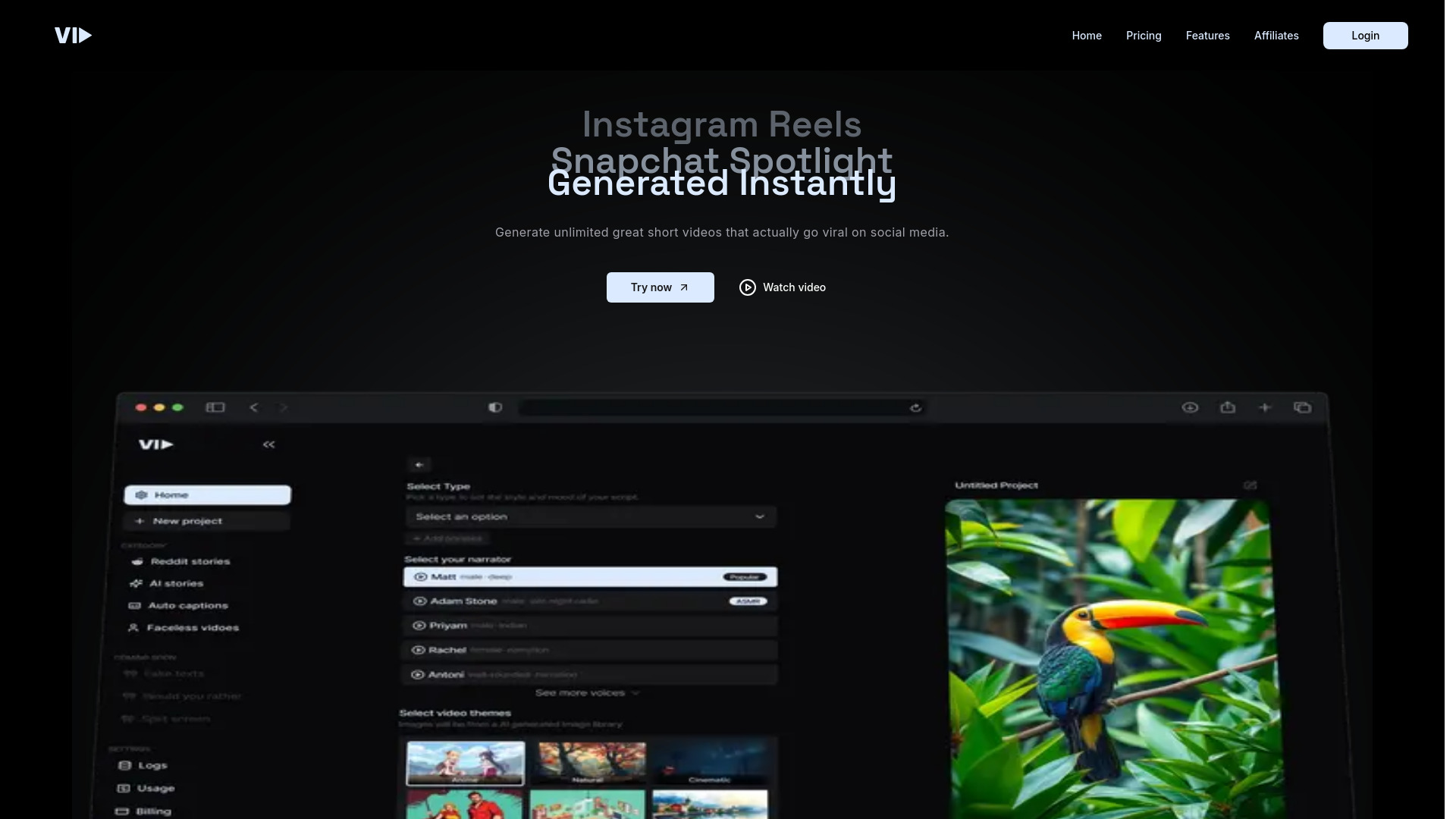
Vid AI is an AI-powered video generation platform built to create short-form videos for YouTube Shorts, TikTok, and Instagram Reels in minutes. It blends AI script generation, text-to-speech AI voices, AI image generation, and a built-in stock media library to turn ideas into polished clips. With templates, automatic captions, and smart editing tools, Vid AI streamlines ideation, production, and optimization so creators and brands can test more concepts and publish engaging, platform-ready content faster.
Main Features of Vid AI
- AI script generator: Turn a topic, prompt, or URL into concise, on-trend scripts optimized for short-form video.
- AI voices (text-to-speech): Choose natural-sounding voiceovers in various tones to match your brand and audience.
- AI image generation: Create custom visuals and thumbnails to enhance scenes and hooks.
- Built-in stock library: Access stock footage, images, and music to fill B-roll and background needs without leaving the editor.
- Templates and presets: Use platform-ready layouts, hooks, and timing presets for TikTok, Reels, and Shorts.
- Auto captions and subtitles: Generate accurate captions for accessibility and higher retention.
- Aspect ratio and export: Quickly switch between 9:16, 1:1, and 16:9 and export in social-friendly formats.
- Branding controls: Apply logos, colors, fonts, and lower-thirds for consistent brand identity.
- Smart editing workflow: Scene-by-scene editing, quick trims, and variation generation for A/B testing.
Who Can Use Vid AI
Vid AI suits content creators, social media managers, e-commerce sellers, agencies, startups, and educators who need to produce frequent, platform-native short videos. it's helpful for promoting products, summarizing content, launching campaigns, repurposing long-form footage, and turning scripts or ideas into scroll-stopping clips without heavy editing skills.
How to Use Vid AI
- Choose a format and aspect ratio for TikTok, Instagram Reels, or YouTube Shorts.
- Enter a topic, prompt, or paste a link to generate an AI script, then refine the lines as needed.
- Select an AI voice and adjust tone, speed, and emphasis for the narration.
- Add visuals using the stock library or create assets with AI image generation; drop in brand elements.
- Enable auto captions and style them for readability and brand consistency.
- Preview the video, trim scenes, swap B-roll, and generate variations for testing.
- Export in the desired resolution and format, then upload to your social platform of choice.
Vid AI Use Cases
E-commerce brands create product teasers and feature highlights; SaaS teams produce release notes and feature explainers; creators turn scripts into viral hooks; educators share micro-lessons; news and media summarize updates; real estate agents showcase listings; travel and food accounts compile quick guides; and podcasters repurpose episodes into bite-size clips for discovery.
Pros and Cons of Vid AI
Pros:
- Fast end-to-end workflow from idea to platform-ready short video.
- Integrated AI script, voiceover, and image generation reduces tool switching.
- Built-in stock assets lower production costs and speed up B-roll sourcing.
- Auto captions and templates improve retention and consistency.
- Easy for non-editors; suitable for high-volume content operations.
Cons:
- Less granular control than professional NLEs for complex edits.
- AI voices may not perfectly match every brand’s style.
- Overreliance on templates can lead to similar-looking outputs.
- Results depend on prompt quality and script refinement.
FAQs about Vid AI
-
Can I import my own clips and images?
Yes. You can upload your media and combine it with stock assets, AI images, and captions.
-
Does Vid AI generate captions automatically?
It supports automatic captions and subtitle styling for improved accessibility and engagement.
-
What export options are available?
You can export social-ready videos in popular formats and aspect ratios suited to TikTok, Reels, and Shorts.
-
Can I edit the AI-generated script and voiceover?
Yes. Scripts are fully editable and you can switch voices, adjust pacing, and retake lines.
-
Are stock assets cleared for commercial use?
The built-in library provides licensed media; always review license terms inside the platform for your specific use.