
- Home
- AI Podcast Editing
- AutoPod
AutoPod
Open Website-
Tool Introduction:AutoPod for Premiere Pro automates multicam, jump cuts, social clips.
-
Inclusion Date:Nov 08, 2025
-
Social Media & Email:


Tool Information
What is AutoPod AI
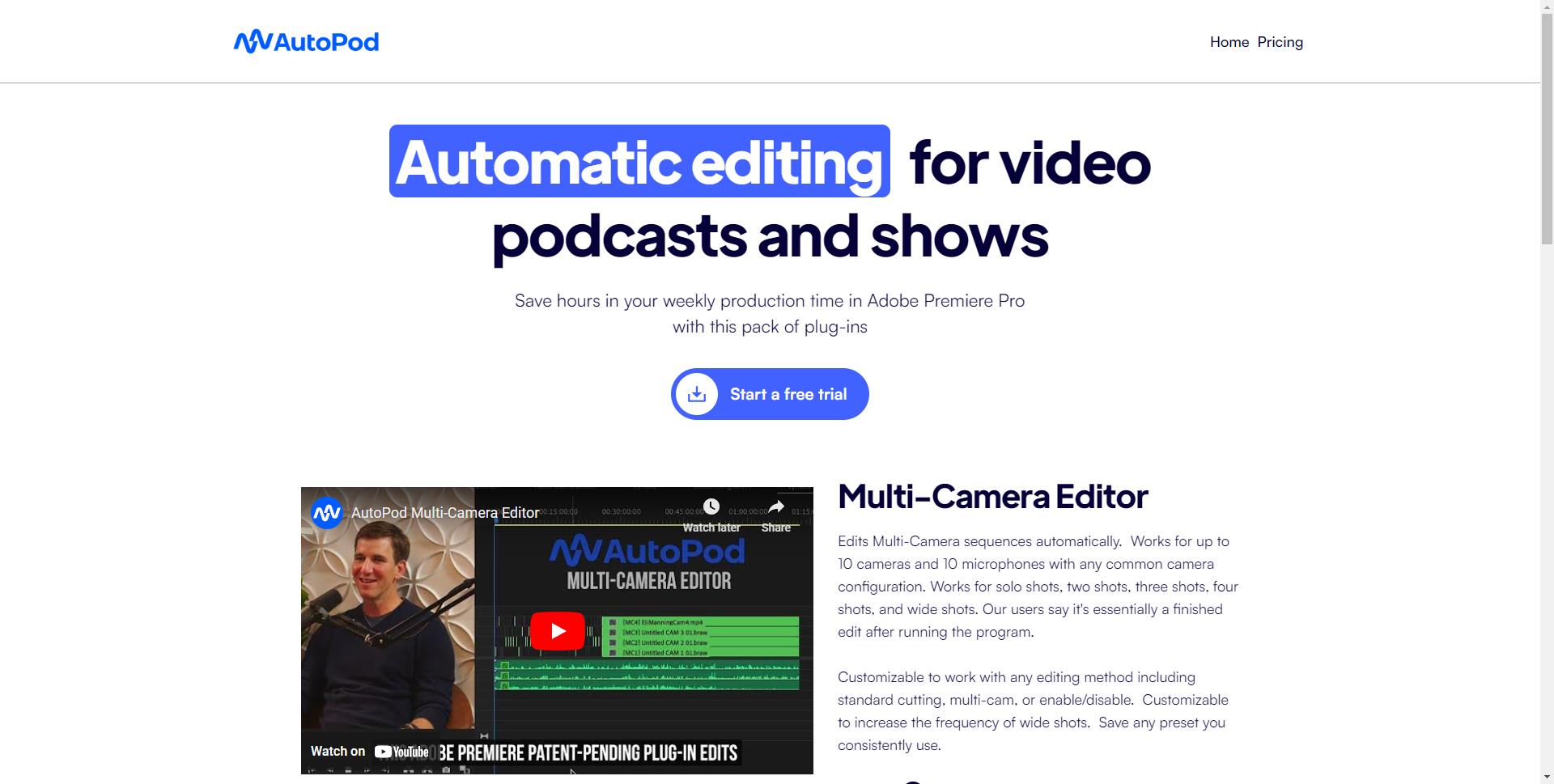
AutoPod AI is a suite of Adobe Premiere Pro plug-ins built for video podcast and talk show editors. It automates multi-camera editing, jump cuts based on silence detection, and the rapid creation of social media clips in multiple aspect ratios. By handling repetitive tasks—switching angles, trimming dead air, and batching exports—it shortens weekly production time while preserving creative control. Editors keep their timelines, tracks, and preferences, and let AutoPod AI accelerate the tedious steps, delivering consistent, polished episodes faster.
Main Features of AutoPod AI
- Multi-camera automation: Speed up angle switching for podcast and panel recordings with rule-based controls that respect your timeline setup.
- Silence-based jump cuts: Detect pauses and dead air to create clean jump cuts, helping tighten long conversations without manual scrubbing.
- Social clip creator: Generate vertical, square, and landscape clips from your sequences to repurpose episodes for social platforms.
- Batch export workflows: Export multiple clips or versions at once to streamline delivery across channels.
- Preset-driven consistency: Save thresholds, aspect ratios, and edit preferences to keep brand and format consistency across episodes.
- Native Premiere Pro integration: Works within existing sequences, tracks, and markers to fit familiar editing workflows.
Who Can Use AutoPod AI
AutoPod AI is ideal for video podcast editors, YouTubers, producers of interview and talk shows, social media teams, agencies, and in-house brand marketers. It also benefits educators, churches, streamers, and corporate communications teams that record recurring conversations and need fast, reliable turnarounds with consistent formatting.
How to Use AutoPod AI
- Install the AutoPod AI plug-ins and restart Adobe Premiere Pro.
- Import your podcast footage and organize a sequence with camera angles and audio tracks.
- Open the AutoPod panels and configure multi-camera automation settings.
- Run the silence-based jump cut process to remove dead air with your chosen thresholds.
- Mark selects for social and configure aspect ratios in the Social Clip workflow.
- Batch generate social clips and review the automated edits for timing and pacing.
- Make final creative tweaks, add graphics or music, and export your master and social deliverables.
AutoPod AI Use Cases
Media teams use AutoPod AI to accelerate weekly podcast episodes. Agencies repurpose long-form interviews into short, platform-ready clips. Brands streamline executive talks and webinars into concise social highlights. Education and nonprofit organizations cut lectures and panels while maintaining consistent formats. Content studios handling multi-camera roundtables use it to trim silence and standardize deliverables at scale.
AutoPod AI Pricing
AutoPod AI is offered as a paid plug-in suite for Adobe Premiere Pro. Licensing options and any available trials are provided on the official website; check current plans for monthly or annual terms and feature availability.
Pros and Cons of AutoPod AI
Pros:
- Significant time savings for podcast and talk show workflows.
- Automates multi-camera edits and silence-based jump cuts.
- Fast social clip creation in multiple aspect ratios.
- Integrates natively with Adobe Premiere Pro timelines.
- Preset-driven settings improve consistency across episodes.
Cons:
- Limited to Adobe Premiere Pro environments.
- Silence detection quality depends on clean, well-recorded audio.
- Automated edits still require human review for context and pacing.
- Initial setup and tuning may have a learning curve.
FAQs about AutoPod AI
Does AutoPod AI work with Adobe Premiere Pro?
Yes. It is a suite of plug-ins designed to run inside Adobe Premiere Pro.
Can I use AutoPod AI with Final Cut Pro or DaVinci Resolve?
No. It is built specifically for Premiere Pro workflows.
Does it support multi-camera podcasts?
Yes. AutoPod AI accelerates multi-camera editing for podcasts, panels, and talk shows.
Can it remove silence automatically?
Yes. The jump cut feature detects pauses and creates cuts based on your thresholds.
Is there a free trial?
Trial availability may vary. Check the official AutoPod AI site for current offers and plans.