
- Home
- AI Repurpose
- Munch
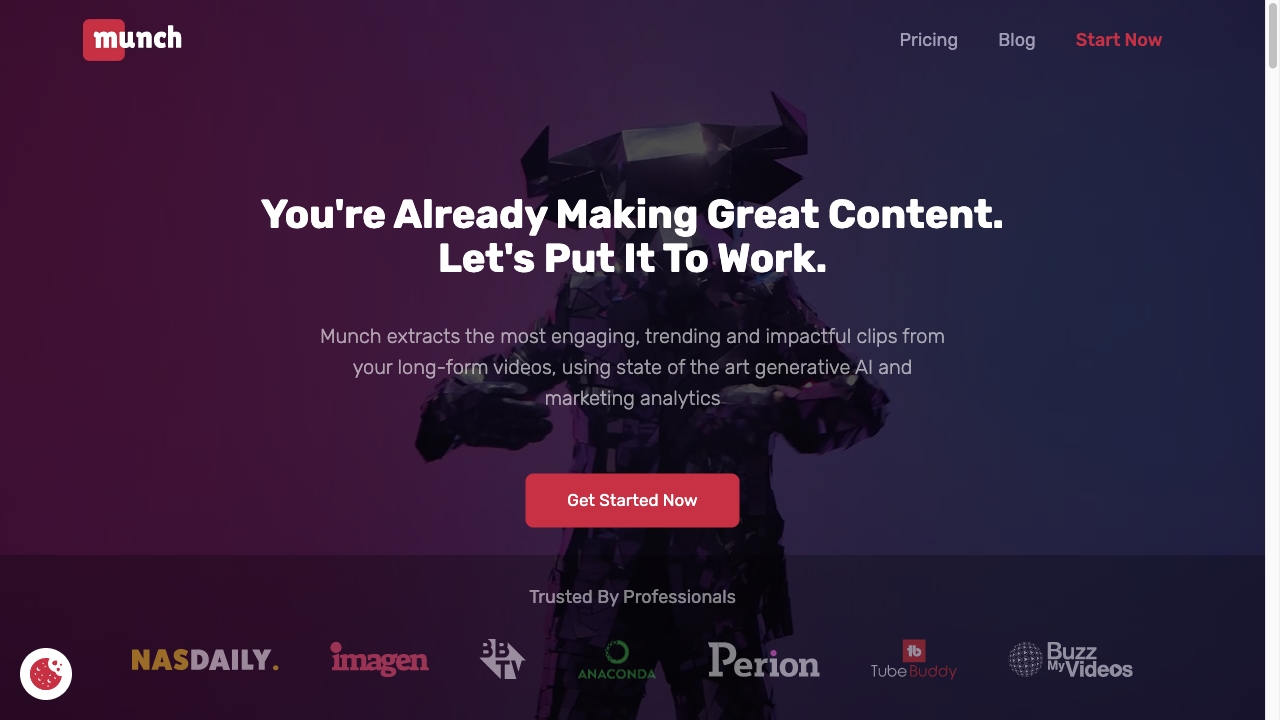
Munch
Open Website-
Tool Introduction:Munch AI repurposes long videos into viral shorts with captions, trends.
-
Inclusion Date:Nov 08, 2025
-
Social Media & Email:


Tool Information
What is Munch AI
Munch AI is an AI video repurposing platform that transforms long-form videos into data-driven short clips for TikTok, Instagram Reels, YouTube Shorts, and Facebook. Using natural language processing, computer vision, and trend analysis, it identifies highlight moments, auto-generates captions, and optimizes aspect ratios and framing. It also suggests titles, keywords, and hashtags to improve discoverability. With brand templates and platform-specific outputs, Munch AI streamlines editing so creators and marketers can publish consistently and maximize reach without spending hours in a timeline.
Main Features of Munch AI
- Automatic clip extraction: Detects engaging moments using speech, topics, and visual cues to produce short, shareable segments.
- Auto captions and transcription: Generates accurate subtitles with punctuation, timing, and styling; export as burned-in or SRT.
- Platform optimization: One-click outputs for 9:16, 1:1, and 16:9 with safe margins tailored to TikTok, Reels, Shorts, and Facebook.
- Smart reframing: Face and speaker tracking keep the subject centered when converting horizontal footage to vertical.
- Titles, descriptions, and hashtags: AI suggests on-brand copy and SEO keywords to boost discovery and engagement.
- Chapters and summaries: Auto-creates segments and concise recaps to guide editing and content planning.
- Brand kit and templates: Apply logos, colors, lower thirds, and caption styles for consistent short-form video.
- Collaboration tools: Share projects, gather feedback, and streamline approvals within a repeatable workflow.
- Export-ready presets: Render high-quality clips with ideal bitrates, aspect ratios, and caption configurations.
- Basic performance insights: Guidance to prioritize clips likely to perform well across social platforms.
Who Can Use Munch AI
Munch AI suits content creators, social media managers, and marketing teams who need to repurpose webinars, podcasts, interviews, product demos, and livestreams into short-form video. Agencies use it to scale client content, while startups and e‑commerce brands turn long tutorials into snackable highlights. Educators, thought leaders, and event organizers can rapidly convert lectures and keynotes into engaging social clips.
How to Use Munch AI
- Upload a long-form video or paste a link to your recording.
- Select target platforms and goals (awareness, engagement, or conversions).
- Let the AI analyze content and surface suggested highlight clips.
- Review and refine: trim segments, reorder moments, and choose aspect ratios.
- Customize captions, titles, descriptions, and hashtags; apply your brand template.
- Preview smart reframing and adjust crop or layout if needed.
- Export clips with the right presets and publish to your social channels.
Munch AI Use Cases
Podcasters convert interviews into Shorts and Reels to drive subscribers. B2B marketers turn webinars into bite-size insights for LinkedIn and YouTube. E‑commerce and SaaS brands repurpose demos and how‑tos for product discovery on TikTok. Educators and coaches transform lectures into key takeaways for Instagram. Event and media teams clip panel highlights to extend the lifespan of conferences and live shows.
Munch AI Pricing
Munch AI typically follows a tiered, subscription-based pricing model with monthly or annual billing. Plans generally scale by upload minutes, collaboration needs, export options, and brand features. A trial or limited free usage may be available so teams can test the workflow before upgrading. For the latest plan details and inclusions, refer to the official pricing page.
Pros and Cons of Munch AI
Pros:
- Significantly reduces time spent manually finding and editing highlights.
- Accurate auto captions with customizable styles and export formats.
- Platform-specific outputs and smart reframing for vertical video.
- Consistent branding via templates and brand kits.
- Keyword, title, and hashtag suggestions to improve discoverability.
Cons:
- AI highlight selection may require human review for brand nuance.
- Noisy audio or niche jargon can affect transcription quality.
- Advanced features and higher export limits are typically on upper tiers.
- Creative control is improved by manual tweaks, which add time to the workflow.
FAQs about Munch AI
-
Does Munch AI work for YouTube Shorts and TikTok?
Yes. It generates clips and aspect ratios optimized for Shorts, TikTok, Reels, and other social platforms.
-
Can I edit the AI-generated clips?
You can trim, reorder, adjust crops, restyle captions, and apply brand templates before exporting.
-
Does it support multiple languages for captions?
Munch AI supports multilingual transcription and subtitle generation; accuracy can vary by audio quality and accent.
-
What file types can I export?
You can export social-ready video files and subtitle files (such as SRT) with your chosen presets.
-
Is collaboration supported?
Teams can share projects and streamline approvals to scale short-form video production.