
- Home
- AI Short Video Generator
- Shorts Generator
Shorts Generator
Open Website-
Tool Introduction:AI turns ideas into viral Shorts—auto script, visuals, edits.
-
Inclusion Date:Nov 08, 2025
-
Social Media & Email:
Tool Information
What is Shorts Generator AI
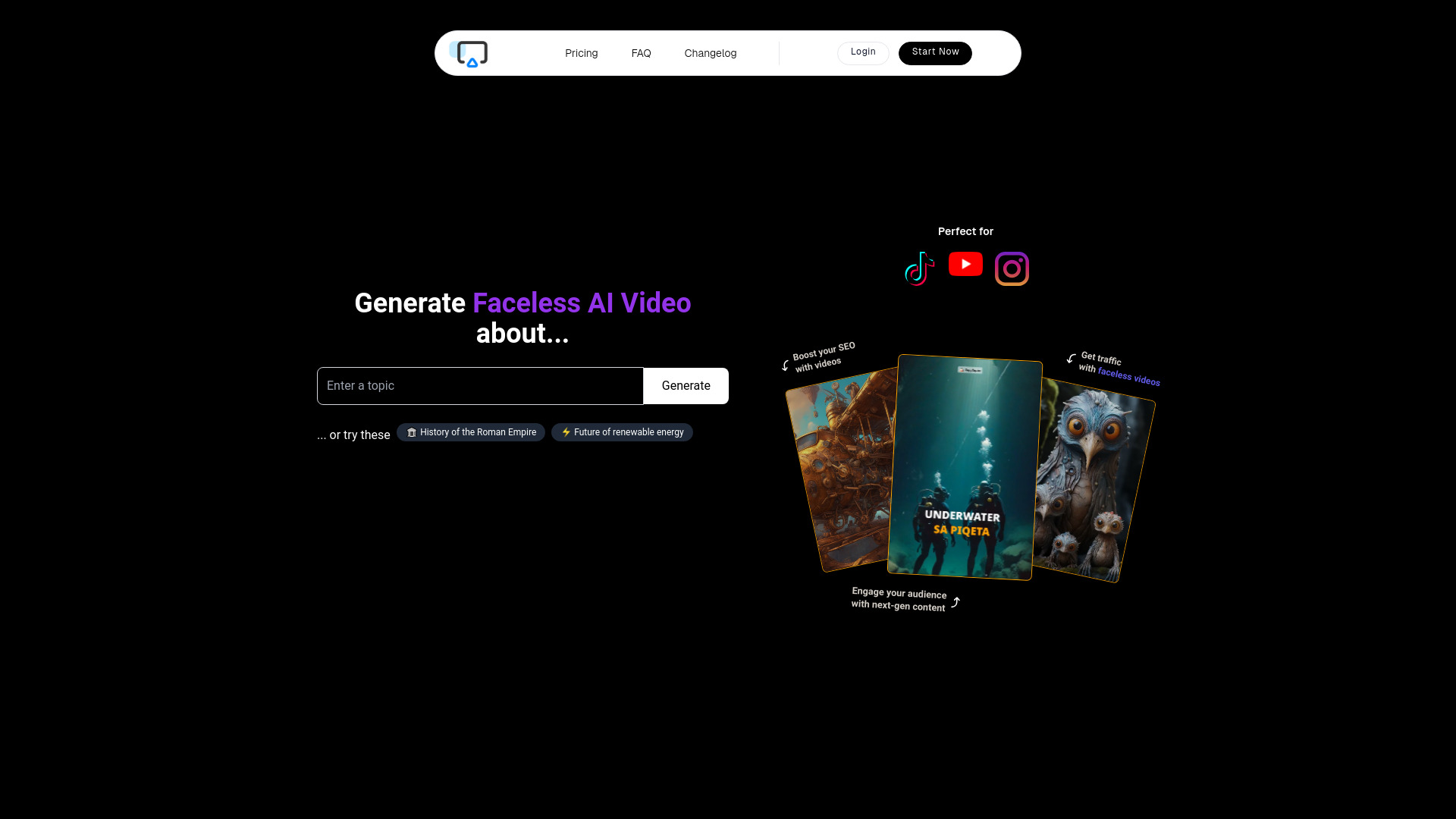
Shorts Generator AI is an AI-powered video creation platform built to turn ideas, text, or links into short, shareable videos for TikTok, Instagram Reels, and YouTube Shorts. It automates scriptwriting, storyboard creation, visual selection, captions, and editing, helping you produce on-brand vertical videos in minutes. With smart templates, auto-subtitles, voiceovers, and platform-aware export settings, the tool streamlines social content production so creators, marketers, and businesses can boost engagement and grow audiences faster.
Main Features of Shorts Generator AI
- Idea-to-video automation: Convert prompts, text, or URLs into complete short videos with scenes, captions, and music.
- AI script generator: Produces concise scripts, hooks, and CTAs tailored to TikTok, Reels, and YouTube Shorts.
- Smart storyboard: Auto-generates scene structure, timing, and transitions for fast workflows.
- Stock media & B-roll: Access a library of footage, images, and sound effects to enrich your content.
- Auto captions & subtitles: Dynamic, on-brand captions with style options and multi-language support.
- AI voiceover: Text-to-speech voices in various tones, or import your own audio.
- Music & beat sync: Auto-align cuts and captions to music for higher retention.
- Templates for vertical video: Prebuilt layouts for 9:16, 1:1, and platform-specific best practices.
- Brand kit controls: Apply logos, colors, fonts, and consistent lower-thirds across projects.
- Auto crop & reframe: Keeps subjects centered and adapts content for different aspect ratios.
- Link and repurpose: Turn blog posts, podcasts, or long videos into snackable shorts.
- One-click exports: Platform-optimized rendering for TikTok, Instagram, and YouTube.
Who Can Use Shorts Generator AI
Shorts Generator AI is ideal for creators, social media managers, and digital marketers who need fast, consistent short-form content. Small businesses, ecommerce brands, and agencies can turn product stories or promotions into high-impact videos. Educators, coaches, and podcasters can repurpose lessons and episodes into bite-sized clips, while startups and SaaS teams can showcase features, updates, and user tips without heavy editing workflows.
How to Use Shorts Generator AI
- Sign up and create a new project from the dashboard.
- Choose your input: type an idea, paste text or a link, upload media, or import a long video to repurpose.
- Select a template and aspect ratio (e.g., 9:16 for vertical).
- Generate the script and storyboard with AI, then review the suggested scenes and hooks.
- Pick a voiceover option, music track, and caption style.
- Customize visuals: swap clips, add B-roll, apply your brand kit, and fine-tune timing.
- Use auto captions and beat sync, then preview the video.
- Make final edits, adjust CTAs, and ensure platform-specific formatting.
- Export with platform-optimized settings and publish to TikTok, Instagram, or YouTube.
Shorts Generator AI Use Cases
Marketers create product teasers, UGC-style ads, and event highlights. Creators publish daily tips, recipes, or behind-the-scenes clips. Podcasters and educators repurpose long-form content into concise knowledge bites. Real estate agents showcase listings, while SaaS teams share feature walkthroughs and changelog updates. News and media brands turn articles into quick explainer shorts with captions and graphics for rapid social distribution.
Shorts Generator AI Pricing
Shorts Generator AI commonly follows a subscription-based model with tiers that scale by features, export quality, monthly generation credits, and collaboration needs. Many platforms of this type also provide a limited free plan or trial to test core workflows before upgrading. For current plans and inclusions, visit the official Shorts Generator AI website.
Pros and Cons of Shorts Generator AI
Pros:
- Rapid idea-to-video production with AI scriptwriting and editing.
- Platform-optimized templates for TikTok, Reels, and YouTube Shorts.
- Auto captions, voiceovers, and beat sync enhance engagement.
- Brand kit support for visual consistency across content.
- Repurposes blogs, podcasts, and long videos into multiple shorts.
Cons:
- Less granular control than professional non-linear editors.
- AI-generated scripts may need human refinement for brand tone.
- Heavy use of stock assets can look generic without customization.
- Ongoing subscription costs may not suit very light users.
FAQs about Shorts Generator AI
-
What inputs does Shorts Generator AI accept?
You can start with a text prompt, paste a link, upload your own media, or repurpose longer videos into short clips.
-
Does it support multiple languages for captions?
Yes, it supports auto-generated subtitles and captions with multi-language options and style customization.
-
Can I add my brand assets?
You can apply logos, colors, and fonts via a brand kit to keep all videos on-brand.
-
Are exports optimized for each platform?
Exports are tailored for TikTok, Instagram Reels, and YouTube Shorts with appropriate aspect ratios and settings.
-
Can I edit the AI-generated video?
Yes, you can replace clips, adjust timing, refine captions, and modify voiceover before exporting.