
- Home
- AI Short Video Generator
- Seedance
Seedance
Open Website-
Tool Introduction:Pro AI video via ByteDance model: cinematic, multi-shot from text/images.
-
Inclusion Date:Nov 10, 2025
-
Social Media & Email:

Tool Information
What is Seedance AI
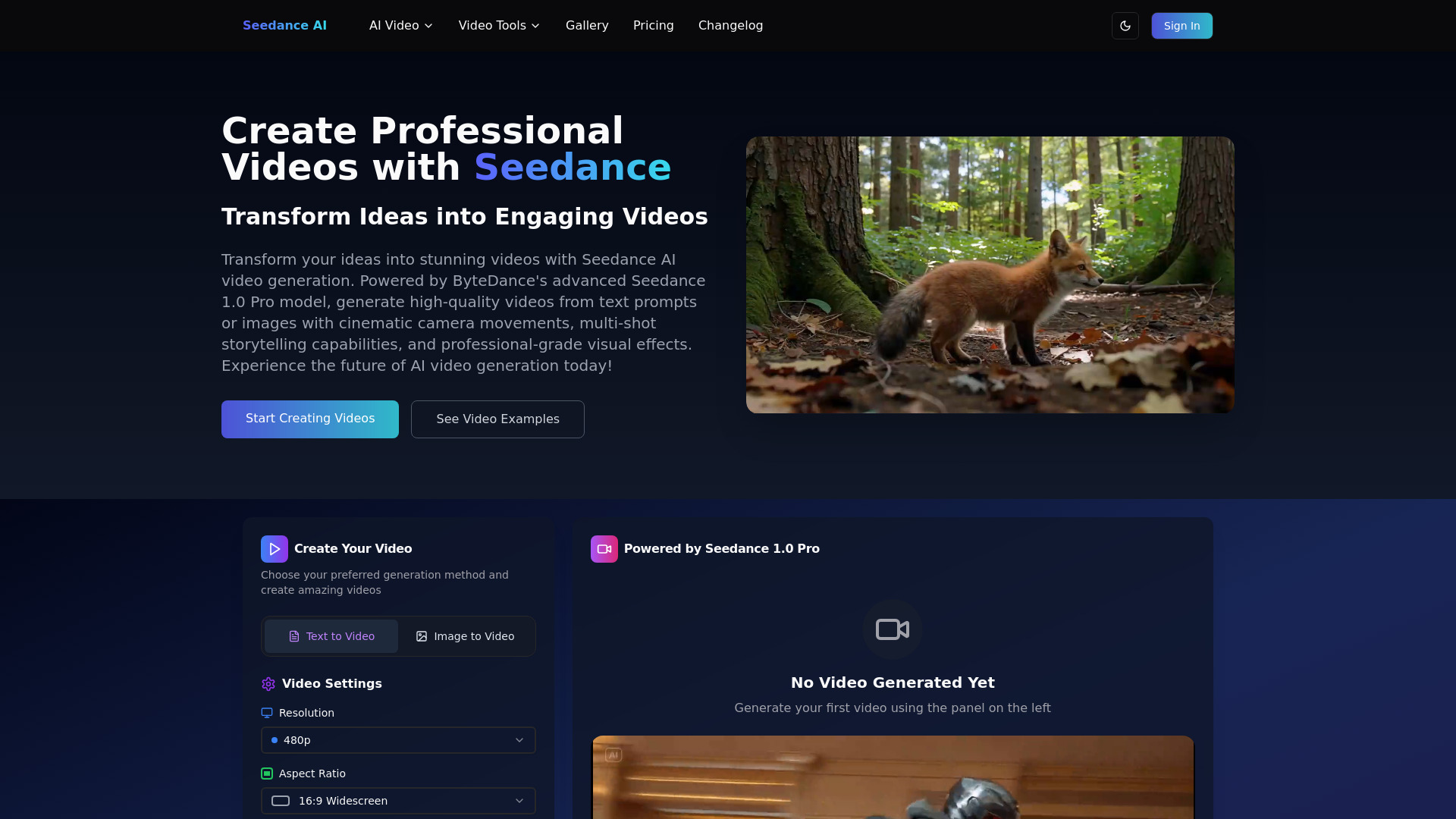
Seedance AI is a cutting-edge AI video generation platform powered by ByteDance’s flagship Seedance 1.0 Pro model. Built for professional-grade production, it transforms text prompts or reference images into high-fidelity, cinematic clips. The system excels at complex multi-shot narratives, branded content, and controlled storytelling, with flexible resolutions from 480p to 1080p, multiple aspect ratios, and durations of 5–10 seconds. With precise style guidance, scene continuity, and camera direction, Seedance AI helps teams iterate quickly and deliver polished, on-brief videos.
Main Features of Seedance AI
- Text-to-video and image-to-video: Generate cinematic footage directly from prompts or enhance visuals using reference images for tighter style control.
- Multi-shot storytelling: Plan complex narratives with consistent characters, scenes, and visual continuity across multiple shots.
- Flexible output options: Choose resolutions from 480p to 1080p, multiple aspect ratios (vertical, square, widescreen), and 5–10 second durations.
- Style and camera controls: Guide look, mood, lighting, and camera moves to align with brand or cinematic styles.
- Brand-safe creation: Produce branded content with consistent colors, typography cues, and logo-safe framing.
- Shot-level refinement: Iterate with granular prompts, adjust scenes individually, and maintain continuity across cuts.
- Fast iteration workflow: Preview drafts quickly, refine prompts, and render final videos with predictable quality.
Who Can Use Seedance AI
Seedance AI serves filmmakers, creative directors, and post-production teams seeking rapid previz and concept films; marketing and brand teams producing ads, promos, and social videos; agencies building multi-shot campaigns; content creators crafting shorts and teasers; and product teams or educators needing visual explainers and motion-first storytelling.
How to Use Seedance AI
- Sign in and choose a workflow: text-to-video or image-to-video.
- Set output specs: resolution (480p–1080p), aspect ratio, and duration (5–10 seconds).
- Write a clear prompt with style, subject, mood, and camera directions; optionally outline a multi-shot sequence.
- Add reference images or brand assets to guide look and visual consistency.
- Generate a preview, review each shot, and refine prompts or parameters for continuity and pacing.
- Render the final clip and download or hand off for editing or publishing.
Seedance AI Use Cases
Creative teams use Seedance AI for cinematic teasers, branded short-form ads, and product reveal videos. Agencies craft multi-shot campaign concepts and storyboards with consistent style and characters. Entertainment studios build mood films, trailer snippets, and previz sequences. Social teams produce vertical videos optimized for platforms, while educators and startups create concise explainers and launch assets with controlled pacing and camera work.
Pros and Cons of Seedance AI
Pros:
- Professional-grade text-to-video and image-to-video quality.
- Robust multi-shot narrative support with scene continuity.
- Flexible resolutions (480p–1080p), aspect ratios, and short durations.
- Detailed style and camera control for cinematic results.
- Efficient iteration workflow for rapid creative exploration.
Cons:
- Clip length limited to 5–10 seconds may require sequencing for longer edits.
- Resolution capped at 1080p for final exports.
- Learning curve for crafting precise, shot-level prompts.
- Rendering may be subject to queue times during peak usage.
- Commercial usage may require reviewing licensing and brand guidelines.
FAQs about Seedance AI
-
Does Seedance AI support multi-shot videos?
Yes. It is designed for complex, multi-shot narratives with continuity across scenes.
-
What inputs can I use?
You can generate from text prompts or guide results with reference images for tighter visual control.
-
What output options are available?
Resolutions from 480p to 1080p, multiple aspect ratios, and durations between 5–10 seconds.
-
Can I control style and camera movement?
Yes. Prompts can include style cues, lighting, mood, and camera directions to shape each shot.
-
Is it suitable for branded content?
Yes. It offers controls that help maintain consistent brand look and safe framing for logos and product visuals.