
- Home
- AI Dubbing
- Sieve
Sieve
Open Website-
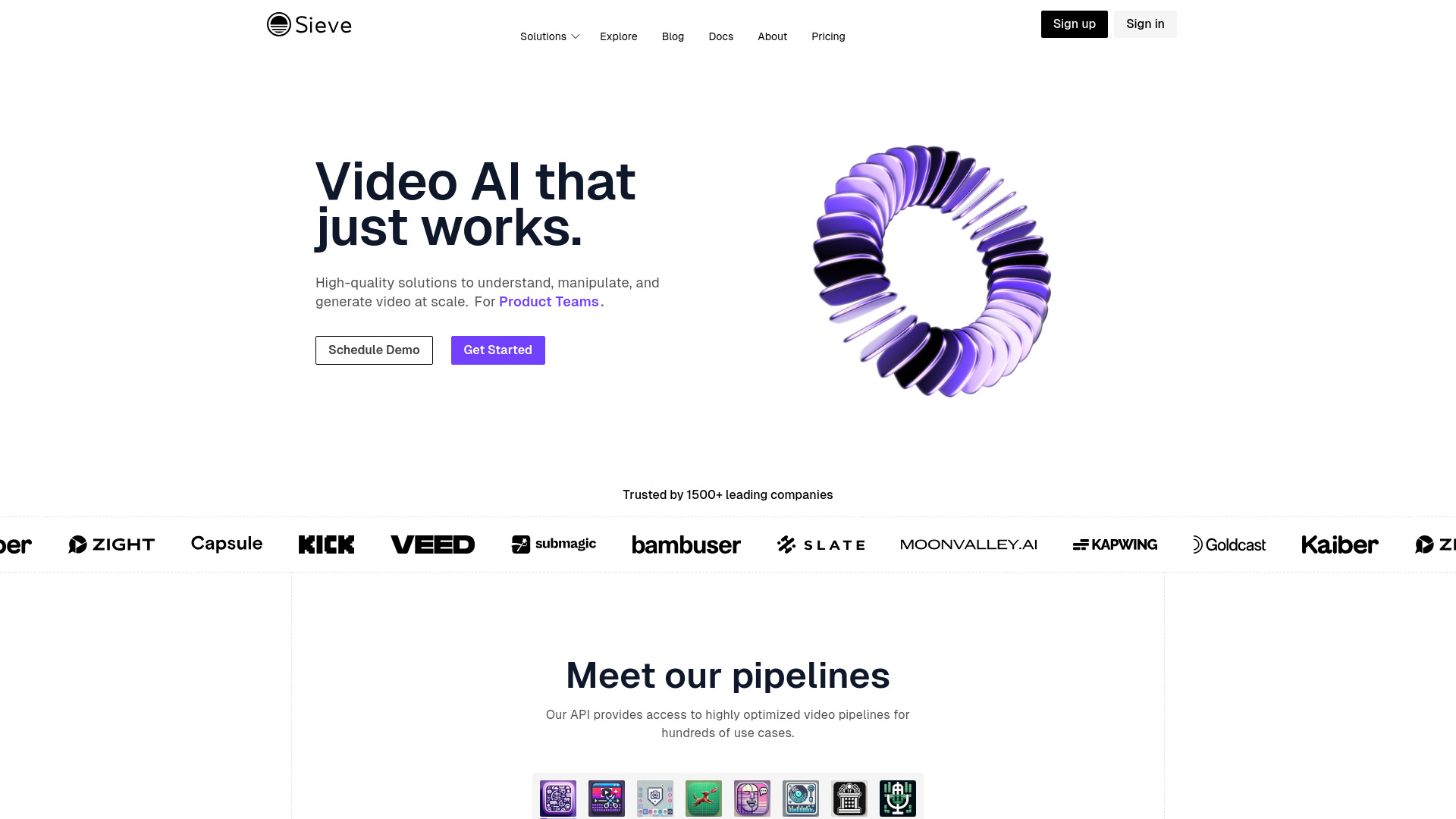
Tool Introduction:Sieve AI: enterprise video APIs for search, edit, translate, dub, analyze.
-
Inclusion Date:Nov 09, 2025
-
Social Media & Email:


Tool Information
What is Sieve AI
Sieve AI is a developer-first platform that provides high-quality AI video APIs for understanding, editing, and searching video at scale. Its production-grade endpoints handle transcription, translation, dubbing, scene detection, and semantic analysis, turning raw footage into structured, searchable metadata and localized outputs. Designed for reliability and speed, Sieve AI enables workflows such as video indexing, content moderation, and vector-based video search, helping developers, product teams, and enterprises ship video intelligence into their products with minimal overhead.
Main Features of Sieve AI
- Video understanding APIs: Extract transcripts, speakers, scenes, shots, objects, and topics to generate rich metadata for discovery and analytics.
- Translation and dubbing: Localize content with multilingual subtitles, voiceover, and lip-synced outputs to reach global audiences.
- Search and indexing: Build video search with embeddings, vector search, and time-coded results for precise content retrieval.
- Editing automations: Auto-generate captions, highlight reels, and cuts using scene and silence detection plus semantic cues.
- Production-grade reliability: Scalable REST APIs and SDKs with job queuing, retries, and webhooks for robust processing.
- Flexible I/O: Ingest files or URLs and export JSON, SRT/VTT captions, aligned transcripts, and per-frame metadata.
- Developer experience: Clear documentation, language SDKs, and consistent schemas to speed up integration.
Who Can Use Sieve AI
Sieve AI suits software developers building media features, product teams adding video intelligence, and enterprises that need scalable pipelines. Common users include streaming platforms, media and post-production studios, e-learning providers, newsrooms, marketplaces with user-generated content, and analytics teams seeking video insights for search, compliance, and personalization.
How to Use Sieve AI
- Sign up for an account and create a project in the dashboard.
- Generate an API key and install the preferred SDK (e.g., JavaScript or Python) or use the REST API.
- Choose an endpoint (transcribe, translate, dub, analyze, or index) based on your workflow.
- Provide input via file upload or a secure URL, then set parameters (language, diarization, timestamps, output formats).
- Submit the job and receive a job ID; track status via polling or webhooks.
- Retrieve results as JSON, SRT/VTT, or aligned text; store metadata in your database or search index.
- For search, generate embeddings during indexing and query using semantic or keyword filters.
- Integrate outputs into your app for captioning, localization, moderation, or recommendations.
Sieve AI Use Cases
Media platforms use Sieve AI for automated captioning, chaptering, and multilingual delivery. E-learning companies localize lectures with translation and dubbing while indexing lessons for fine-grained search. News and sports teams create highlight reels and time-coded summaries. Marketplaces and social apps apply content moderation and semantic search across user-generated videos. Enterprises enrich archives with metadata for compliance, analytics, and discovery.
Sieve AI Pricing
Sieve AI typically follows a usage-based model aligned with API consumption (e.g., per minute of video or per request), with options for higher-volume and enterprise plans. Pricing and any available free credits or trials may vary; consult the official site or sales team for current details and volume discounts.
Pros and Cons of Sieve AI
Pros:
- Comprehensive video understanding, translation, and dubbing in one API suite.
- Scalable, production-ready infrastructure with webhooks and retries.
- Time-coded outputs and embeddings enable precise search and analytics.
- Developer-friendly docs, SDKs, and consistent schemas.
- Flexible export formats (JSON, SRT/VTT) for downstream workflows.
Cons:
- Developer-centric toolset may require engineering resources to integrate.
- Usage-based costs can grow with high video volumes or real-time workloads.
- Advanced features like dubbing and vector search may add complexity to pipelines.
FAQs about Sieve AI
-
Does Sieve AI support real-time or near real-time processing?
It supports low-latency workflows for certain endpoints; check the docs for throughput and latency guidance.
-
Which formats can I ingest and export?
You can upload common video formats or provide URLs; outputs include JSON metadata, SRT/VTT captions, and aligned transcripts.
-
Can I integrate Sieve AI with my existing search stack?
Yes. Use generated embeddings and metadata to power vector search or combine with your current search infrastructure.
-
Is on-premises or private deployment available?
Enterprise options may be available; contact the team for deployment and compliance requirements.
-
How do I monitor and handle job states?
Track jobs by ID, subscribe to webhooks for status updates, and implement retries using the SDK or REST responses.