
- Home
- AI Script Writing
- Storyboarder
Storyboarder
Open Website-
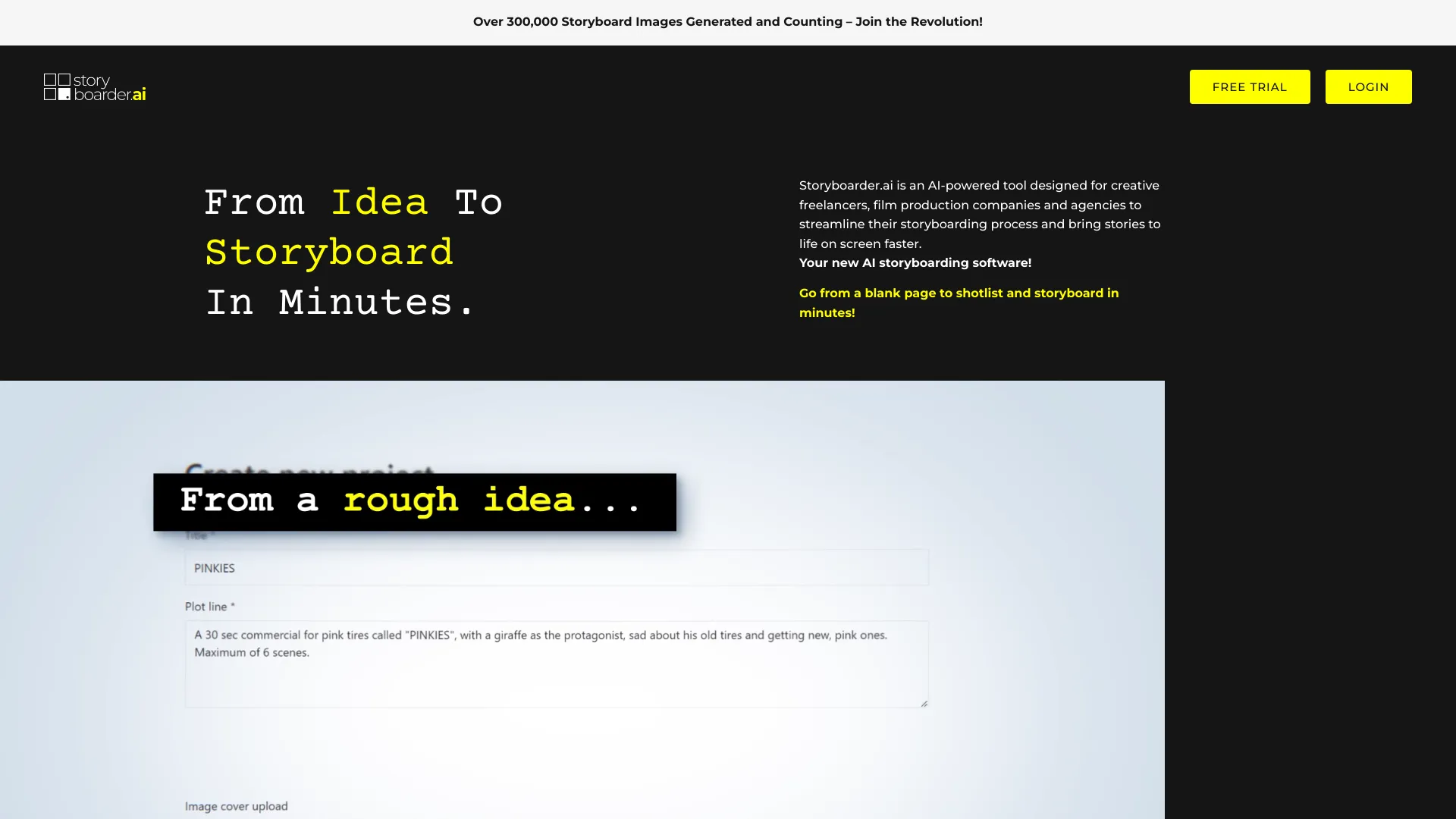
Tool Introduction:Storyboarder AI: scripts to storyboards; shot lists, image-to-video.
-
Inclusion Date:Nov 08, 2025
-
Social Media & Email:

Tool Information
What is Storyboarder AI
Storyboarder AI is an AI-powered storyboard generator that helps filmmakers, agencies, and creative freelancers transform ideas and scripts into clear, production-ready boards. It converts text into shot-by-shot panels, proposes camera angles and compositions, and auto-builds organized shot lists. With image-to-video previews, teams can quickly previsualize motion, timing, and transitions before a shoot. By streamlining script-to-storyboard conversion and fast iteration, Storyboarder AI shortens pre-production, improves team alignment, and brings stories to screen faster with consistent visual direction.
Main Features of Storyboarder AI
- AI storyboard generation: Turn concepts or scripts into visual panels with suggested framing, pacing, and scene coverage.
- Script-to-storyboard conversion: Parse scenes, beats, and dialogue to produce sequential shots with captions and notes.
- Image-to-video previews: Create quick animatic-style clips to test motion, timing, and transitions.
- Shot list creation: Auto-generate structured shot lists to guide scheduling, gear choices, and on-set execution.
- Style and aspect controls: Apply visual styles, formats, and ratios to match brand, platform, or cinematic look.
- Reference-driven iteration: Refine panels with prompts and reference images for more accurate visuals.
- Collaboration and feedback: Share boards, gather comments, and iterate quickly across teams.
- Export-ready outputs: Prepare deliverables in common formats for pitching, approvals, and production handoff.
Who Can Use Storyboarder AI
Storyboarder AI is designed for creative freelancers, film production companies, and agencies that need fast, reliable pre-production. It suits directors, producers, storyboard artists, cinematographers, advertising teams, social video creators, game studios, and educators. Use it to explore visual ideas, align stakeholders, reduce manual drawing time, and convert scripts into actionable storyboards and shot lists that keep projects on schedule and on budget.
How to Use Storyboarder AI
- Sign up and create a project for your film, ad, or video concept.
- Import or paste your script; identify scenes, beats, and key moments.
- Select visual style, aspect ratio, and any reference images or notes.
- Generate an AI storyboard and review suggested shots, framing, and captions.
- Refine panels with prompts, adjust compositions, and reorder sequences as needed.
- Use the shot list feature to auto-build a production-ready checklist.
- Convert selected frames to image-to-video previews to test timing and flow.
- Share for feedback, iterate, and export boards and shot lists for production.
Storyboarder AI Use Cases
Film and TV pre-production: convert scripts into boards and shot lists for efficient planning; Advertising and branded content: visualize concepts and story beats for client approvals; Social and creator workflows: produce quick boards for reels, shorts, and explainer videos; Animation and motion design: build animatic-style previews to test timing; Music videos: map visual motifs and transitions; Game cinematics: plan cutscenes and in-engine sequences with consistent framing.
Pros and Cons of Storyboarder AI
Pros:
- Rapid AI storyboard generation from scripts and ideas.
- Built-in shot list creation streamlines pre-production.
- Image-to-video previews enable quick previsualization.
- Reduces manual drawing effort and speeds iteration.
- Helps align teams with clear, consistent visual direction.
Cons:
- AI visuals may require manual refinement for complex scenes.
- Style and accuracy can depend on prompt quality and references.
- May not fully replace the nuance of an experienced storyboard artist.
- Learning curve for best practices in prompts and workflow.
FAQs about Storyboarder AI
-
Can Storyboarder AI turn a full script into a storyboard?
Yes. It analyzes scenes and beats to generate sequential panels with captions and notes.
-
Does it create shot lists automatically?
Yes. The tool can auto-build organized shot lists based on your storyboard sequence.
-
What is image-to-video in Storyboarder AI?
It converts selected frames into short motion previews, useful for timing and transition tests.
-
Can I customize visual style and aspect ratio?
Yes. You can adjust styles and formats to match your project’s look and delivery platform.
-
Who benefits most from this tool?
Filmmakers, agencies, and freelancers who need faster storyboarding and clearer pre-production workflows.