
- Home
- AI Image Generator
- LensGo
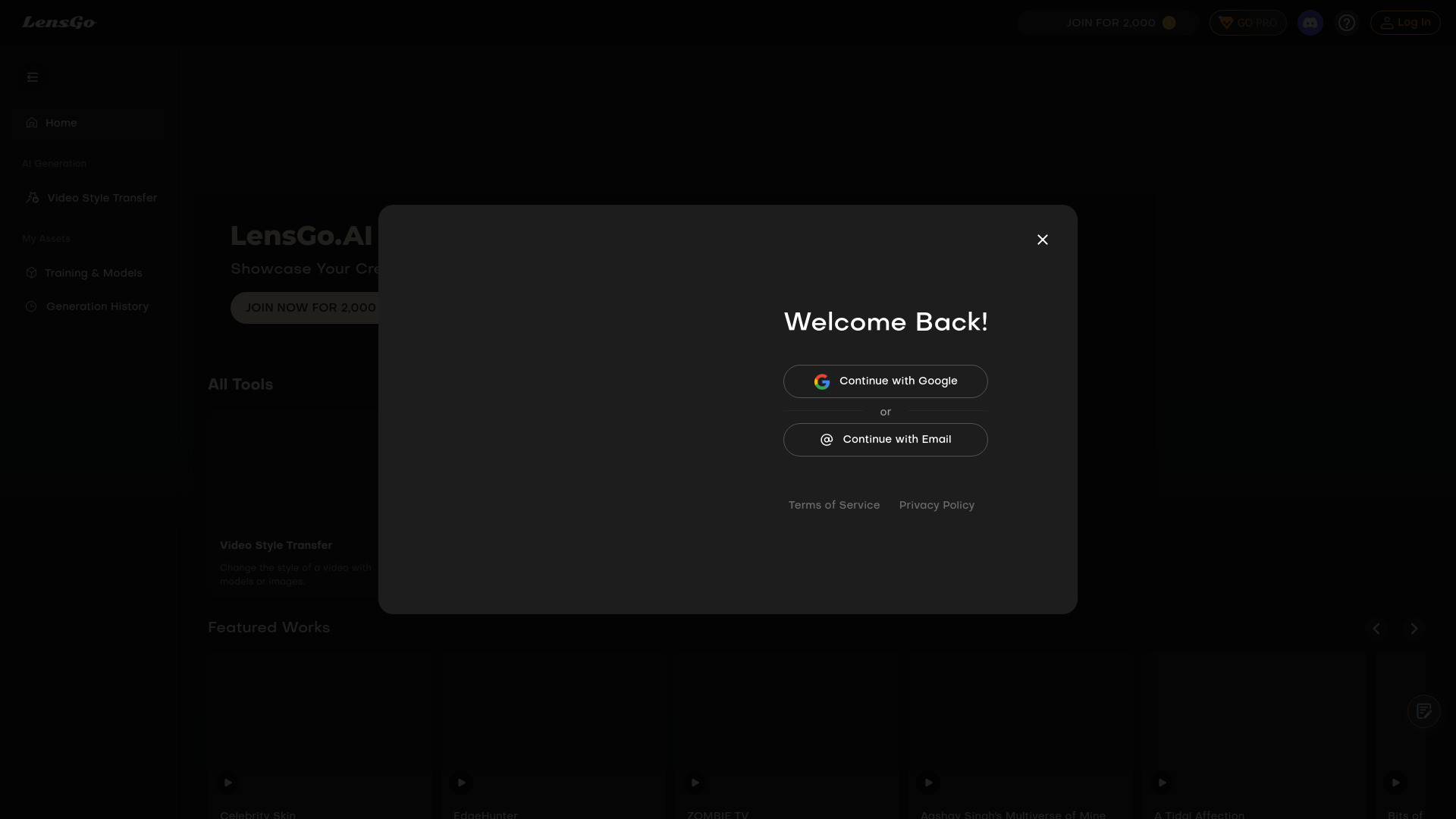
LensGo
Open Website-
Tool Introduction:Free AI for images & videos—style transfer, animate from one photo.
-
Inclusion Date:Nov 10, 2025
-
Social Media & Email:
Tool Information
What is LensGo AI
LensGo AI is a free, browser-based tool that uses artificial intelligence to create images and videos in minutes. It lets you bring a favorite character to life from a single photo, perform style transfer on existing footage, and generate artwork from text prompts. With simple controls, presets, and fast cloud rendering, you can produce short clips, animated avatars, and stylized visuals without complex editing. LensGo AI streamlines creative workflows so makers, marketers, and teams can iterate quickly and share ready-to-post content.
Main Features of LensGo AI
- Image-to-Video Character Animation: Turn a single image into a moving character, ideal for avatars, fan edits, or narrative shorts.
- AI Style Transfer for Video: Apply artistic styles to your footage to achieve cinematic, comic, or painterly looks.
- Text-to-Image Generation: Prompt-based image creation to explore concepts, scenes, and design variations.
- Preset Styles and Controls: Adjust motion strength, style intensity, aspect ratio, and duration for consistent results.
- Fast Cloud Rendering: Generate outputs quickly without local GPU or complex setup.
- User-Friendly Workflow: Clean interface that simplifies uploading media, selecting models, and exporting results.
Who Can Use LensGo AI
LensGo AI suits content creators, social media managers, indie filmmakers, marketers, educators, streamers, and designers who need rapid visuals. It supports use cases like animated avatars, stylized promos, explainer snippets, moodboards, and concept art where image-to-video and style transfer can boost creativity and speed.
How to Use LensGo AI
- Open LensGo AI in your browser and choose a tool: image-to-video, style transfer, or text-to-image.
- Upload a single reference image (for character animation) or a base video (for style transfer). Optionally add a text prompt.
- Select a style or motion preset and adjust settings such as duration, aspect ratio, and strength.
- Preview the configuration to ensure framing, motion, and style look right.
- Start generation and let the cloud renderer process your media.
- Review the output, make tweaks if needed, and regenerate for refinements.
- Download the final clip or image and publish across your channels.
LensGo AI Use Cases
Brands create stylized promotional videos and product teasers; creators animate avatars for TikTok, YouTube Shorts, and Reels; educators produce engaging explainers; musicians and streamers generate visual backdrops; agencies build concept boards and style tests for campaigns; indie filmmakers prototype looks and character motion before full production.
LensGo AI Pricing
LensGo AI offers free access for creating AI images and videos. Availability, usage limits, or advanced options may vary by plan, so check the platform for current details and any optional upgrades.
Pros and Cons of LensGo AI
Pros:
- Free access to AI image and video generation.
- Single-image character animation for quick avatar videos.
- Effective style transfer for distinctive visual looks.
- Fast, cloud-based processing and easy workflow.
- No advanced editing skills required.
Cons:
- Output quality can vary depending on input and settings.
- Limited fine-grained control compared to professional motion tools.
- Potential generation queues during peak demand.
- Users should ensure they have rights to reference images and footage.
FAQs about LensGo AI
-
Can LensGo AI animate a character from one image?
Yes. Upload a single photo, choose motion settings, and the tool generates a character-driven video.
-
Does LensGo AI support style transfer on videos?
Yes. You can apply artistic styles to an existing clip to transform its visual aesthetic.
-
Is LensGo AI free to use?
It provides free access for creating AI images and videos, with possible usage limits.
-
Do I need a powerful computer?
No. Processing happens in the cloud, so a standard browser is sufficient.
-
Can I use outputs commercially?
Commercial use depends on the platform’s terms and the rights to your input media; review the license before publishing.
-
What inputs are supported?
Typical workflows use a single image for animation or a base video for style transfer, plus optional text prompts.