
- Home
- AI Writing
- MiriCanvas
MiriCanvas
Open Website-
Tool Introduction:APEUni AI: PTE Academic/Core prep with AI scoring and plans
-
Inclusion Date:Oct 21, 2025
-
Social Media & Email:
Tool Information
What is MiriCanvas AI
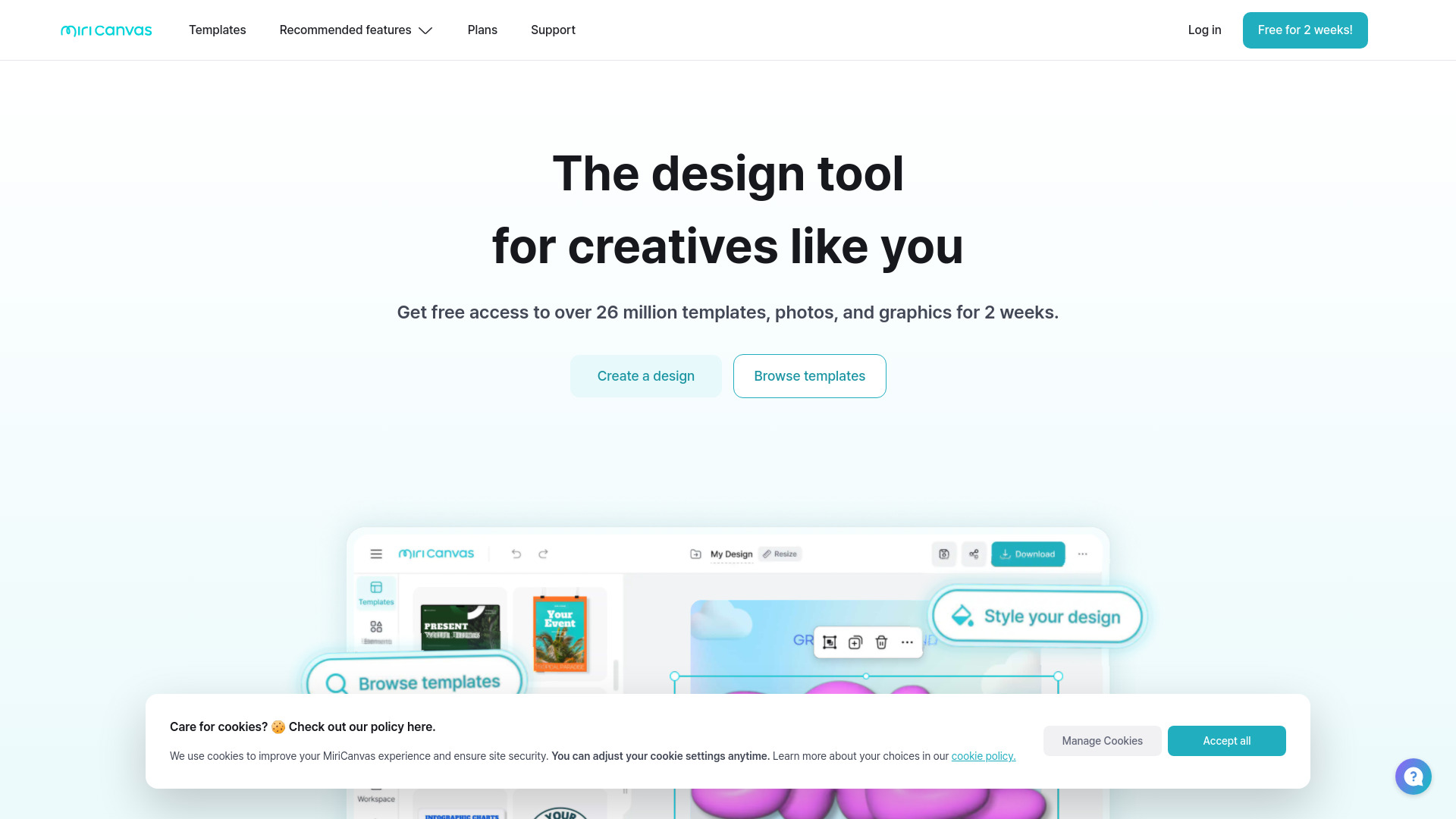
MiriCanvas AI is an easy-to-use online design tool that helps you turn ideas into polished visuals fast. With a vast library of templates, photos, and graphics, plus AI-powered layout suggestions and advanced photo editing, it streamlines the creation of presentations, social media posts, posters, and more. Drag-and-drop controls, smart resizing, and consistent styling make it simple to adapt designs for every channel. Access over 26 million assets to jump-start projects, then refine with intuitive editing to deliver professional results without a steep learning curve.
MiriCanvas AI Main Features
- Extensive template library: Start quickly with thousands of ready-made layouts for presentations, social posts, posters, and marketing materials.
- AI-powered design assistance: Get smart layout suggestions, text and image placements, and balanced color choices to enhance visual impact.
- Advanced photo editing: Improve images with adjustments, filters, and effects; refine visuals directly inside the editor.
- Massive asset collection: Browse over 26 million templates, photos, icons, and graphics to enrich your designs.
- Drag-and-drop workflow: Build designs intuitively with simple controls, layers, and quick alignment tools.
- Smart resizing: Repurpose a design across platforms and formats while maintaining visual consistency.
- Export-ready outputs: Download or share designs optimized for web, social media, or print use cases.
MiriCanvas AI Suitable Users
MiriCanvas AI suits marketers, social media managers, content creators, educators, students, small business owners, and anyone who needs fast, on-brand graphics without complex software. it's ideal for campaign visuals, lesson slides, event posters, product promos, and day-to-day social content production.
MiriCanvas AI How to Use
- Sign in and create a new project from the dashboard.
- Select a template category (presentation, social post, poster) or start with a blank canvas.
- Use AI suggestions to refine layout, colors, or visual hierarchy.
- Add photos, icons, and graphics from the library of over 26 million assets.
- Edit images with built-in photo tools to adjust lighting, crop, or apply effects.
- Customize text, fonts, and colors; align elements and fine-tune spacing.
- Resize for different platforms to create consistent versions of your design.
- Preview, then export or share your final design in the desired format.
MiriCanvas AI Industry Use Cases
- E-commerce teams produce product highlight cards and seasonal banners for social media and email campaigns.
- Educators craft visually clear lecture slides and printable classroom posters.
- Event organizers design announcement posters, schedules, and digital invitations.
- Startups build pitch decks and branded social assets for launches and updates.
- Nonprofits create awareness graphics and presentation materials for outreach.
MiriCanvas AI Pricing
MiriCanvas AI offers access to free design templates and assets. Additional premium resources or advanced features may be available via paid plans. For the latest details on tiers, inclusions, and any trials, please refer to the official pricing information on the provider’s website.
MiriCanvas AI Pros and Cons
Pros:
- Large, diverse library of templates and graphics to accelerate design.
- AI assistance helps non-designers achieve balanced, professional layouts.
- Integrated photo editing streamlines workflow without switching tools.
- Smart resizing supports multi-platform publishing.
- Beginner-friendly interface with clear, drag-and-drop controls.
Cons:
- Advanced assets or features may require a paid plan.
- Highly customized or niche design needs may exceed template flexibility.
- Web-based performance depends on internet speed and browser capabilities.
MiriCanvas AI FAQs
-
Is MiriCanvas AI suitable for beginners?
Yes. Its templates, AI-guided layout help, and drag-and-drop editor make it accessible to users without formal design training.
-
Can I create content for different social platforms?
Yes. Use smart resizing to adapt a design for multiple platforms while keeping consistent style and composition.
-
Does it include photo editing tools?
It includes built-in photo adjustments and effects so you can refine images without leaving the editor.
-
What types of assets are available?
You can access a large library of templates, photos, icons, and graphics—over 26 million assets to enhance your designs.
-
Is there a free option?
Free templates and resources are available. For information on premium plans or trials, check the official pricing details.