
- Home
- AI Avatar Generator
- iPic Ai
iPic Ai
Open Website-
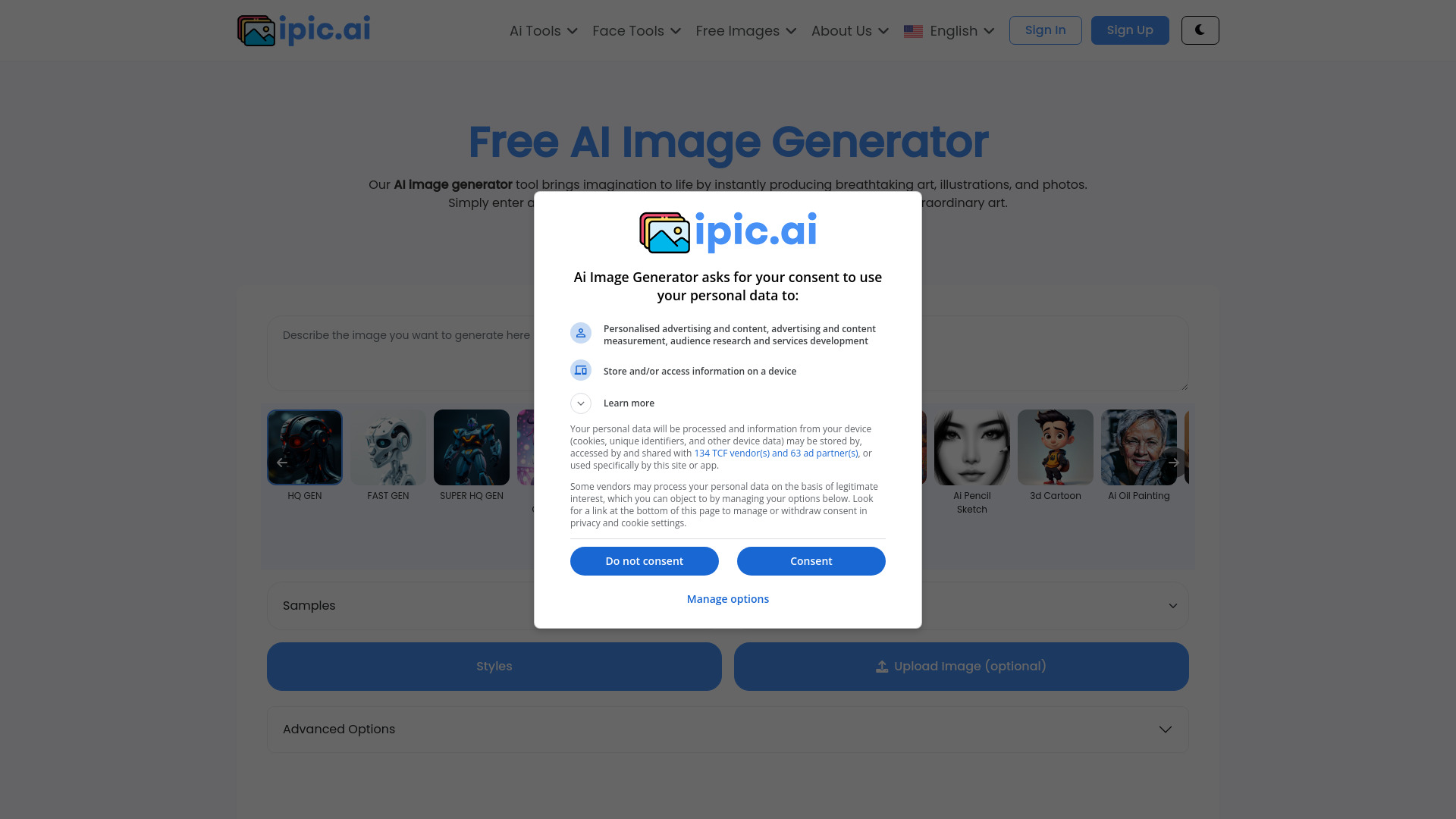
Tool Introduction:iPic Ai: art, avatars, anime; BG remove, outpaint, face swap, free images.
-
Inclusion Date:Nov 09, 2025
-
Social Media & Email:
Tool Information
What is iPic Ai
iPic Ai is an AI-powered image creation platform that helps you turn ideas into custom visuals in seconds. It combines a versatile AI Image Generator and AI Art Generator with practical editing tools such as Avatar Generator, Anime Generator, Background Remover (BG Remover), AI Outpainting, Headshot Gen, Tattoo Generator, Face Swapper, and Meme Face. Whether you’re building marketing assets, refreshing product photos, or experimenting with styles, iPic Ai streamlines concept-to-image workflows and provides free images and an AI Art Gallery for inspiration.
Main Features of iPic Ai
- AI Image & Art Generation: Create unique images from text prompts, apply styles, and explore creative variations.
- Avatar & Headshot Generator: Produce professional headshots or expressive avatars tailored to different themes.
- Anime Generator: Convert ideas or photos into anime-style illustrations with consistent, stylized outputs.
- BG Remover: Remove backgrounds automatically to prepare product photos, portraits, or social content.
- AI Outpainting: Extend image borders to wider canvases, add context, or fix tight crops.
- Face Swapper & Meme Face: Swap faces or craft meme-ready images for social media and entertainment.
- Tattoo Generator: Preview tattoo concepts on skin or generate custom tattoo designs before committing.
- AI Art Gallery & Free Images: Browse ready-to-use visuals for inspiration or direct use where licensing allows.
Who Can Use iPic Ai
iPic Ai suits marketers, content creators, designers, and social media managers who need rapid visuals. E-commerce sellers can clean product photos with the BG Remover and expand scenes with outpainting. Creators of memes, streamers, and community managers benefit from Face Swapper and Meme Face. Photographers and hobbyists can ideate styles, while professionals can generate avatars, headshots, and tattoo mockups for client previews.
How to Use iPic Ai
- Open the iPic Ai web app and sign in or start with a guest session if available.
- Select a tool: AI Image/Art Generator, Avatar Generator, Anime Generator, BG Remover, Outpainting, Face Swapper, Tattoo Generator, or Headshot Gen.
- Enter a clear text prompt or upload a source image, then choose style options and size.
- Generate the image and review results; tweak prompts or parameters to refine.
- Use editing tools (e.g., background removal or outpainting) to finalize the composition.
- Download your image in the preferred format and check usage rights if using items from the AI Art Gallery.
iPic Ai Use Cases
Brands create ad creatives and blog visuals quickly with the AI Image Generator. Online stores remove backgrounds from product shots and extend scenes for marketplaces. Influencers and streamers design avatars and meme content for engagement. Media teams illustrate articles with AI art styles. Tattoo studios show clients realistic previews. Professionals generate consistent headshots for profiles, resumes, and company directories.
Pros and Cons of iPic Ai
Pros:
- Wide range of creative and editing tools in one platform.
- Fast ideation and iteration from text prompts to finished images.
- Specialized generators for avatars, anime, headshots, and tattoos.
- Background removal and outpainting streamline photo workflows.
- Access to free images and an AI Art Gallery for inspiration.
Cons:
- Output quality can vary; prompts and settings may require experimentation.
- Face swapping and stylization may need multiple attempts for natural results.
- Background removal can struggle with complex edges or fine details.
- Users should verify licensing before commercial use of gallery assets.
FAQs about iPic Ai
-
Can I use iPic Ai for commercial projects?
Yes, but review the license for each generated or gallery image and comply with usage terms.
-
Does it support editing existing photos?
Yes. Tools like BG Remover, Outpainting, and Face Swapper can modify uploaded images.
-
What styles can it generate?
A range of styles including realistic, illustrative, and anime, depending on your prompts and settings.
-
Is there an AI art gallery?
Yes. You can browse an AI Art Gallery and select free images where licensing permits.
-
How do I get the best results?
Use clear, descriptive prompts, refine iterations, and adjust style options and image size as needed.