
- Home
- AI Background Remover
- Photoeraser
Photoeraser
Open Website-
Tool Introduction:AI photo editor for object removal, BG cleanup, sky/face swap. Web & iPhone.
-
Inclusion Date:Nov 08, 2025
-
Social Media & Email:


Tool Information
What is Photoeraser AI
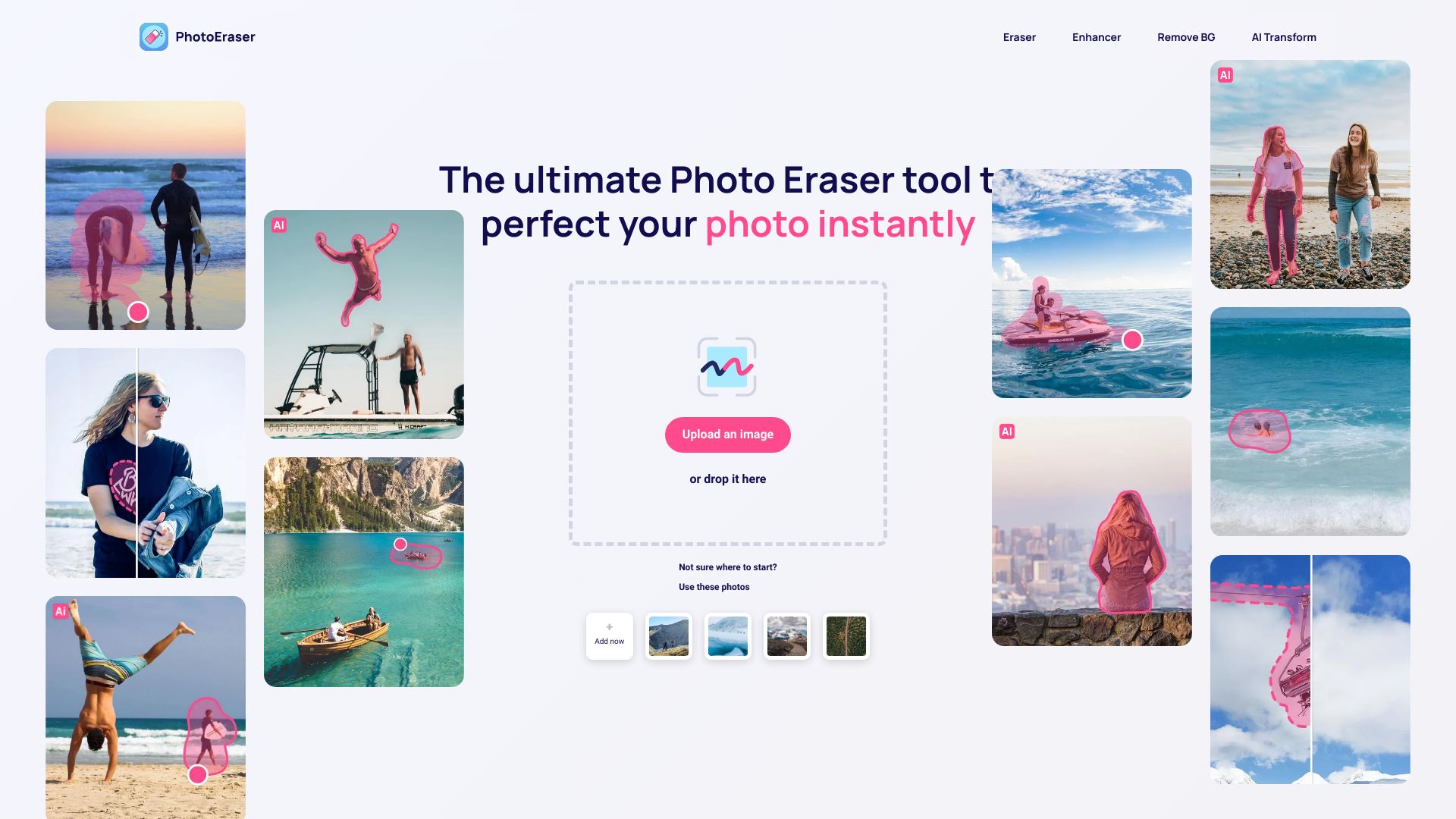
Photoeraser AI is an AI photo editor that cleans up shots, enhances image quality, and adds new elements with minimal effort. Its toolkit combines fast object removal, one-click background removal, intelligent enhancement, sky replacement, AI Transform, and Face Swap in a streamlined workspace. Whether you’re fixing distractions, restoring backgrounds, or remixing portraits, it delivers quick, consistent results without a steep learning curve. Available as a web app and an iPhone app, it suits both casual retouching and professional workflows.
Main Features of Photoeraser AI
- Eraser (Object Removal): Brush over unwanted objects, people, or wires; the AI rebuilds the background for clean, natural-looking edits.
- Remove BG: One-click background remover for product photos or portraits, with edge-aware refinement and transparent PNG export.
- Enhancer: Improve clarity, detail, and color balance to lift overall image quality and reduce visual noise.
- Sky Replacement: Instantly swap dull skies for more dramatic tones while preserving foreground edges and lighting.
- AI Transform: Apply creative, AI-driven transformations to recompose scenes or restyle elements.
- Face Swap: Swap faces with alignment-aware blending for realistic results—ideal for concepts and creative mockups.
- Cross‑platform: Accessible on the web and optimized for the iPhone app with touch-friendly controls.
- Intuitive workflow: Adjustable brushes, zoom/pan, and live previews help refine edits quickly and precisely.
Who Can Use Photoeraser AI
Photoeraser AI suits photographers, content creators, social media managers, e‑commerce sellers, marketers, designers, and real estate teams. it's useful for cleaning product shots, refreshing listing photos, refining portraits, and producing on-brand visuals for ads and social posts—without complex software or advanced editing skills.
How to Use Photoeraser AI
- Open the web app or iPhone app and upload your photo via drag-and-drop or file picker.
- Choose a tool: use Eraser for object removal, Remove BG for cutouts, Enhancer for quality, Sky Replacement for skies, AI Transform for creative edits, or Face Swap for portraits.
- Adjust brush size, softness, and selection; zoom in to refine edges and details.
- Preview the result, then make additional passes or tweak settings to improve realism.
- Combine tools as needed—for example, remove distractions, replace the sky, then enhance.
- Export your edited image; for cutouts, save as a transparent PNG for easy reuse.
Photoeraser AI Use Cases
E‑commerce teams create clean, consistent product photos by removing backgrounds and distractions. Real estate marketers replace dull skies and clear clutter for more appealing listings. Photographers retouch portraits, remove blemishes, and test creative compositions. Social media creators produce eye-catching visuals quickly, while travel bloggers erase tourists or wires to spotlight landmarks.
Pros and Cons of Photoeraser AI
Pros:
- Fast, high-quality object removal and background removal.
- Versatile toolkit with Enhancer, Sky Replacement, AI Transform, and Face Swap.
- Intuitive interface on both web and iPhone for quick results.
- Live previews and adjustable brushes for precise control.
- Suitable for both casual edits and professional workflows.
Cons:
- Results can vary with complex textures, busy backgrounds, or low‑quality inputs.
- Some edits may require multiple passes or manual refinement for perfect realism.
- Face Swap requires clear, front-facing images and should be used responsibly.
- Users on non‑iOS mobile devices will rely on the web version.
FAQs about Photoeraser AI
-
Is Photoeraser AI available on mobile?
Yes. it's offered as an iPhone app, and you can also use the web app in a browser.
-
Can it remove backgrounds automatically?
Yes. The Remove BG tool performs one‑click cutouts and lets you refine edges before export.
-
How does object removal work?
Brush over distractions with Eraser and the AI fills the area with context-aware pixels for a natural finish.
-
Will my image quality be preserved?
The Enhancer improves clarity and detail, and careful refinements help maintain a crisp, realistic look.
-
Can I combine multiple tools in one edit?
Yes. You can chain tools—remove objects, replace the sky, enhance, and then export—within a single workflow.
-
Does it support transparent PNG export?
Yes. After background removal, you can export a transparent PNG for product pages or design layouts.