
- Home
- AI Avatar Generator
- ARTSMART
ARTSMART
Open Website-
Tool Introduction:All-in-one AI art generator for avatars, portraits, and design in seconds.
-
Inclusion Date:Nov 10, 2025
-
Social Media & Email:


Tool Information
What is ARTSMART AI
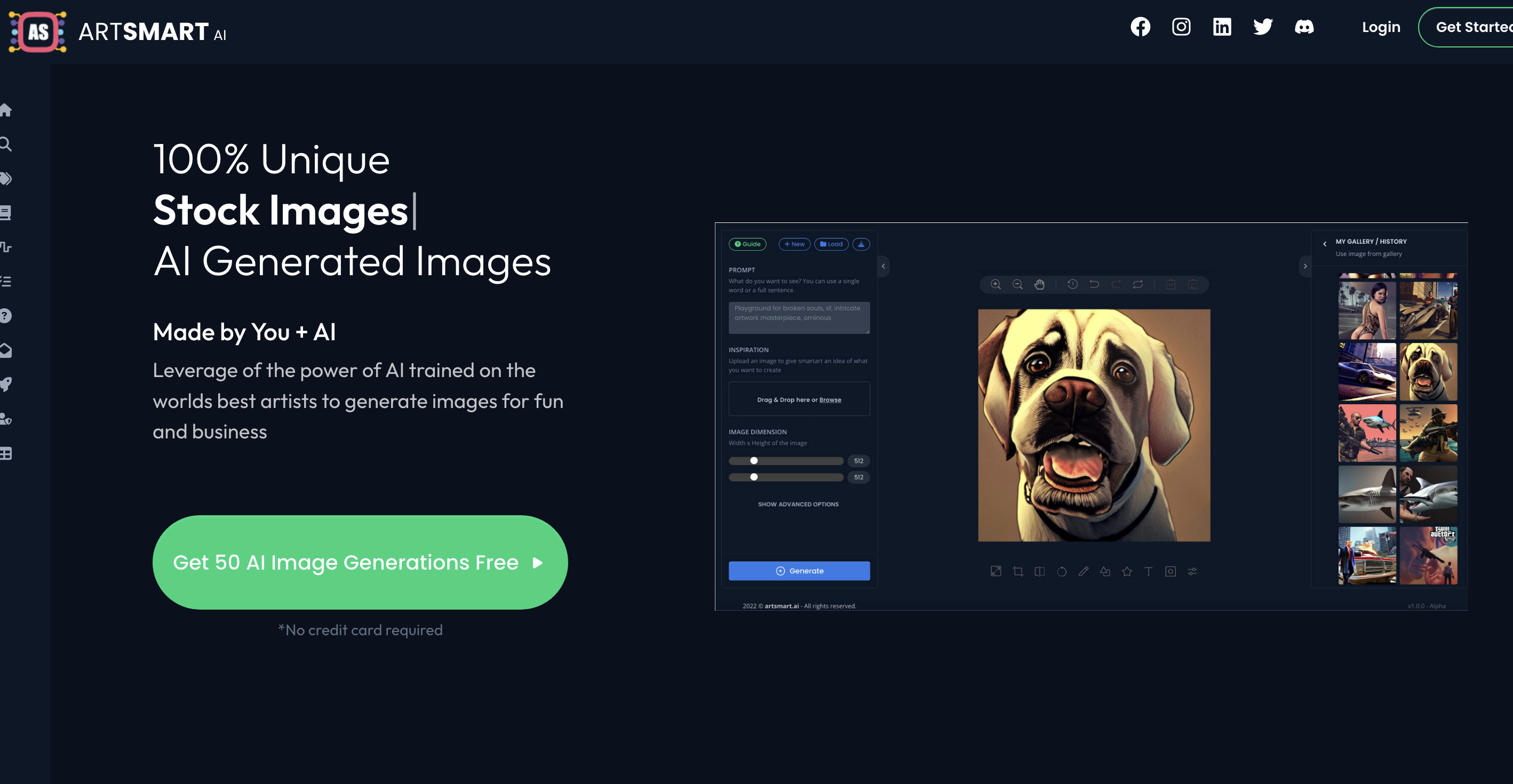
ARTSMART AI is an AI art generator that unifies fragmented creative tools into a single, intuitive platform. It lets you turn text prompts or reference photos into high-quality images, illustrations, and AI avatars in seconds. Drawing on models inspired by renowned artistic styles, it supports both playful experimentation and professional workflows. With features for portraits, style presets, image editing, and fast upscaling, ARTSMART AI helps creators move from imagination to finished artwork quickly—ideal for social content, branding, product visuals, and more.
Main Features of ARTSMART AI
- Text-to-image generation: Create original art from prompts with adjustable style, aspect ratio, and detail controls.
- AI avatars and portraits: Generate stylized avatars or lifelike portraits from photos or prompt-only inputs.
- Style presets and artist-inspired looks: Explore diverse aesthetics to match brand or project needs.
- Image-to-image transforms: Turn photos into illustrations, paintings, or concept art while preserving key details.
- Inpainting and outpainting: Edit specific regions, remove elements, or extend your canvas seamlessly.
- Background removal and relighting: Isolate subjects and adjust lighting for clean, professional outputs.
- Upscaling and enhancement: Boost resolution and refine faces or textures for print-ready images.
- Variations and batch generation: Explore multiple options at once for faster creative iteration.
- Prompt assistant and negative prompts: Fine-tune results with guided prompt building and constraint controls.
- Affiliate program: Earn 20% cash on referrals through the built-in affiliate system.
Who Can Use ARTSMART AI
ARTSMART AI is designed for creators, marketers, designers, and businesses that need fast, high-quality visuals. Typical users include social media managers producing daily posts, e‑commerce sellers creating product mockups, agencies crafting branding assets, game and app developers exploring concept art, educators and authors illustrating lessons and covers, and influencers building consistent avatar styles for personal branding.
How to Use ARTSMART AI
- Sign up and open the creation dashboard.
- Choose a mode (text-to-image, image-to-image, avatars, or portraits) and select a style preset.
- Enter a clear prompt; optionally add negative prompts and set size, guidance, and other parameters.
- (Optional) Upload a reference image to guide composition or likeness.
- Generate results, review variations, and refine with edits, inpainting, or outpainting as needed.
- Upscale and enhance the final image, then export in your preferred format.
- Organize projects, share outputs, and track referrals via the affiliate dashboard.
ARTSMART AI Use Cases
Marketing teams produce ad creatives and A/B test visuals rapidly. E‑commerce brands generate product scenes and lifestyle images without costly photoshoots. Publishers and bloggers illustrate articles and covers on tight timelines. Game studios and UX teams explore character designs and environments. Influencers and streamers craft distinctive AI avatars and profile portraits. Educators build diagrams and classroom visuals, while print-on-demand sellers design unique artwork for merchandise.
Pros and Cons of ARTSMART AI
Pros:
- Unified platform that covers generation, editing, enhancement, and export.
- Fast, high-quality outputs with diverse style presets and controls.
- Strong portrait and avatar capabilities for branding and profiles.
- Robust iteration tools, including variations, inpainting, and batch runs.
- Affiliate program with 20% referral earnings.
Cons:
- Results may require prompt tuning and iterations to meet exact art direction.
- Complex scenes or niche styles can take longer to perfect.
- Usage rights and content policies should be reviewed before commercial deployment.
FAQs about ARTSMART AI
-
Does ARTSMART AI support both text-to-image and image-to-image?
Yes. You can generate from prompts alone or guide results with reference images for closer control.
-
Can I create AI avatars and portraits from my photos?
Yes. Upload a photo, choose a portrait or avatar style, and generate multiple variations to refine the look.
-
Are the images suitable for commercial use?
Commercial use depends on the platform’s license and your local IP laws. Review the terms for each export.
-
Is there an affiliate program?
Yes. ARTSMART AI offers an affiliate program that pays 20% on qualifying referrals.