
- Home
- AI Image Generator
- Nano Banana AI
Nano Banana AI
Open Website-
Tool Introduction:Text-to-image and prompt editing for photoreal shots, faces, and styles.
-
Inclusion Date:Nov 10, 2025
-
Social Media & Email:
Tool Information
What is Nano Banana AI
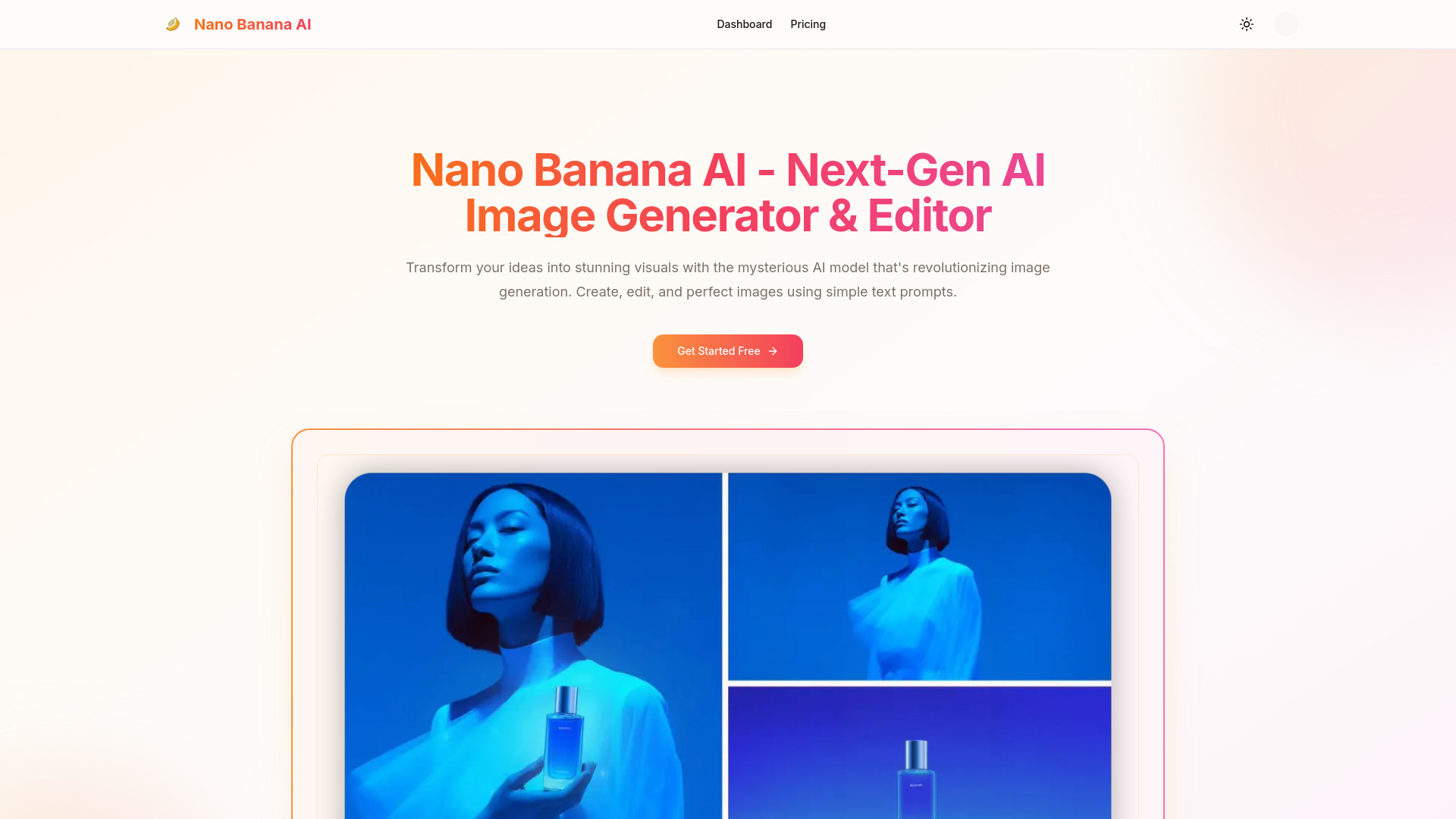
Nano Banana AI is an advanced AI image generator and editor that turns plain text prompts into high-quality visuals in seconds. Powered by a proprietary, cutting-edge model, it supports natural language editing, one-shot results, face completion, and consistent character control across images. Creators can produce photorealistic portraits, stylized art, product photography, complex scenes, and enhanced photos without manual retouching. By streamlining ideation and post-processing, Nano Banana AI helps users iterate quickly and reach production-ready images with minimal effort.
Main Features of Nano Banana AI
- Text-to-image generation: Create detailed visuals from simple prompts, covering portraits, product shots, and complex scenes.
- Natural language editing: Modify existing images with instructions like “soften lighting,” “change background,” or “adjust color grade.”
- One-shot quality: Achieve near-final results in a single render to speed up creative workflows.
- Face completion and refinement: Improve facial features, fill missing details, and enhance realism.
- Consistent character editing: Maintain identity, outfit, and style for the same character across multiple images.
- Image-to-image enhancement: Transform or refine uploaded photos while preserving composition.
- Style control: Apply photorealistic, cinematic, or illustrative art styles with adjustable strength.
- Inpainting and outpainting: Edit specific regions or extend a scene beyond its original frame.
- High-resolution output: Upscale images and set custom aspect ratios for web, print, or social media.
- Batch generation and variations: Explore multiple options and pick the best result quickly.
Who Can Use Nano Banana AI
Nano Banana AI suits marketers, e-commerce sellers, photographers, designers, and creators who need fast, polished visuals. it's useful for social media managers crafting campaign images, product teams producing catalog shots, indie game developers prototyping characters, and filmmakers or storyboard artists exploring scenes. Educators and content creators can also use it to illustrate lessons, decks, and blog posts with consistent, on-brand imagery.
How to Use Nano Banana AI
- Sign up and open the workspace for text-to-image or image editing.
- For generation, write a clear prompt describing subject, style, lighting, and composition.
- For editing, upload an image and use natural language instructions to adjust regions, backgrounds, or tones.
- Enable features like face completion or character consistency if you need stable identity across images.
- Choose resolution, aspect ratio, and style strength, then generate.
- Review results, request variations, inpaint details, or upscale to final quality.
- Export your selected image for web, print, or product listings.
Nano Banana AI Use Cases
Brands can create studio-like product photography without costly setups; agencies can develop campaign visuals and social ads rapidly; publishers can illustrate articles with creative art styles; game studios can iterate on character design with consistent character editing; portrait photographers can enhance headshots with face completion; and retailers can produce seasonal banners, lookbooks, and complex scenes tailored to their audience.
Pros and Cons of Nano Banana AI
Pros:
- Fast, high-quality text-to-image output suitable for production.
- Intuitive natural language editing minimizes manual retouching.
- Face completion and character consistency improve realism and continuity.
- Supports both creative exploration and precise, brand-safe results.
- High-resolution upscaling and flexible aspect ratios for multiple channels.
Cons:
- Results still depend on prompt clarity and reference quality.
- Complex scenes may require several iterations to perfect fine details.
- Usage rights and licensing may vary; commercial use can require specific terms.
- Heavy, high-res generations may consume more credits or time.
FAQs about Nano Banana AI
-
Does Nano Banana AI support editing by text instructions?
Yes. You can alter lighting, backgrounds, colors, and specific regions using natural language prompts.
-
Can it keep the same character across multiple images?
Yes. Character consistency tools help preserve identity, attire, and style across different poses and scenes.
-
Is it suitable for photorealistic portraits?
Yes. Face completion and refinement features enhance realism and help deliver studio-quality portraits.
-
Can I edit only part of an image?
Yes. Use inpainting to target specific areas, or outpainting to extend the canvas beyond its original bounds.
-
Is commercial use allowed?
Commercial usage depends on the platform’s license. Review the terms to ensure your project complies.