
- Home
- AI Image Generator
- Imagine Anything
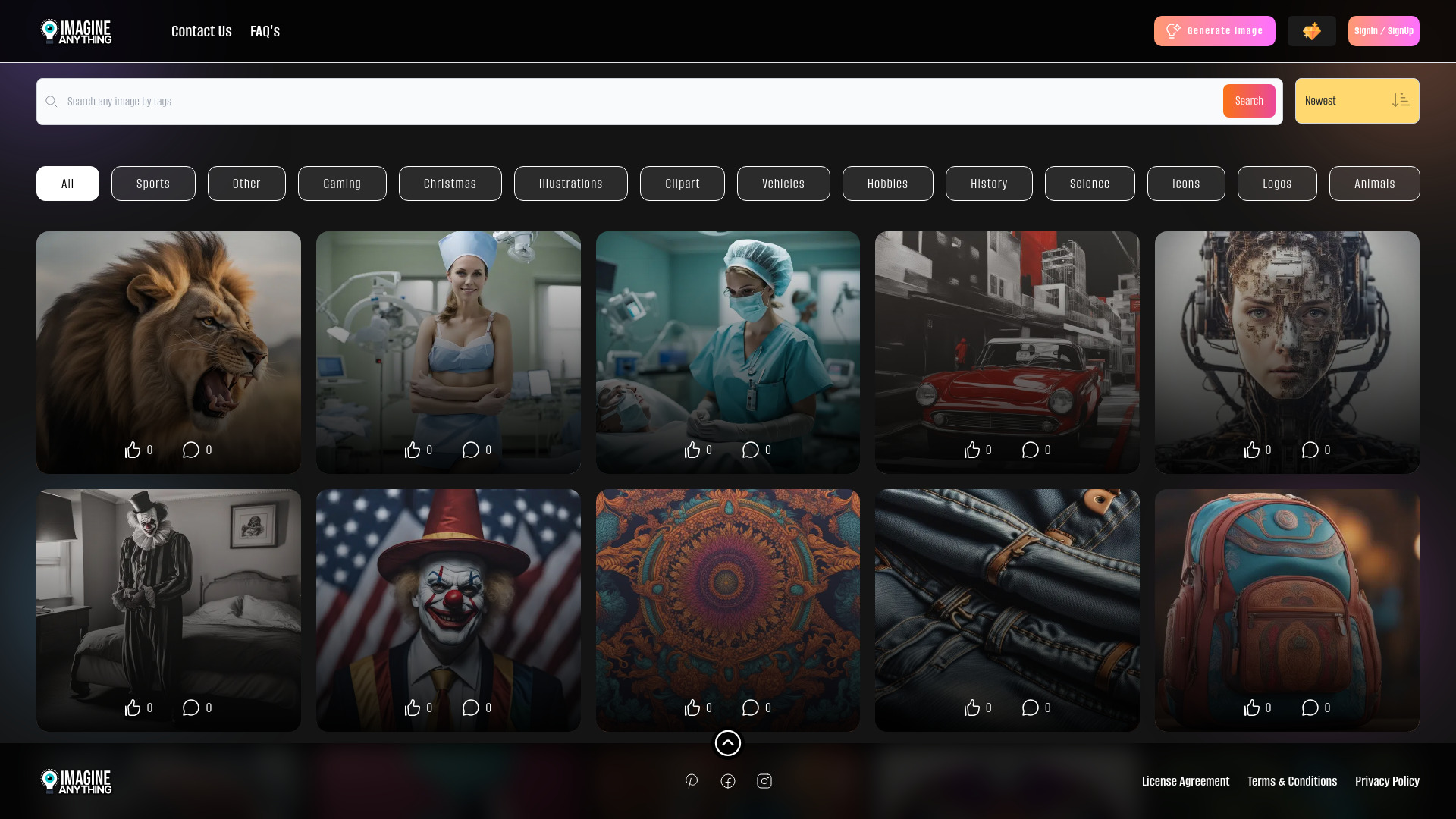
Imagine Anything
Open Website-
Tool Introduction:Free AI image maker with Flux. Unlimited downloads, SD & Ideogram.
-
Inclusion Date:Nov 10, 2025
-
Social Media & Email:


Tool Information
What is Imagine Anything AI
Imagine Anything AI is a free AI image generator and art creator that turns text prompts into photos, clipart, and graphics in seconds. Designed for speed and simplicity, it offers free generations with unlimited downloads, making it easy to create as many visuals as you need. The tool uses the Flux model by default for balanced quality and versatility, while advanced options let you switch to popular models like Stable Diffusion and Ideogram to achieve different styles, from photorealistic images to bold, illustrative art.
Main Features of Imagine Anything AI
- Free AI image generation: Create images at no cost with unlimited downloads.
- Multiple models: Default Flux model plus advanced options for Stable Diffusion and Ideogram to suit varied aesthetics.
- Text-to-image workflow: Turn simple prompts into photos, clipart, and custom graphics quickly.
- Fast iterations: Generate, refine, and re-run prompts to explore diverse results in minutes.
- Beginner-friendly interface: Clear controls that help newcomers and pros produce quality visuals.
- Versatile outputs: Suitable for social posts, blog images, ads, stickers, and more.
Who Can Use Imagine Anything AI
Imagine Anything AI is ideal for content creators, social media managers, marketers, bloggers, educators, students, indie developers, and small businesses. Use it to produce eye-catching thumbnails, product visuals, infographics, classroom materials, presentation graphics, mood boards, and clipart packs without needing advanced design skills.
How to Use Imagine Anything AI
- Open the tool in your browser and choose the text-to-image creation screen.
- Enter a clear prompt describing your desired photo, clipart, or graphic.
- Keep the default Flux model or open advanced options to select Stable Diffusion or Ideogram.
- Optionally refine your prompt with style cues (e.g., photorealistic, minimal, illustrative).
- Click generate and review the results; tweak the prompt or model to explore variations.
- Download your chosen image—unlimited downloads are supported.
Imagine Anything AI Use Cases
Businesses and creators use Imagine Anything AI for social media posts and ad creatives, blog and newsletter illustrations, product mockups for e-commerce, educational visuals for lessons and slides, concept art for indie games, and clipart or sticker sets for print-on-demand and marketplaces. The mix of Flux, Stable Diffusion, and Ideogram models supports both photorealistic and stylized designs.
Imagine Anything AI Pricing
Imagine Anything AI is available for free, offering free generations and unlimited downloads. Users can create as many images as they need and explore different models within the tool’s advanced options.
Pros and Cons of Imagine Anything AI
Pros:
- Free to use with unlimited downloads.
- Multiple AI models (Flux, Stable Diffusion, Ideogram) for diverse styles.
- Quick text-to-image generation with easy iteration.
- Accessible interface suitable for beginners and non-designers.
- Works for photos, clipart, and custom graphics.
Cons:
- Image quality and style depend on prompt clarity and model choice.
- Advanced editing or layered design features may be limited compared to pro design software.
- Results can be inconsistent across different models, requiring iteration.
FAQs about Imagine Anything AI
-
Is Imagine Anything AI free?
Yes. It provides free generations and unlimited downloads.
-
Which models does it support?
Flux is the default model, with optional access to Stable Diffusion and Ideogram in advanced settings.
-
Can I use the generated images commercially?
Usage rights can vary; review the tool’s terms and licensing before commercial use.
-
Do I need design skills to get good results?
No. Clear prompts and model selection are usually enough to produce high-quality visuals.
-
What types of images can I create?
Photorealistic photos, clipart, graphics, and stylized illustrations for content, marketing, and education.