
- Home
- AI Image Enhancer
- BigJpg AI
BigJpg AI
Open Website-
Tool Introduction:AI image upscaler for massive enlargement with crisp detail. Free + Pro.
-
Inclusion Date:Nov 09, 2025
-
Social Media & Email:
Tool Information
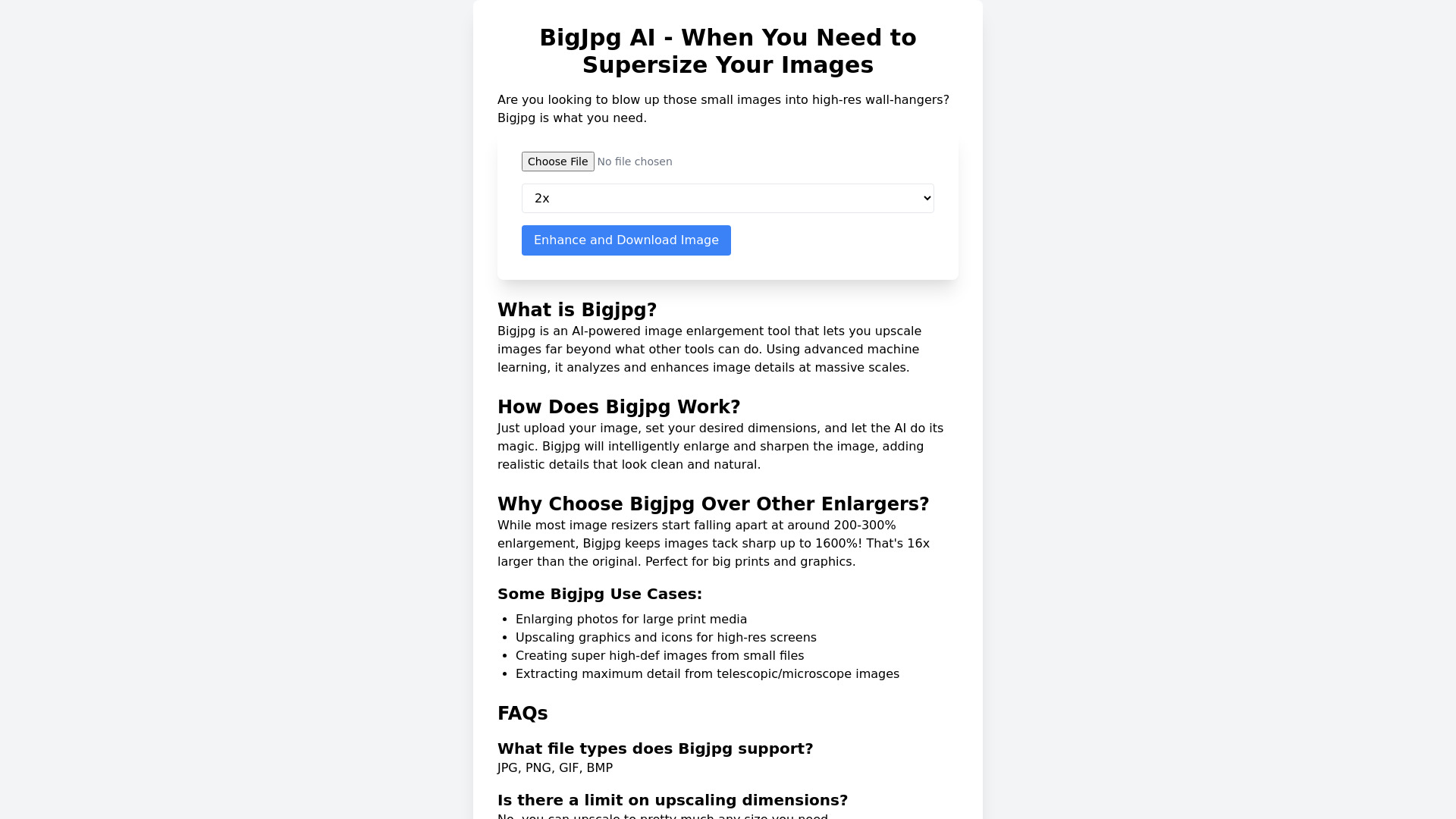
What is BigJpg AI
BigJpg AI is an AI-powered image upscaler designed to enlarge photos and graphics while preserving clarity and detail. Using deep learning, it analyzes textures, edges, and color patterns to reduce noise and artifacts as resolution increases. This helps convert small images into sharp, high-resolution outputs suitable for print, web, and high‑density displays without the blocky look of simple resizing. It supports JPG, PNG, GIF, and BMP formats, offers an easy browser-based workflow, and includes a free tier with premium plans for faster processing and advanced enhancement controls.
Main Features of BigJpg AI
- AI image upscaling: Deep-learning models enhance edges, textures, and fine details during enlargement.
- Noise and artifact reduction: Minimizes compression noise and jagged edges for cleaner, sharper results.
- Multiple image formats: Works with JPG, PNG, GIF, and BMP for flexible input and output needs.
- Large-scale enlargement: Choose from multiple magnification levels to reach high-resolution outputs.
- Simple online workflow: Drag-and-drop upload, pick settings, and download the upscaled image—no software install.
- Consistency across images: Settings help maintain a uniform look for product shots and brand assets.
- Free and premium options: Free basic use with paid plans for higher limits, faster speed, and advanced controls.
Who Can Use BigJpg AI
BigJpg AI suits photographers, eCommerce sellers, graphic designers, marketers, social media managers, illustrators, and small businesses that need to repurpose or scale images without losing quality. It is also helpful for print shops preparing larger formats, app and game developers refining textures or UI assets, and content creators upgrading legacy images for modern displays.
How to Use BigJpg AI
- Open the BigJpg AI website in your browser.
- Upload an image by drag-and-drop or file selection (JPG, PNG, GIF, or BMP).
- Select your preferred upscaling options, such as magnification and noise reduction strength.
- Start processing and wait while the AI enhances and enlarges the image in the cloud.
- Preview the result and download the high-resolution file to your device.
- Repeat or adjust settings if you need a different size or look.
BigJpg AI Use Cases
Brands and online stores upscale product photos for crisp listings and ads; marketers repurpose assets for large banners without re-shooting; photographers prepare prints and wall art from smaller originals; designers scale logos and icons for multi-device apps; media teams restore and enhance archival images; and game developers enlarge textures or concept art while retaining detail.
BigJpg AI Pricing
BigJpg AI offers free basic use suitable for occasional upscales. Premium paid plans unlock higher resolutions, faster processing, greater usage limits, and more granular enhancement controls. Users can start on the free tier and upgrade as their volume or quality requirements grow.
Pros and Cons of BigJpg AI
Pros:
- High-quality AI upscaling with effective noise and artifact reduction.
- Supports common formats: JPG, PNG, GIF, and BMP.
- Simple, browser-based workflow—no installation required.
- Multiple magnification options for different output needs.
- Free tier available with a clear path to premium features.
Cons:
- Results can vary depending on the source image quality and content.
- Very large enlargements may still show artifacts in challenging areas.
- Top speeds and highest limits require a paid plan.
- Processing time depends on file size and server load.
- Internet connection is required for cloud processing.
FAQs about BigJpg AI
-
Is BigJpg AI free?
Yes. It provides free basic upscaling, with premium plans for higher limits and faster processing.
-
Which file formats are supported?
BigJpg AI supports JPG, PNG, GIF, and BMP images.
-
How is it different from simple resizing?
Unlike basic interpolation, BigJpg AI uses deep learning to add detail, reduce noise, and preserve edges during enlargement.
-
Can I choose different upscaling levels?
Yes. You can select from multiple magnification options based on your output needs.
-
Will it fix very blurry or low-quality images?
It can significantly enhance many images, but results depend on the original quality and the scale of enlargement.