
HAMA
Open Website-
Tool Introduction:Brush away objects with HAMA AI—clean photos, no skills needed.
-
Inclusion Date:Nov 08, 2025
-
Social Media & Email:


Tool Information
What is HAMA AI
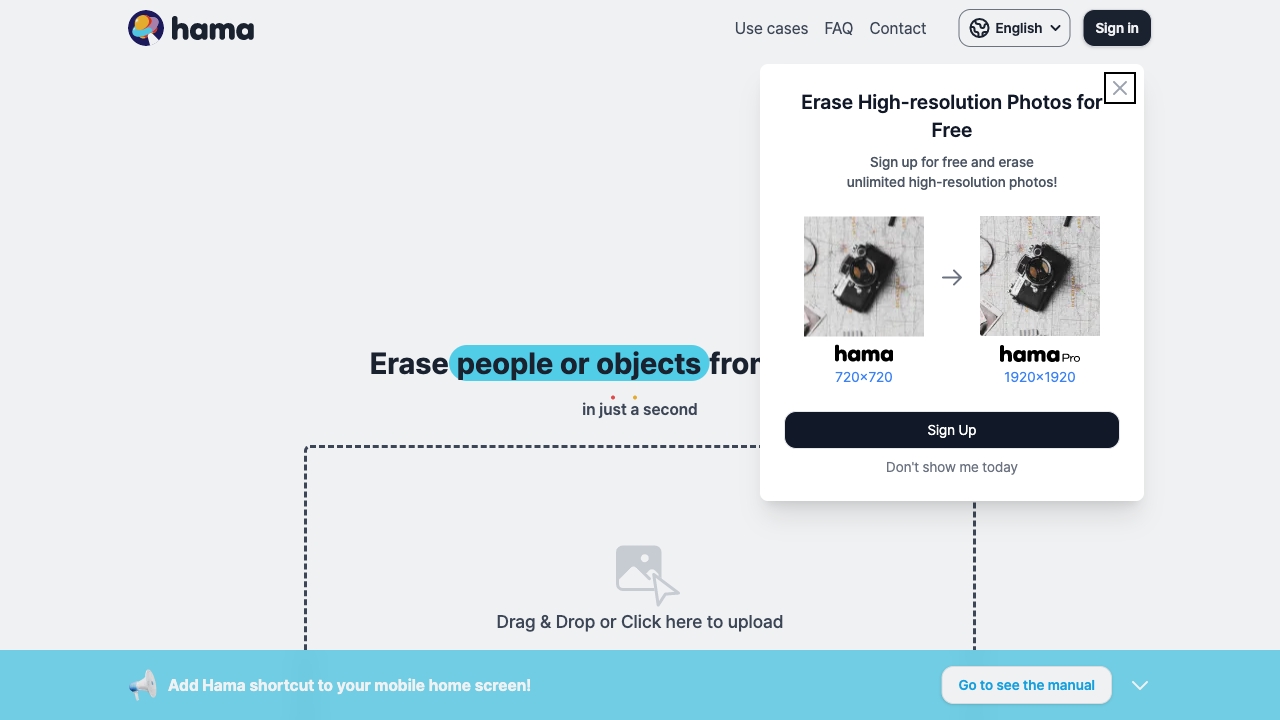
HAMA AI is an online, AI-powered image editor focused on fast, precise object removal. Using advanced inpainting, you simply brush over distractions—unwanted people, blemishes, logos, power lines—and the tool reconstructs backgrounds with natural texture, color, and lighting. No professional skills or heavy software required. Its intuitive brush, adjustable sizes, and instant previews help you clean up photos for e-commerce, travel, social media, or portfolios in minutes, then export high-quality results right from your browser on desktop or mobile.
Main Features of HAMA AI
- AI Object Removal: Content-aware inpainting fills brushed areas with realistic details to blend seamlessly.
- Simple Brush Workflow: Paint over unwanted items with adjustable brush sizes for precision on edges and fine details.
- Instant Preview and Refinement: Review results quickly, undo, and rebrush to perfect tricky areas.
- Blemish and Skin Retouching: Clean acne, scars, and dust spots while preserving natural skin texture.
- Distraction Cleanup: Remove tourists, wires, signs, or clutter to highlight the subject.
- Logo/Watermark Removal: Clear brand marks or labels on product shots when you have the right to do so.
- High-Quality Output: Maintains image quality for publishing across web, print, and marketplaces.
- Browser-Based: No installs; works on major browsers for quick edits anywhere.
Who Can Use HAMA AI
HAMA AI suits photographers, e-commerce sellers, social media managers, marketers, designers, real estate agents, travel bloggers, and everyday users who need fast photo retouching. Typical use cases include removing people from travel photos, cleaning product images for online stores, fixing backgrounds in lifestyle shots, polishing headshots, and erasing visual noise in property or landscape photography.
How to Use HAMA AI
- Open HAMA AI in your browser and upload an image.
- Select the brush tool and adjust size for the object you want to remove.
- Paint over the unwanted area; include a small border for cleaner edges.
- Run the AI removal and preview the result.
- Refine by rebrushing or adjusting coverage until it looks natural.
- Compare before/after, then download the edited image.
HAMA AI Use Cases
In e-commerce, remove logos, price tags, or background clutter to meet marketplace standards. For travel and lifestyle content, erase passersby or distractions to spotlight the scene. Real estate teams can clear cars or signage from exterior shots. Creative agencies tidy campaign visuals by removing props or wires. Portrait retouchers quickly fix blemishes and stray hairs while keeping natural texture. Always respect intellectual property and usage rights when editing brand marks.
Pros and Cons of HAMA AI
Pros:
- Fast, intuitive object removal with realistic inpainting.
- No learning curve; works directly in the browser.
- Effective for blemishes, people removal, and background cleanup.
- High-quality outputs suitable for web and print.
- Great time-saver versus manual clone/heal workflows.
Cons:
- Complex textures or overlapping objects may need multiple passes.
- Edge artifacts can appear on high-contrast borders if brushing is imprecise.
- Not a full replacement for advanced desktop editors.
- Requires an internet connection and browser performance.
- Legal/ethical considerations when removing logos or trademarks.
FAQs about HAMA AI
-
Does HAMA AI work on mobile devices?
Yes, it runs in modern mobile browsers, though a larger screen can help with precise brushing.
-
What types of objects can it remove?
It handles people, blemishes, logos, wires, signs, and general clutter, reconstructing backgrounds to look natural.
-
Will it keep my image quality?
The tool aims to preserve resolution and texture; for best results, upload the highest-quality source image.
-
Is it okay to remove logos or trademarks?
Only remove brand marks if you have the rights or permission to do so and follow platform or legal guidelines.