
- Home
- AI Image Enhancer
- AI HomeDesign
AI HomeDesign
Open Website-
Tool Introduction:AI HomeDesign: instant virtual staging and renovation visuals for pros.
-
Inclusion Date:Nov 08, 2025
-
Social Media & Email:


Tool Information
What is AI HomeDesign
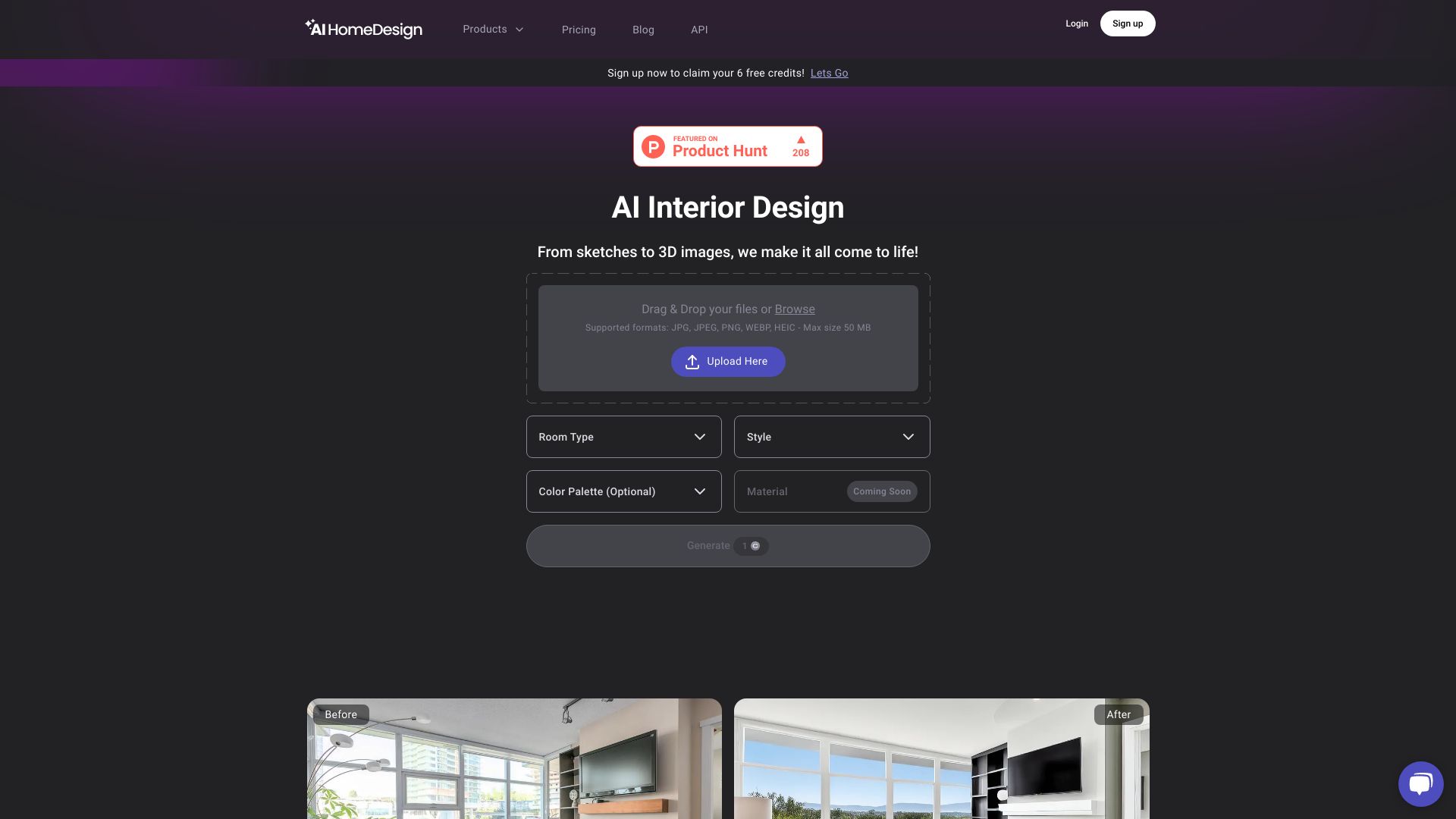
AI HomeDesign is an AI-powered platform for virtual staging, home renovation visualization, real estate photo editing, and interior design. It helps realtors, photographers, contractors, designers, and homeowners turn listing photos and room snapshots into photorealistic makeovers in minutes. With intuitive workflows, style presets, and customizable layouts, the tool removes the learning curve of traditional 3D software. Users can declutter images, replace furniture, test color schemes, and preview remodel ideas, enabling faster marketing, clearer client decisions, and polished visuals across channels.
Main Features of AI HomeDesign
- Virtual Staging: Instantly furnish empty or cluttered rooms with AI, using style presets and curated furniture sets for modern, classic, or minimalist looks.
- Renovation Visualization: Preview flooring, wall colors, cabinetry, lighting, and layout changes with side-by-side before/after comparisons to validate remodel concepts.
- Real Estate Photo Editing: AI decluttering, object removal, sky replacement, lighting and color correction, and perspective fixes for listing-ready images.
- Smart Layout Suggestions: AI recommends furniture placement and traffic flow; users can tweak scale, rotation, and spacing for a balanced composition.
- Deep Customization: Adjust materials, finishes, palettes, and decor to match brand or client preferences and create consistent design narratives.
- Batch Processing: Stage or edit multiple photos at once to speed up portfolio updates and property marketing campaigns.
- High-Resolution Exports: Download crisp, print-friendly images for brochures, MLS-like listings, social media, or presentations.
- Project Organization & Collaboration: Save versions, manage folders, and share links for swift stakeholder review and feedback.
Who Can Use AI HomeDesign
AI HomeDesign serves real estate agents and brokers preparing listings, real estate photographers delivering polished images, interior designers presenting mood boards and concepts, contractors and remodelers illustrating proposals, property managers and short-term rental hosts optimizing spaces, and homeowners planning renovations. It streamlines decisions, reduces revisions, and accelerates marketing across residential and small commercial projects.
How to Use AI HomeDesign
- Create an account and start a new project from your dashboard.
- Upload room photos; use well-lit, straight-on shots for best AI results.
- Select your goal: Virtual Staging, Renovation, or Photo Editing.
- Choose room type and a design style preset, or set custom materials and colors.
- Run the AI to generate a staged or renovated preview.
- Fine-tune: swap furniture, adjust layout, edit lighting, or declutter objects.
- Compare before/after, save versions, and gather feedback via shareable links.
- Export high-resolution images for web, print, and marketing channels.
AI HomeDesign Use Cases
Real estate teams use AI HomeDesign to virtually stage vacant homes and boost listing appeal. Designers and remodelers visualize new layouts, finishes, and lighting before construction. Photographers deliver value-added edits like object removal and sky replacement on tight deadlines. Property managers refresh rentals with style updates for seasonal campaigns. Homeowners test color schemes and furnishings to align budgets with expectations. Furniture brands can also generate styled lifestyle imagery to showcase products in context.
Pros and Cons of AI HomeDesign
Pros:
- Fast, photorealistic virtual staging and renovation previews.
- Intuitive workflow with minimal learning curve compared to 3D tools.
- Robust photo editing for decluttering, lighting, and sky replacement.
- Customizable styles, materials, and layout controls.
- Batch processing and high-resolution exports support marketing at scale.
Cons:
- AI outputs may require manual adjustments for perfect realism.
- Results depend on input photo quality and camera angles.
- Extremely niche styles or bespoke furnishings may need custom edits.
- Not a substitute for structural assessments or architectural drawings.
FAQs about AI HomeDesign
-
Can AI HomeDesign handle both virtual staging and renovation previews?
Yes. It stages empty or occupied rooms and also visualizes finishes, layouts, and lighting for renovation planning.
-
Do I need design experience to use it?
No. Presets and guided controls make it accessible, while advanced options support professional customization.
-
What image types work best?
High-resolution, well-lit photos with minimal distortion yield the most accurate AI results and cleaner edits.
-
Can I export images for print and online listings?
Yes. You can download high-resolution files suitable for brochures, websites, and social platforms.