
- Home
- AI Background Remover
- SUAPP AI
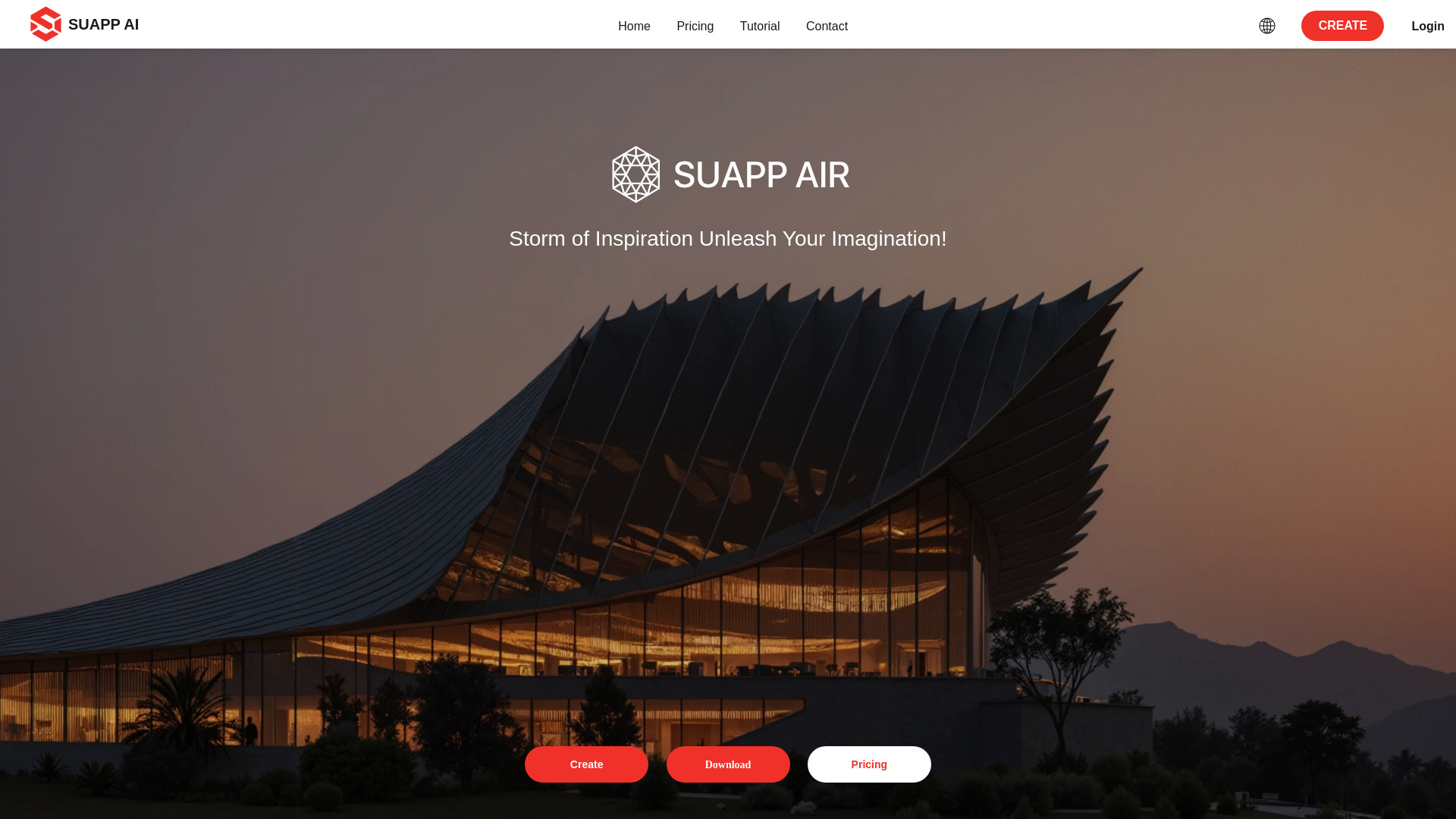
SUAPP AI
Open Website-
Tool Introduction:SUAPP AI: text-to-3D, render, and animation plugins for SketchUp & Blender.
-
Inclusion Date:Nov 09, 2025
-
Social Media & Email:


Tool Information
What is SUAPP AI
SUAPP AI is an AI-driven platform that equips designers and creatives with smart plugins and desktop/web tools to accelerate 3D and visual workflows. With integrations for SketchUp, Rhino, Revit, 3ds Max, Blender, and Photoshop, it brings AI Render, AI Concept, AI Animation, and AI Modeling directly into familiar software. Turn images and text prompts into realistic 3D assets, concept variations, dynamic videos, and enhanced compositions, enabling faster iterations, clearer client presentations, and more intuitive collaboration across design stages.
Main Features of SUAPP AI
- AI Render: Generate photorealistic visuals from scenes, sketches, or references to improve lighting, materials, and composition for rapid design reviews.
- AI Concept: Create concept variations from text or images, explore styles and moods, and iterate early-stage ideas without complex manual setup.
- AI Modeling: Convert images and text into workable 3D models to jump-start geometry creation and speed up asset prototyping.
- AI Animation: Turn static scenes into dynamic videos and motion previews for storytelling, previsualization, and presentations.
- Cross-App Plugins: Seamless plugins for SketchUp, Rhino, Revit, 3ds Max, Blender, and Photoshop keep work inside your preferred tools.
- Desktop & Web Versions: Access AI features from a desktop app or browser for flexible, on-the-go collaboration.
- Prompt & Reference Control: Guide outputs with prompts, images, or scene data for more accurate and consistent results.
Who Can Use SUAPP AI
SUAPP AI suits architects, interior designers, product designers, industrial designers, visualization specialists, game artists, and creative agencies. It helps teams generate concept art, iterate 3D assets, produce quick renders, and craft short animations for proposals, marketing content, and client communication—reducing turnaround times while keeping work inside familiar design software.
How to Use SUAPP AI
- Install the SUAPP AI plugin for your tool (SketchUp, Rhino, Revit, 3ds Max, Blender, or Photoshop) or open the desktop/web app.
- Import or open your scene, model, or image as the starting point.
- Select a module: AI Render, AI Concept, AI Animation, or AI Modeling.
- Enter a text prompt and optionally add reference images or specify style/quality settings.
- Generate a preview, review results, and refine prompts or parameters to iterate quickly.
- Export outputs (images, videos, or 3D assets) and continue editing inside your DCC software.
- Package visuals for client presentations or share links via the web interface.
SUAPP AI Use Cases
Architecture and interiors: produce concept renders, material studies, and layout variations directly from SketchUp or Revit. Product and industrial design: turn sketches and prompts into early 3D models and lifestyle renders for stakeholder reviews. Media and entertainment: generate previsualization shots and motion tests from Blender or 3ds Max. Marketing and e-commerce: create quick hero images, animated promos, and retouched graphics with Photoshop integration.
Pros and Cons of SUAPP AI
Pros:
- Deep integration with popular design apps for a streamlined workflow.
- Speeds up concepting, rendering, animation previews, and 3D asset creation.
- Supports text-to-3D and image-to-3D for rapid prototyping.
- Desktop and web access enables flexible collaboration and sharing.
- Improves presentation quality for client communication and approvals.
Cons:
- AI-generated models or animations may require cleanup for production use.
- Output quality can vary based on prompts, references, and scene complexity.
- Plugin compatibility and performance may differ across software versions.
- Some features may rely on cloud processing, requiring stable internet connectivity.
FAQs about SUAPP AI
-
Which software does SUAPP AI support?
It offers plugins for SketchUp, Rhino, Revit, 3ds Max, Blender, and Photoshop, plus desktop and web versions.
-
Can SUAPP AI create 3D models from text or images?
Yes. The AI Modeling module supports text-to-3D and image-to-3D to accelerate asset creation.
-
Are results editable in native apps?
Outputs can be exported and refined within your design software, allowing further material, geometry, or timeline edits.
-
Do I need an internet connection?
Some capabilities use cloud processing, so an active connection may be required for generation and previews.
-
Where can I find the latest plans and availability?
Visit the official SUAPP AI website for current features, plan details, and regional availability.