
- Home
- AI Subtitle Generator
- Magic Hour
Magic Hour
Open Website-
Tool Introduction:Magic Hour AI: All-in-one video creator—text-to-video, animation, face swap.
-
Inclusion Date:Oct 21, 2025
-
Social Media & Email:


Tool Information
What is Magic Hour AI
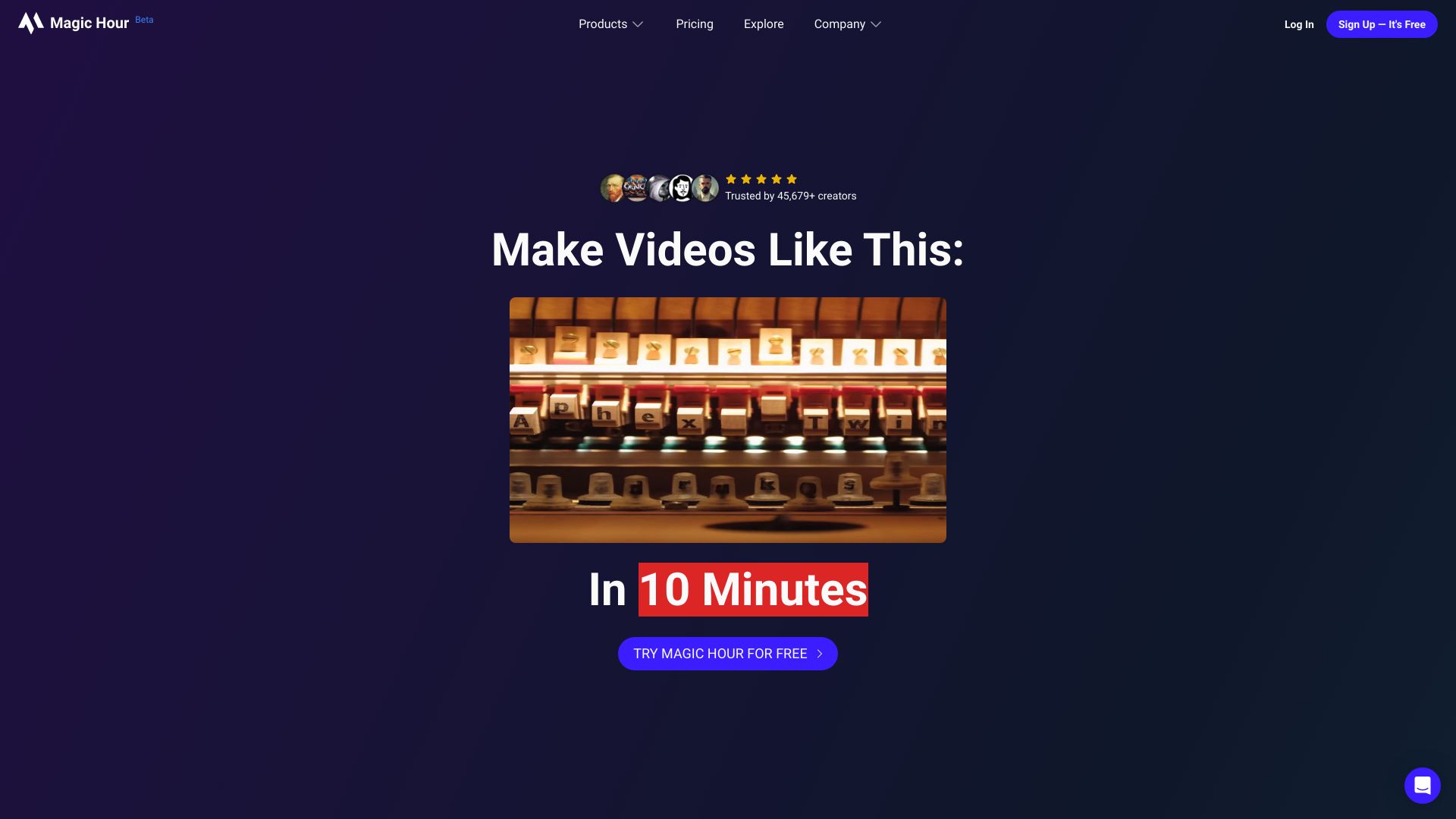
Magic Hour AI is an all-in-one AI video creation platform that accelerates content production from ideation to delivery. With easy, prompt-driven interfaces, it generates videos in multiple styles, including animation, video-to-video transforms, face swap, and text-to-video. The platform also includes AI image editing to refine frames, thumbnails, and visual assets. By unifying creative exploration and production in one workflow, Magic Hour AI helps marketers, creators, and teams produce consistent, on-brand videos faster while reducing manual editing and tool switching.
Magic Hour AI Main Features
- Text-to-Video: Turn written prompts or scripts into videos, guiding visuals and pacing with clear instructions and style choices.
- Video-to-Video: Stylize or reimagine existing footage while preserving motion and timing for coherent, transformed results.
- Face Swap: Apply face replacement for creative effects or testing concepts; use responsibly with proper consent and rights.
- Animation Mode: Generate animated sequences to explore storytelling, motion concepts, and distinctive visual looks.
- AI Image Editing: Enhance images to support scenes, thumbnails, and brand assets without leaving the platform.
- Unified Workflow: Streamline the journey from idea to production in one place, reducing tool switching and handoffs.
- Ease of Use: Intuitive, prompt-driven interfaces and adjustable parameters make rapid iteration accessible to non-technical users.
Who Should Use Magic Hour AI
Magic Hour AI suits marketers, social media managers, and content creators who need fast, on-brand video output; e-commerce teams producing product explainers and ads; educators building lessons and tutorials; agencies exploring concepts and styles for clients; and startups that want to prototype video ideas quickly without large production budgets.
How to Use Magic Hour AI
- Sign in and create a new project, selecting a generation mode: text-to-video, video-to-video, face swap, or animation.
- Provide inputs: write a prompt or script, upload reference footage for transforms, or select source/target faces with proper permissions.
- Choose style and parameters, such as visual mood, duration, and guidance strength to steer the output.
- Generate a preview, review results, and refine prompts or settings to iterate toward the desired look.
- Apply AI image edits to frames or assets as needed to polish details and improve brand consistency.
- Export the final video and save assets for reuse in future projects.
Magic Hour AI Industry Use Cases
Brands produce social campaigns by turning briefs into short text-to-video spots and stylizing existing footage for variations. E-commerce teams create product demos and hero banners, complementing outputs with AI-edited thumbnails. Educators build animated explainers and microlearning modules. Creative agencies prototype concepts rapidly and explore alternate visual directions with video-to-video. With appropriate consent, teams test face swap for character-driven narratives or localized creative.
Magic Hour AI Pros and Cons
Pros:
- All-in-one workflow from ideation to production in a single platform.
- Multiple generation modes: text-to-video, video-to-video, animation, and face swap.
- Integrated AI image editing streamlines polishing and asset refinement.
- Fast iteration with prompt-driven controls reduces time to first cut.
- Accessible for non-technical users while supporting creative exploration.
Cons:
- Output quality can vary and may require several iterations to refine.
- Face swap demands strict consent and compliance with rights and policies.
- Highly complex scenes may still need manual editing in traditional NLEs.
- Style control and fine-grained adjustments can be limited compared to bespoke production.
Magic Hour AI Popular Questions
-
Q1: Does Magic Hour AI support multiple video generation styles?
Yes. It supports text-to-video, video-to-video, animation, and face swap to cover diverse creative needs.
-
Q2: Can I edit images within the platform?
Yes. Built-in AI image editing helps enhance frames, thumbnails, and supporting visuals without switching tools.
-
Q3: Do I need coding or advanced video skills?
No. The interface is prompt-driven and designed to make generation and iteration accessible to non-technical users.
-
Q4: Can I transform existing footage into a new style?
Yes. The video-to-video mode reimagines uploaded clips while keeping motion and timing coherent.
-
Q5: Is face swap safe and ethical to use?
Use face swap only with explicit consent and in accordance with applicable laws, platform policies, and brand guidelines.