
- Home
- AI Animated Video
- Plask
Plask
Open Website-
Tool Introduction:Video-to-3D animation in minutes; AI mocap, Unreal/Maya export.
-
Inclusion Date:Nov 09, 2025
-
Social Media & Email:


Tool Information
What is Plask AI
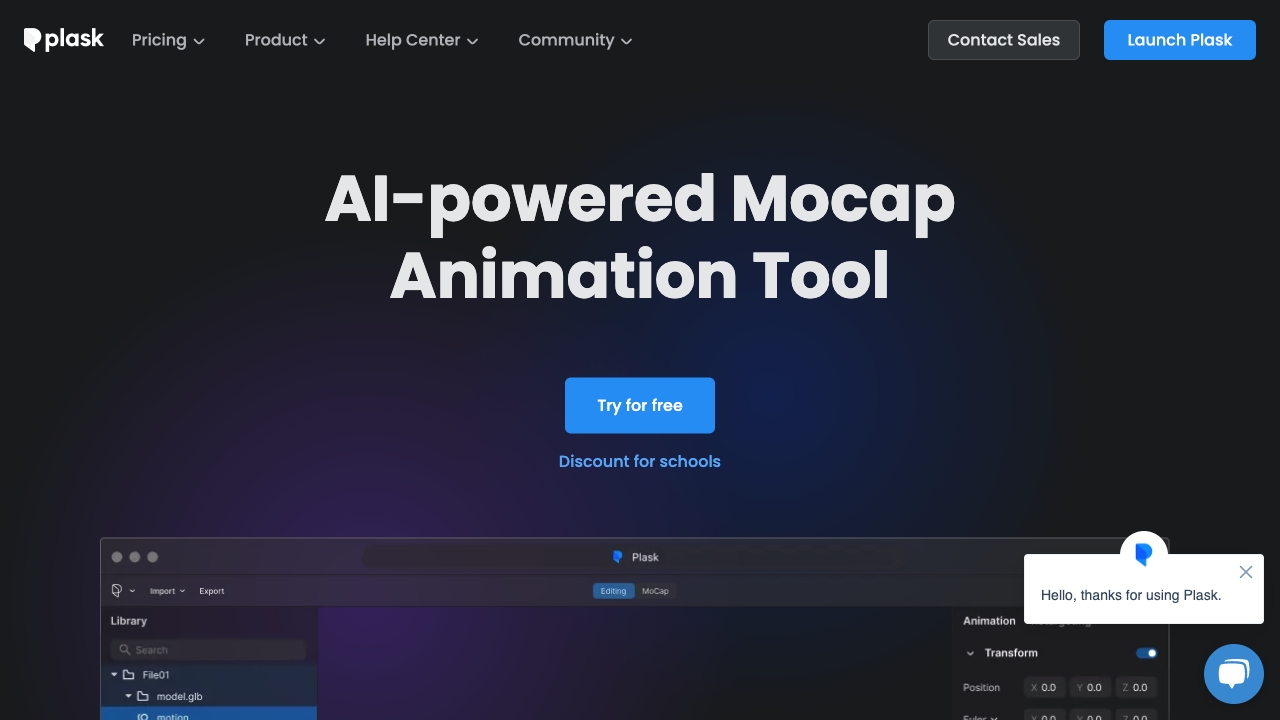
Plask AI is an AI-powered motion capture and animation platform that converts ordinary videos into realistic 3D character motion. It performs markerless motion capture directly from footage, then lets you retarget the captured movement to your own rigs and refine it with intuitive editing tools. With quick video import, pose cleanup, motion blending, and versatile export compatible with Unreal, Maya, and Blender, Plask AI streamlines the character animation workflow—from previz to final shots—so teams can iterate faster and achieve believable results.
Main Features of Plask AI
- AI motion capture from video: Extract full-body movement from standard videos without suits or markers.
- Effortless video import: Bring in footage quickly and start processing in a few clicks.
- Auto retargeting: Apply captured motion to your own character rigs with minimal setup.
- Editing and cleanup: Smooth trajectories, fix foot sliding, and fine-tune poses on a timeline.
- Motion blending: Combine takes, trim clips, and loop animations to build reusable assets.
- Intuitive direction tools: Adjust camera angles and framing to guide more cinematic outputs.
- Versatile export: Export files compatible with Unreal, Maya, and Blender for downstream production.
- Team-friendly workflow: Speed up iteration for previz, blocking, and final animation passes.
Who Can Use Plask AI
Plask AI is ideal for 3D animators, indie game developers, VFX artists, virtual production teams, and creative studios that need fast, markerless mocap from video. It also suits educators, students, and researchers who want to prototype character movement, as well as marketers and content creators producing short-form animations or realistic character performances without a full mocap stage.
How to Use Plask AI
- Prepare your footage: record a well-lit, full-body video with minimal occlusion and stable framing.
- Import the video into Plask AI and start the AI motion capture process.
- Review the initial solve: inspect joints, correct foot contact, and smooth noisy segments.
- Retarget the motion to your character rig and verify bone mapping.
- Refine on the timeline: edit poses, trim clips, blend transitions, and create loops.
- Preview the animation with camera adjustments to check composition and timing.
- Export in formats compatible with Unreal, Maya, and Blender, then finalize in your DCC or engine.
Plask AI Use Cases
Studios use Plask AI to accelerate game animation cycles, rapidly produce film/TV previsualization, and prototype virtual production scenes. Agencies and creators transform live-action references into animated ads or social content. Educators demonstrate motion principles in class, while researchers build motion datasets for biomechanics or HCI projects. Teams also leverage it for stunt visualization, crowd motion variations, and cinematic blocking.
Pros and Cons of Plask AI
Pros:
- Fast, markerless motion capture directly from standard video.
- Smooth retargeting to custom character rigs.
- Editing, cleanup, and blending tools reduce post-processing time.
- Exports compatible with industry tools like Unreal, Maya, and Blender.
- Accessible workflow for both beginners and professionals.
Cons:
- Accuracy depends on video quality, lighting, and clear body visibility.
- Complex motions or heavy occlusion may require manual cleanup.
- Export pipeline may need additional setup for specific rig conventions.
FAQs about Plask AI
-
Does Plask AI require suits or markers?
No. It provides markerless motion capture directly from video.
-
Can I edit captured motion?
Yes. You can clean up poses, smooth motion, and blend clips on a timeline.
-
What export options are available?
Exports are compatible with Unreal, Maya, and Blender, fitting standard production workflows.
-
What kind of videos work best?
Well-lit, full-body shots with minimal occlusion and a stable camera produce the most accurate results.
-
Is Plask AI suitable for beginners?
Yes. Its intuitive interface supports newcomers while offering depth for professionals.