
- Home
- AI Face Swap Generator
- DeepLiveCam
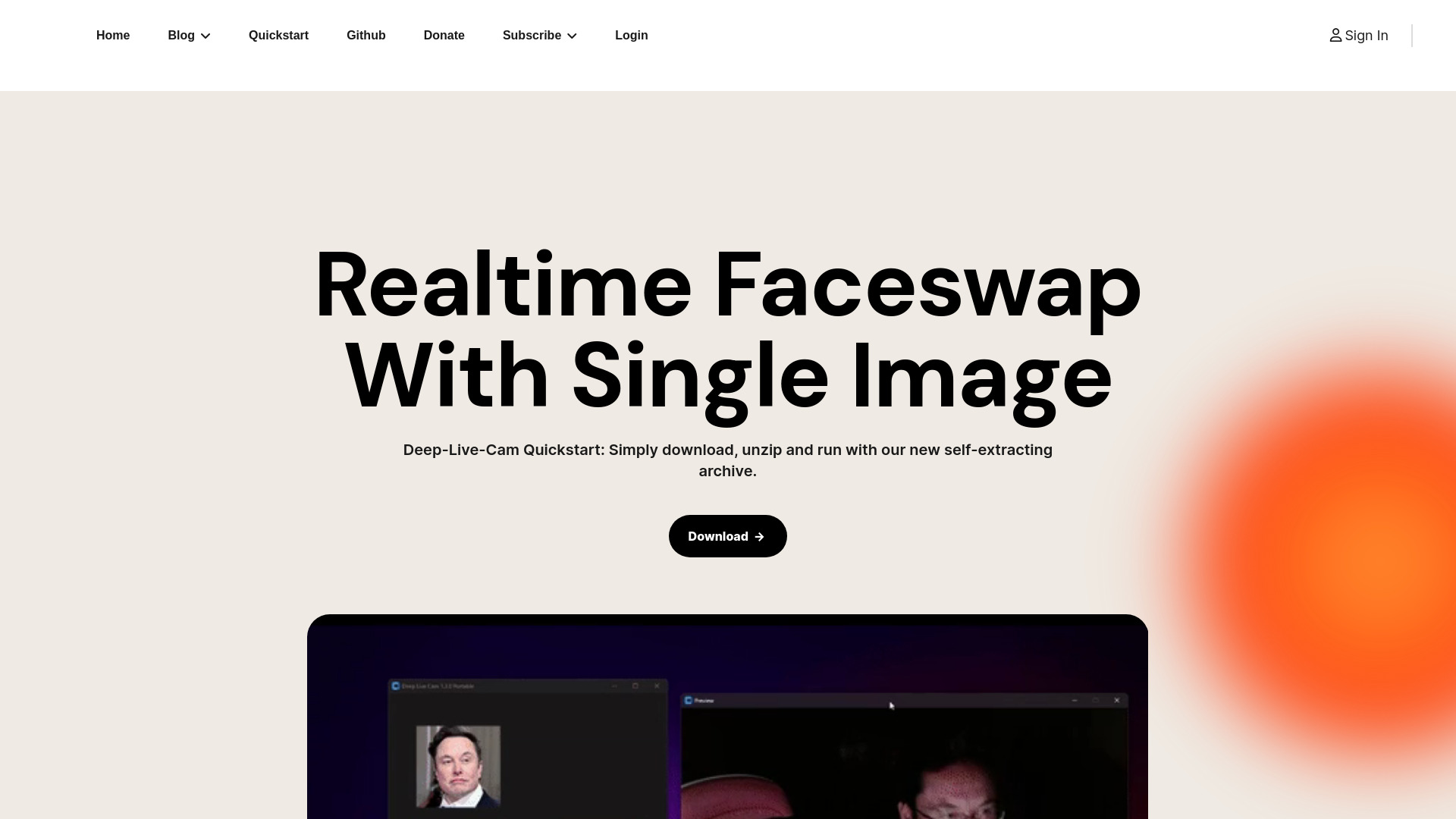
DeepLiveCam
Open Website-
Tool Introduction:Open-source, offline face swaps for VTubers with real-time avatars.
-
Inclusion Date:Nov 09, 2025
-
Social Media & Email:

Tool Information
What is DeepLiveCam AI
DeepLiveCam AI is an open-source, privacy-first tool for VTubers, creators, and streamers that enables real-time face swaps and lifelike avatar creation without coding. It runs fully offline and processes video on your local machine, so no footage or biometric data leaves your computer. With an intuitive interface, you can morph your face into original characters or authorized personas for live streams, video recordings, and virtual events. The result is expressive, low-latency face replacement that safeguards privacy and keeps your workflow uninterrupted.
Main Features of DeepLiveCam AI
- Real-time face swap: Low-latency tracking and blending for live streaming, virtual shows, and recording.
- Avatar creation: Build and manage virtual avatars from reference images to create unique on-screen identities.
- Fully local processing: Works offline with no cloud uploads or data collection, supporting privacy-first workflows.
- No-code interface: Accessible controls and presets let beginners get results quickly.
- Adjustable quality controls: Tune blend strength, smoothing, and alignment to match lighting and camera setup.
- Streaming-friendly output: Designed to fit into common live and video production pipelines.
- Open-source foundation: Community-driven development for transparency and extensibility.
Who Can Use DeepLiveCam AI
DeepLiveCam AI suits VTubers seeking expressive avatars, streamers who want creative on-camera personas, and video creators producing face swap effects. It also helps educators and presenters maintain privacy on live calls, event hosts adding character-driven segments, and filmmakers prototyping face replacements for concept previews—all with an emphasis on consent and rights-respecting use.
How to Use DeepLiveCam AI
- Download and install the application from the official source.
- Prepare your materials: select a target avatar or reference face you have permission to use.
- Set up your camera and lighting; ensure a clear, front-facing view for better tracking.
- Import the reference, then calibrate alignment and adjust blend/quality settings.
- Preview the live result and fine-tune smoothing, expression response, and color match.
- Start your session and route the output into your preferred streaming or recording software.
- Record or go live; save configurations for consistent future sessions.
DeepLiveCam AI Use Cases
- VTubing channels performing with stylized avatars in real time.
- Streamers adding character segments or masking identity without sacrificing expression.
- Virtual events and webinars using avatars for branded hosts or guest appearances.
- Content creators producing parody or educational face swaps with consent.
- Pre-visualization for filmmakers testing face replacement concepts before post-production.
DeepLiveCam AI Pricing
DeepLiveCam AI is an open-source project, generally free to download and use. Because it runs locally, there are no usage-based cloud fees. Support may be available through community channels, with optional contributions or sponsorships depending on the project’s ecosystem.
Pros and Cons of DeepLiveCam AI
Pros:
- Privacy-first and fully offline; no data leaves your device.
- Real-time performance suitable for live streaming and recording.
- No coding required; approachable setup and controls.
- Open-source transparency and extensibility.
- Consistent uptime without reliance on internet connectivity.
Cons:
- Best results may require a capable GPU and careful lighting.
- Initial setup and tuning can take time for new users.
- Output quality varies with source material and environment.
- Ethical and legal considerations require consent and rights for target media.
- Community-driven support may vary in responsiveness.
FAQs about DeepLiveCam AI
-
Is DeepLiveCam AI free?
Yes. It is open-source and typically free to use; review the project license for details.
-
Does it work offline?
Yes. All processing happens locally on your machine, with no cloud uploads or data collection.
-
What hardware do I need?
A modern computer is recommended; a discrete GPU can significantly improve real-time performance.
-
Can I use it commercially?
In many cases yes, provided you comply with the software license and have rights and consent for all media.
-
How do I improve face swap quality?
Use even lighting, high-resolution reference images, a stable camera, and adjust alignment and smoothing settings.