
- Home
- AI Subtitle Generator
- InterSub
InterSub
Open Website-
Tool Introduction:Learn while you watch: dual subtitles, instant translations, saved words.
-
Inclusion Date:Nov 08, 2025
-
Social Media & Email:
Tool Information
What is InterSub AI
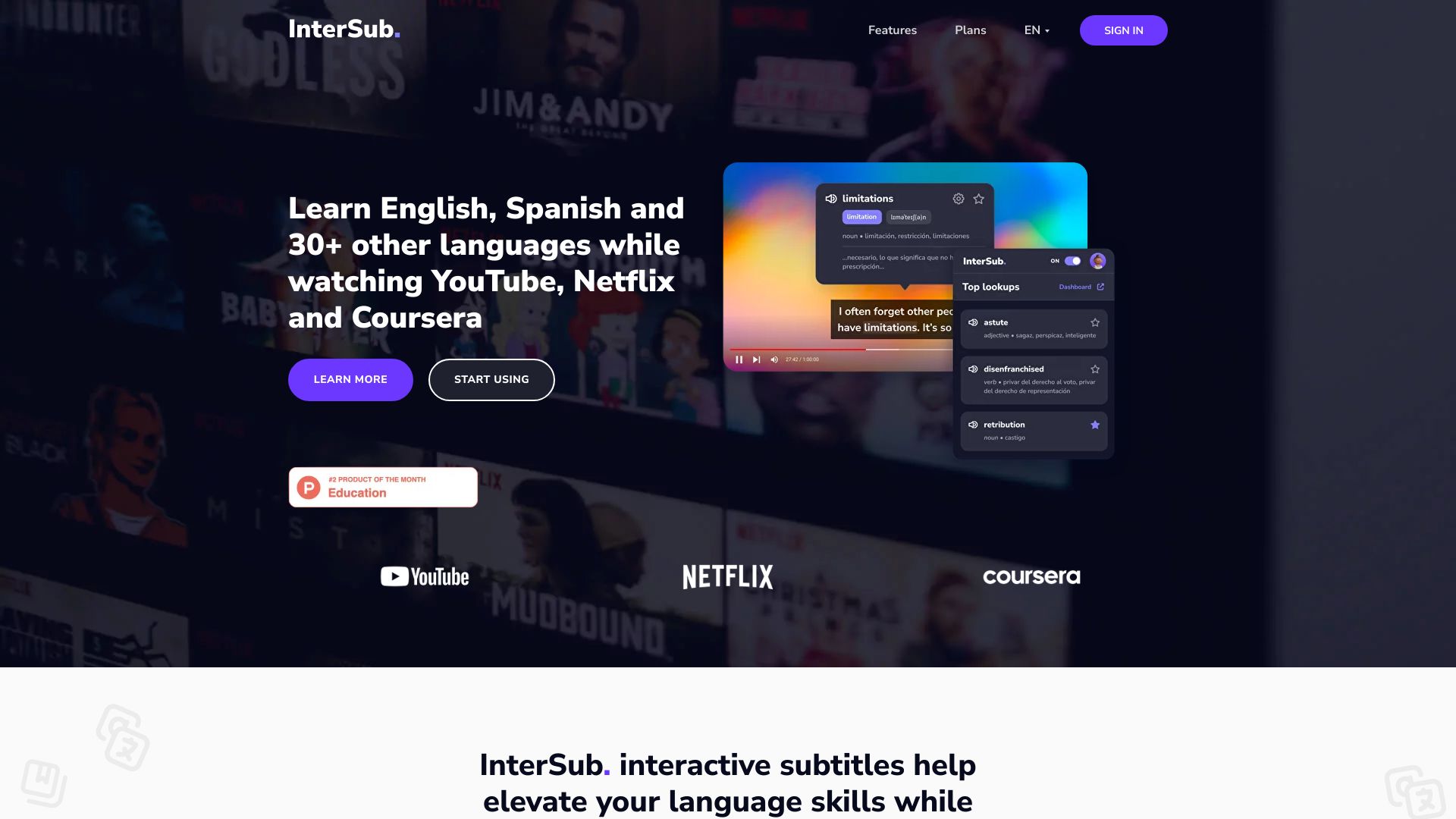
InterSub AI is a browser extension that transforms streaming and online courses into an immersive language-learning experience. It overlays interactive dual subtitles and delivers instant word translations on leading platforms such as YouTube, Netflix, Prime Video, Udemy, Coursera, LinkedIn Learning, and TED. While you watch, you can click or hover on unfamiliar words to see meanings in context, and the extension automatically saves viewed terms to your personal vocabulary for later review. By learning directly from real videos, InterSub AI helps you build language skills naturally without breaking your viewing flow.
Main Features of InterSub AI
- Interactive dual subtitles: View original and translated subtitles simultaneously to understand context and build comprehension faster.
- Instant word translations: Hover or click on words to see quick translations without pausing or leaving the video.
- Auto vocabulary capture: Words you encounter are saved to a personal vocabulary list for easy review and spaced practice.
- Wide platform support: Works across YouTube, Netflix, Prime Video, Udemy, Coursera, LinkedIn Learning, and TED for both entertainment and education.
- Flexible learning controls: Toggle dual subtitles, pick source and target languages, and adjust how translations appear to match your study style.
- Context-rich learning: Learn from real-world dialogues, lectures, and tutorials so new vocabulary sticks better.
Who Can Use InterSub AI
InterSub AI is ideal for language learners at any level who want to practice through authentic content. Students taking MOOCs can reinforce lessons with instant translations. Busy professionals can build vocabulary while watching talks and training videos. Teachers and tutors can recommend it to learners for contextual practice. Casual viewers who binge shows or watch YouTube can turn downtime into productive, low-friction language learning.
How to Use InterSub AI
- Install the InterSub AI browser extension from your browser’s extension store.
- Pin or enable the extension and grant any necessary permissions.
- Open a supported site such as YouTube, Netflix, Prime Video, Udemy, Coursera, LinkedIn Learning, or TED.
- Choose your source and target languages in the extension settings.
- Play a video and turn on dual subtitles; hover or click words to see instant translations.
- Review your automatically saved vocabulary inside the extension after your viewing session.
InterSub AI Use Cases
Students reinforce course material on platforms like Udemy and Coursera by translating key terms in lectures. Professionals build industry-specific vocabulary from conference talks and LinkedIn Learning modules. Entertainment-focused learners watch Netflix or YouTube with dual subtitles to improve listening comprehension and pick up colloquial phrases. Educators recommend curated videos with interactive subtitles to support blended learning and homework practice.
Pros and Cons of InterSub AI
Pros:
- Dual subtitles and instant translations reduce friction while watching.
- Automatic vocabulary saving supports consistent review and retention.
- Works across popular streaming and education platforms.
- Contextual learning from real videos improves comprehension and recall.
- Customizable display and language settings fit different learning goals.
Cons:
- Effectiveness depends on subtitle availability and quality on each platform.
- Translation accuracy can vary by language pair and context.
- May be distracting for some viewers during fast-paced scenes or lectures.
- Requires a compatible desktop browser and internet connection.
FAQs about InterSub AI
-
Does InterSub AI work on YouTube and Netflix?
Yes. It supports major platforms including YouTube and Netflix, as well as Prime Video, Udemy, Coursera, LinkedIn Learning, and TED.
-
Can I choose my source and target languages?
Yes. You can select the original language and your translation language in the extension settings.
-
How are words saved to my vocabulary?
Words you view or interact with are automatically added to your personal vocabulary list for later review.
-
Can I disable dual subtitles?
Yes. You can toggle dual subtitles and adjust how translations appear to suit your learning preference.
-
Does it work on mobile devices?
InterSub AI is designed for desktop browsers. For mobile, check your browser’s extension support and the tool’s documentation.
-
Is my data private?
The tool saves words to your personal vocabulary for learning purposes. Review the extension’s privacy policy for details on data handling.