
- Home
- AI Design Generator
- Eraser
Eraser
Open Website-
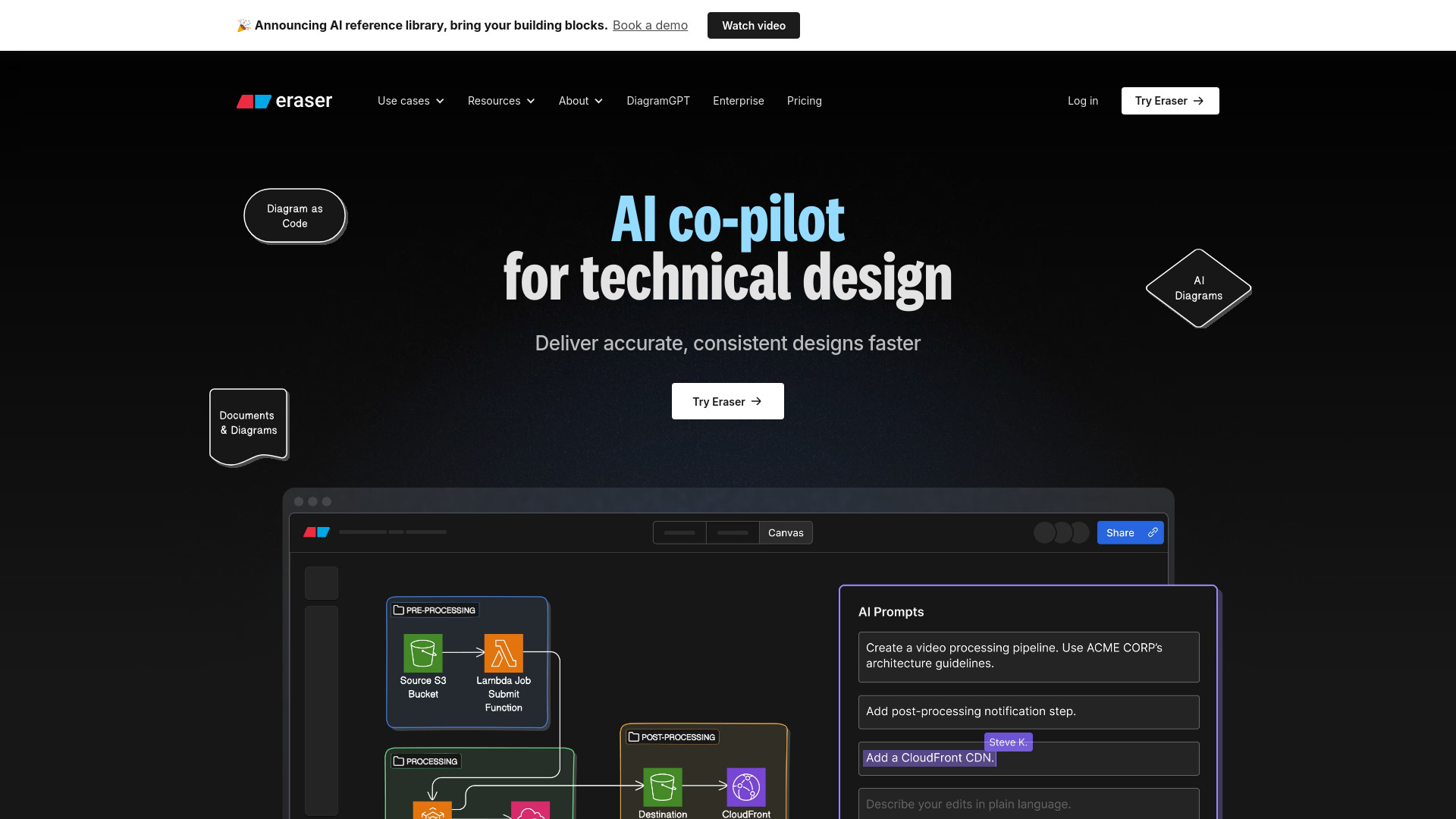
Tool Introduction:Eraser AI: co-pilot for tech diagrams and docs; syncs with GitHub, VS Code
-
Inclusion Date:Oct 21, 2025
-
Social Media & Email:
Tool Information
What is Eraser AI
Eraser AI is an AI co‑pilot for technical design and documentation that turns natural language and existing code into clear, consistent diagrams and living docs. Teams use it to produce technical diagrams, codebase diagrams, and AI‑generated documents faster, with fewer handoffs and less drift. With diagramming APIs and integrations for Confluence, Notion, VS Code, and GitHub, Eraser helps enterprise architects, DevOps, technology consultants, and software engineers standardize architecture, explain systems, and keep design artifacts in sync.
Eraser AI Main Features
- AI diagram generation: Create accurate technical diagrams from plain‑English prompts or selected code context.
- Codebase diagrams: Visualize components and relationships across a repository to clarify system structure.
- Diagramming APIs: Automate diagram creation and updates via APIs to fit documentation workflows and CI processes.
- AI documents: Produce design docs linked to diagrams so explanations and visuals stay consistent.
- Native integrations: Embed and maintain content in Confluence and Notion, and connect work in VS Code and GitHub.
- Consistency at scale: Reduce drift by regenerating diagrams and documents from current sources of truth.
Who Should Use Eraser AI
Eraser AI suits enterprise architects mapping complex systems, DevOps teams documenting environments, technology consultants preparing deliverables, and software engineers creating design docs and onboarding guides. It also helps product and platform teams align stakeholders with up‑to‑date technical diagrams and AI documents integrated into existing toolchains.
How to Use Eraser AI
- Sign up and connect relevant integrations such as Confluence, Notion, VS Code, or GitHub.
- Create a new technical diagram or AI document and define the goal (e.g., service map, data flow, component overview).
- Provide a prompt and, if needed, select repository paths or files to ground codebase diagrams.
- Review the AI draft, refine nodes and relationships, add annotations, and adjust layout.
- Link diagrams to docs or pull requests, then publish to Confluence/Notion or keep assets alongside code in GitHub.
- Use the diagramming APIs to automate recurring updates in your documentation pipeline.
Eraser AI Industry Use Cases
In software and SaaS, teams generate microservice and deployment diagrams for release planning and runbooks. Consulting firms produce client‑ready architecture visuals and AI documents to accelerate discovery and handover. Enterprise IT uses codebase diagrams to explain legacy integrations during modernization. Startups create concise design docs for onboarding and investor technical due diligence.
Eraser AI Pros and Cons
Pros:
- Speeds up creation of technical diagrams and design documentation.
- Improves consistency across diagrams and AI documents.
- Integrates with Confluence, Notion, VS Code, and GitHub for embedded workflows.
- APIs enable automation and repeatable documentation pipelines.
- Helpful for explaining complex codebases to diverse stakeholders.
Cons:
- AI‑generated outputs still require expert review for accuracy.
- Highly bespoke diagram styles may need manual adjustments.
- Value depends on access to and configuration of connected tools.
- Prompting and model guidance can introduce a short learning curve.
Eraser AI FAQs
-
How is Eraser AI different from generic diagramming tools?
It focuses on technical diagrams and AI documents, using prompts and code context to generate consistent outputs aligned with engineering workflows.
-
Does Eraser AI integrate with my existing stack?
Yes. It integrates with Confluence, Notion, VS Code, and GitHub, helping you publish, embed, and connect diagrams to everyday work.
-
Can I automate diagram updates?
Yes. The diagramming APIs let you automate creation and updates so diagrams stay aligned with current sources.
-
Who benefits most from Eraser AI?
Enterprise architects, DevOps teams, technology consultants, and software engineers who need accurate, maintainable technical diagrams and design docs.