
- Home
- AI Style Transfer
- AI Two
AI Two
Open Website-
Tool Introduction:AI Two designs interiors and exteriors with AI remodels and architecture.
-
Inclusion Date:Nov 09, 2025
-
Social Media & Email:


Tool Information
What is AI Two
AI Two is an AI-powered platform for interior and exterior house design, created to streamline remodeling and architectural ideation. It enables users to reimagine rooms, test facade updates, and explore early-stage architecture with fast, visual results. Upload photos or floor plans to generate style variations, materials, and layout suggestions, or create new architectural massing concepts. By producing photorealistic renderings and compare-ready options, AI Two helps reduce iteration time and align design decisions before construction or detailed drafting.
Main Features of AI Two
- AI Remodeling from Photos: Transform existing rooms or exteriors by uploading images and applying new styles, layouts, and finishes.
- Room Design Generator: Create interior designs with style presets, material palettes, furniture suggestions, and lighting variations.
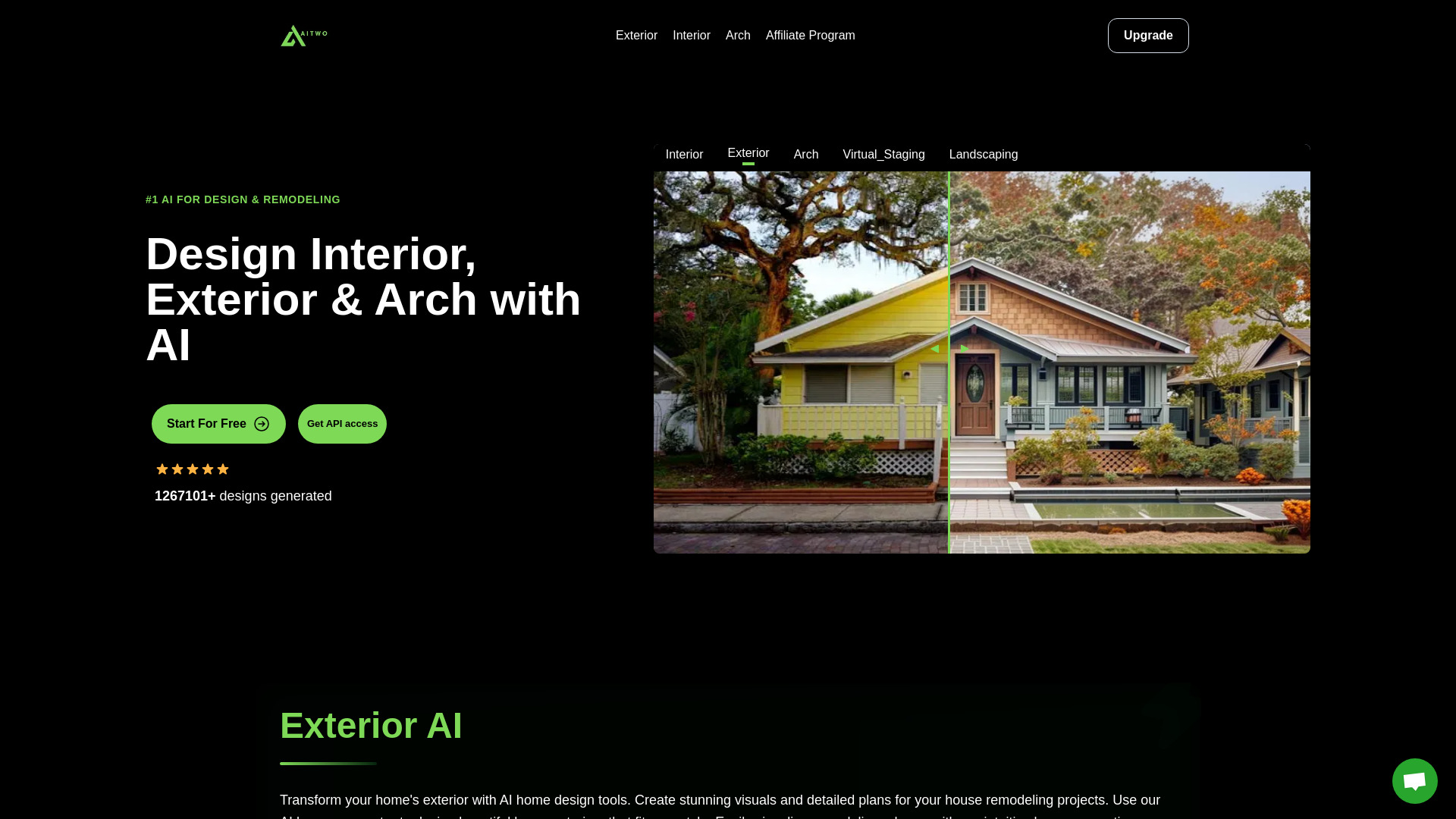
- Exterior & Facade Redesign: Test siding, roofing, windows, doors, and landscaping changes for curb-appeal concepts.
- AI Architecture Generation: Explore massing studies and early concept options to guide residential architecture planning.
- Photorealistic Renderings: Produce high-quality visuals to communicate design intent and compare alternatives.
- Constraint & Preference Controls: Set room types, budget ranges, color schemes, or keep/replace rules for targeted outputs.
- Before/After Comparisons: Review multiple variations side by side to evaluate design directions quickly.
- Export & Sharing: Download images for proposals, mood boards, or client presentations and share links with stakeholders.
Who Can Use AI Two
AI Two suits homeowners planning a remodel, interior designers seeking rapid concepts, architects exploring early-stage options, real estate agents and stagers creating marketing visuals, property developers testing exterior schemes, and contractors communicating design intent. It is also useful for content creators building mood boards, and for investors comparing renovation scenarios before committing resources.
How to Use AI Two
- Sign up and create a project for your home, room, or exterior.
- Upload a photo, set of photos, or a floor plan for context.
- Select a mode: AI Remodeling, Room Design, or AI Architecture Generation.
- Choose styles and materials, define constraints (keep fixtures, budget, color palette), and mark areas to change.
- Generate concepts and review photorealistic renderings with before/after views.
- Refine results by adjusting styles, prompts, or constraints; iterate as needed.
- Save top options, export images, and share with clients or collaborators.
- Use selected visuals to guide detailed drawings or contractor estimates.
AI Two Use Cases
Residential remodel planning: evaluate kitchen, bath, and living room redesigns before purchasing materials. Real estate marketing: create styled interior and exterior visuals to showcase property potential. Architecture concepting: generate massing and facade ideas for single-family homes. Construction and contracting: communicate design intent and align with clients on finishes. Property development and flipping: compare renovation scenarios to estimate ROI. Hospitality and retail: test interior themes across multiple locations.
Pros and Cons of AI Two
Pros:
- Fast concept generation for interior and exterior design.
- Photorealistic renderings that improve client communication.
- Flexible style presets and material options for varied aesthetics.
- Useful before/after comparisons and multi-variation exploration.
- Helps align decisions early, reducing costly late-stage changes.
Cons:
- Does not replace licensed architects or code-compliant construction documents.
- Accuracy depends on input image quality and the clarity of constraints.
- May require additional tools for CAD/BIM workflows and detailed specs.
- High-resolution renders or many iterations may consume more credits/time.
FAQs about AI Two
-
Does AI Two replace an architect or interior designer?
No. It accelerates visualization and ideation but does not produce permit-ready drawings or ensure code compliance.
-
Can I use AI Two for exterior house design?
Yes. It supports facade redesign, materials, windows, doors, roofing, and landscaping concepts.
-
What inputs work best?
Clear, well-lit photos or floor plans with visible dimensions and minimal clutter produce more reliable results.
-
Can I keep certain elements while remodeling?
You can set constraints to retain fixtures or key features and target only specific areas for change.
-
Are the outputs usable for client presentations?
Yes. You can export photorealistic images for proposals, mood boards, and stakeholder reviews.