
Readable
Open Website-
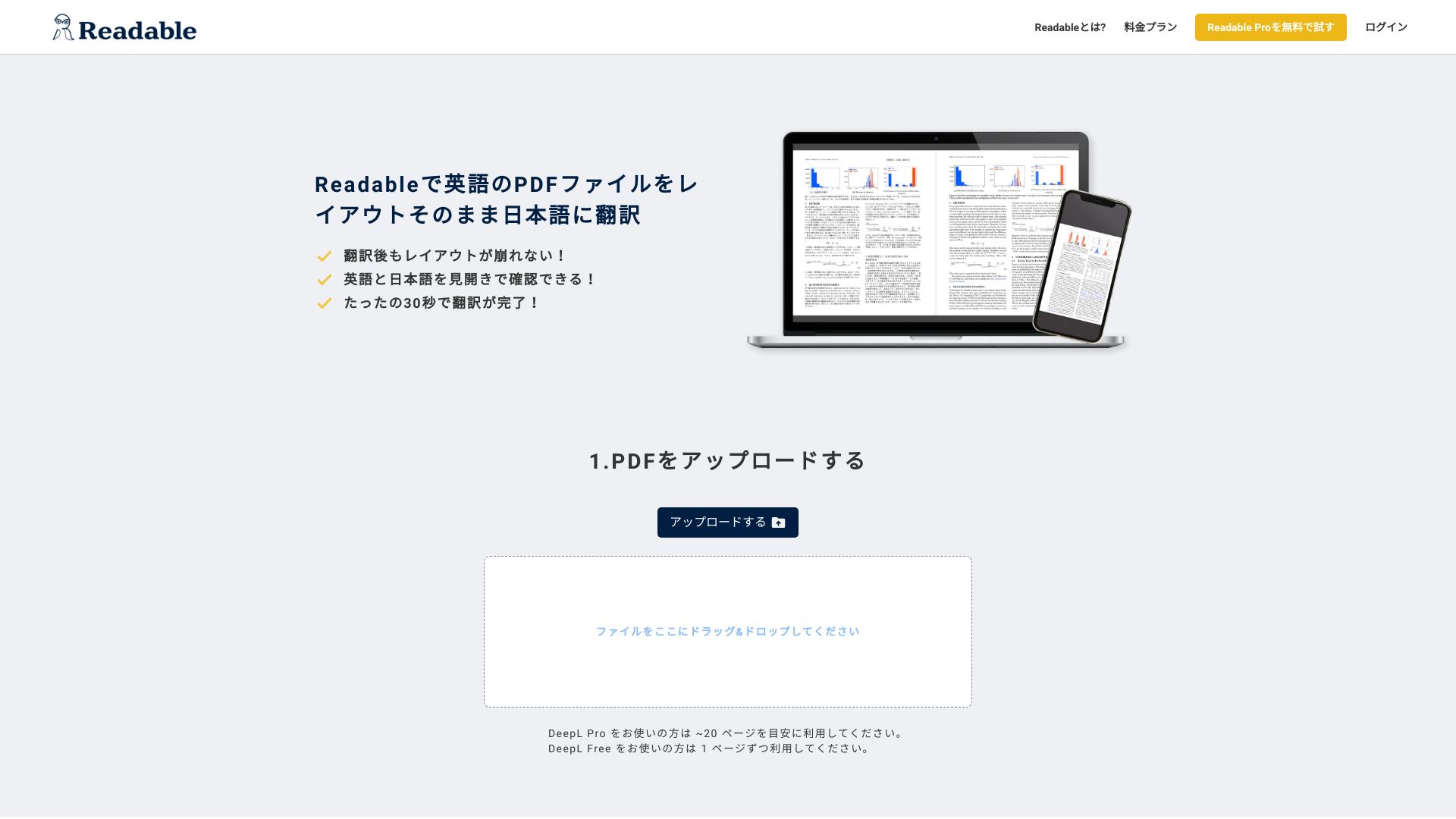
Tool Introduction:Translate English PDFs to Japanese with layout intact, side‑by‑side view.
-
Inclusion Date:Nov 08, 2025
-
Social Media & Email:

Tool Information
What is Readable AI
Readable AI is an AI-powered PDF translation tool that instantly converts English documents into Japanese while preserving the original layout, fonts, and spacing. Built for reading research papers, manuals, and technical specifications, it delivers fast, context-aware results in a side-by-side viewer that aligns the source with the translation. Upload a PDF and receive a mirrored version where tables, figures, and footnotes stay in place, so you can skim, compare, and verify terms without copy-and-paste. By keeping structure intact, Readable AI shortens the path from download to understanding.
Main Features of Readable AI
- Layout-preserving translation: Maintains fonts, columns, tables, figures, and captions for a faithful, print-ready result.
- Side-by-side bilingual view: Compare English and Japanese on the same page with synchronized page navigation and zoom.
- Fast processing: Quickly translates long PDFs such as academic papers and product specifications.
- Simple workflow: Drag-and-drop upload and one-click translate with minimal setup.
- Page-aware navigation: Jump between sections, figures, and references without losing context.
- Downloadable output: Export the translated PDF for offline reading, sharing, or printing.
Who Can Use Readable AI
Readable AI suits students and researchers who need English-to-Japanese PDF translation for journals and conference papers, as well as engineers, QA teams, and product managers reviewing datasheets, specifications, and manuals. It also helps procurement and compliance teams compare supplier documentation, and supports translators or editors who want a first-pass draft before human refinement.
How to Use Readable AI
- Open Readable AI and sign in if required.
- Upload your English PDF via drag-and-drop or the file picker.
- Select the source language (English) and target language (Japanese).
- Start the translation and wait for processing to complete.
- Review in the side-by-side viewer, navigating pages and adjusting zoom as needed.
- Download the translated PDF or save it to your account for later reading.
Readable AI Use Cases
Academia uses Readable AI to study journals, theses, and conference papers in Japanese without losing formatting. Manufacturing and electronics teams translate datasheets, BOM notes, and compliance specs. Software and IT professionals review white papers and API documentation. Healthcare and biotech groups read device instructions and protocols, while automotive and industrial teams consult standards and safety manuals in a layout-preserving, bilingual view.
Readable AI Pricing
Readable AI’s pricing typically follows a tiered model based on usage limits such as pages or documents, with options to test the workflow before upgrading. For the most accurate and up-to-date plan details, including any free tier or trial availability, please refer to the official Readable AI website.
Pros and Cons of Readable AI
Pros:
- Preserves original PDF layout, including tables and figures.
- Side-by-side English–Japanese viewing improves comprehension and verification.
- Fast turnaround suitable for long, technical documents.
- Easy, low-friction workflow with drag-and-drop upload.
- Downloadable, print-ready translated PDFs.
Cons:
- Translation quality can vary by domain and terminology; human review may be needed.
- Very complex or nonstandard layouts may require manual checking.
- May have limits on file size, page count, or usage depending on plan.
- Works best with digital PDFs; scanned documents may be less reliable without OCR.
- Internet connection required for upload and processing.
FAQs about Readable AI
-
Does Readable AI preserve the original PDF layout?
Yes. It aims to maintain fonts, columns, tables, figures, and page structure for a layout-matched translation.
-
Can it translate scanned PDFs?
It works best with digital PDFs. Results on scanned files depend on text quality and may require OCR.
-
Is English-to-Japanese the main language pair?
Readable AI is optimized for translating English PDFs into Japanese. Check the official site for any additional language support.
-
Can I download the translated file?
Yes. You can export the translated PDF for offline reading or sharing.
-
Is it suitable for technical documents and specifications?
Yes. Its layout-preserving approach helps keep tables, figures, and references aligned, which is valuable for technical reading.