
- Home
- AI Design Generator
- Infografix
Infografix
Open Website-
Tool Introduction:Free AI infographics: templates, no design needed, share fast.
-
Inclusion Date:Nov 10, 2025
-
Social Media & Email:


Tool Information
What is Infografix AI
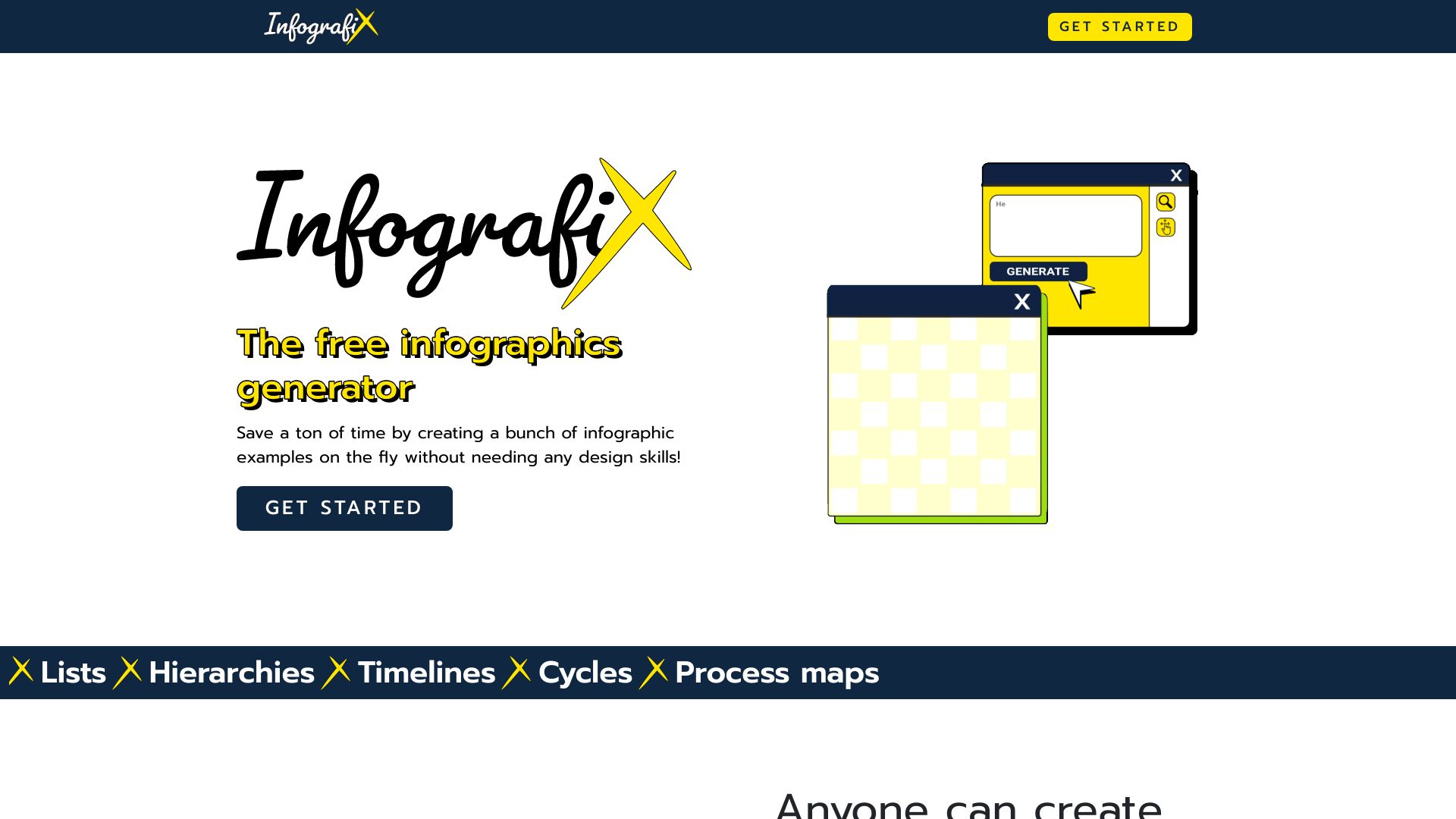
Infografix AI is a free infographic generator that uses artificial intelligence to turn ideas into clear, compelling visuals in minutes. It provides ready-made templates for timelines, hierarchies, process maps, comparisons, and more, plus AI-generated content suggestions to help you structure copy and data. With simple on-canvas editing, customizable color palettes, and font styles, you can quickly align designs with your brand. When your infographic is ready, publish it straight to social media to share insights, announcements, or reports—no design experience required.
Main Features of Infografix AI
- AI-powered content suggestions: Generate titles, section text, and captions to speed up infographic creation.
- Diverse templates: Start fast with layouts for timelines, hierarchy charts, process maps, comparisons, and list infographics.
- On-canvas editing: Drag, resize, and edit elements directly on the canvas for quick, visual adjustments.
- Brand customization: Apply color palettes and font styles to maintain brand consistency across designs.
- Layout guidance: Smart prompts help organize information for readability and visual hierarchy.
- Social media publishing: Post infographics directly to social platforms to accelerate content distribution.
- Template personalization: Swap sections, reorder steps, and tweak shapes to fit your story without starting from scratch.
Who Can Use Infografix AI
Infografix AI suits marketers, social media managers, educators, students, startup founders, product managers, HR teams, and nonprofits. Use it to visualize product roadmaps, onboarding processes, lesson summaries, campaign timelines, event schedules, feature hierarchies, or data-driven highlights—any time you need a clear, shareable infographic without hiring a designer.
How to Use Infografix AI
- Sign up or log in and choose an infographic type such as a timeline, process map, or hierarchy chart.
- Select a template to match your goal and audience.
- Enter your topic or key points and use the AI suggestions to shape headlines, steps, and descriptions.
- Edit on the canvas: adjust sections, reorder steps, and refine text for clarity.
- Customize colors and fonts to align with your brand or campaign style.
- Preview your design, make final tweaks, then publish directly to social media or save it for later updates.
Infografix AI Use Cases
Marketing teams create campaign timelines and comparison infographics for social posts. Educators design lesson overviews, study guides, and process diagrams for classroom or LMS use. Product teams map feature hierarchies and user flows for stakeholder updates. HR shares onboarding processes and policy summaries. Nonprofits visualize impact reports and event schedules to engage supporters on social media.
Infografix AI Pricing
Infografix AI is available as a free infographic generator. You can create and publish infographics without design software or extra costs. For the latest details on plan limits or any additional offerings, check the platform’s pricing or account page.
Pros and Cons of Infografix AI
Pros:
- Free, fast infographic creation with AI content suggestions.
- Wide range of templates for timelines, hierarchies, and processes.
- Easy on-canvas editing with brand-ready color and font controls.
- Direct social media publishing for rapid distribution.
- Reduces dependency on advanced design skills or tools.
Cons:
- Template-driven designs may feel less unique for highly custom projects.
- May not replace professional design software for complex layouts.
- Requires an internet connection to use AI and publish features.
FAQs about Infografix AI
-
Is Infografix AI free?
Yes. It provides a free way to create and publish infographics.
-
Do I need design experience?
No. Templates, AI suggestions, and on-canvas editing make the process straightforward.
-
What types of infographics can I create?
Timelines, hierarchy charts, process maps, comparisons, and list-style infographics are supported.
-
Can I customize colors and fonts?
Yes. You can apply color palettes and font styles to match your brand or campaign.
-
Can I post directly to social media?
Yes. You can publish infographics straight from the platform to your social channels.