
- Home
- AI Writing Assistants
- AI PoweredTemplate
AI PoweredTemplate
Open Website-
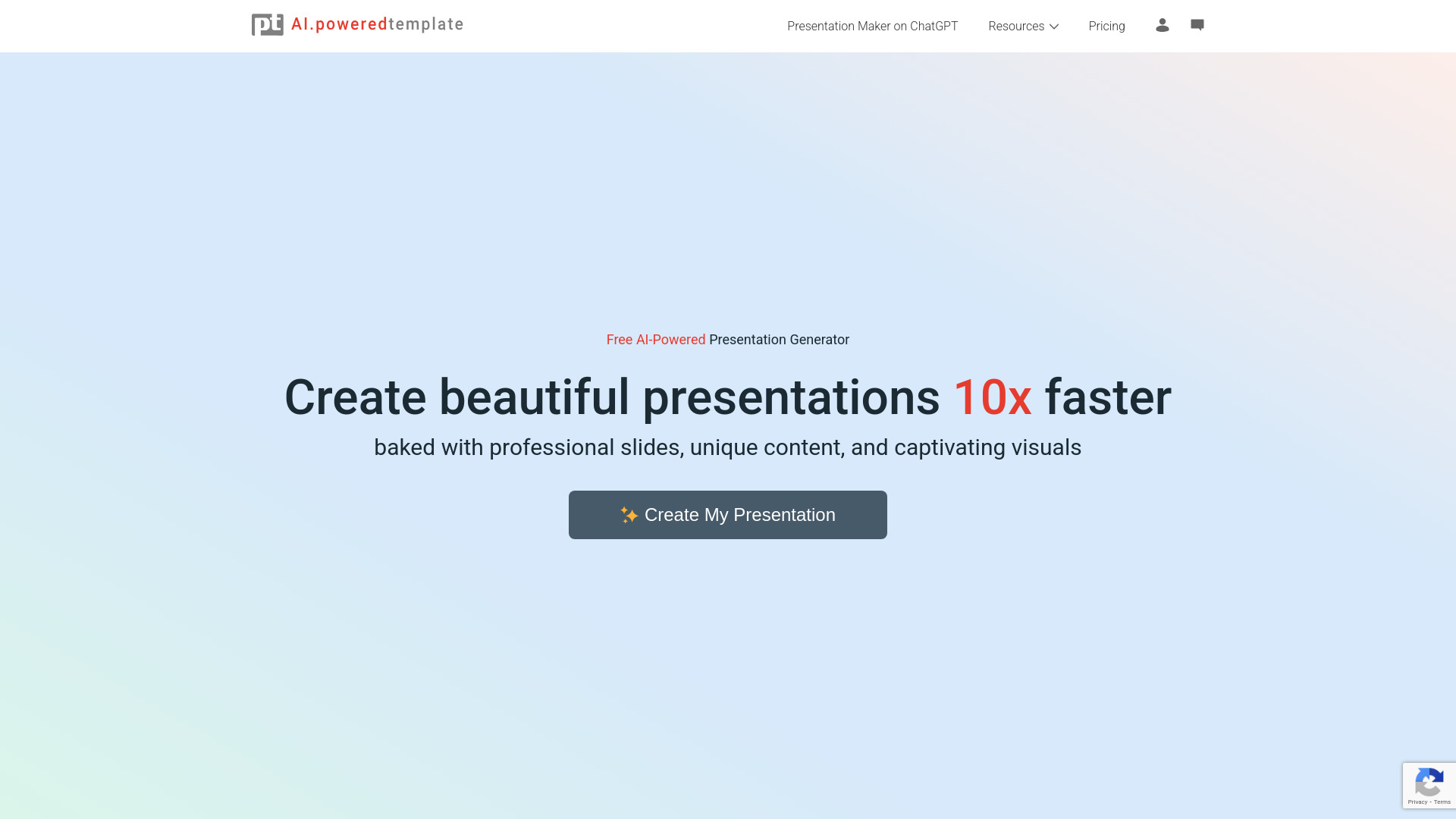
Tool Introduction:AI PoweredTemplate offers an intuitive platform for quick, professional presentations using AI to generate customized slides based on your topic and audience.
-
Inclusion Date:Dec 01, 2025
-
Social Media & Email:


Tool Information
What is AI PoweredTemplate
AI PoweredTemplate is an innovative online tool designed to streamline the presentation-making process. Utilizing advanced artificial intelligence, this application generates professional-quality slides based on user-defined parameters including the presentation topic, target audience, and specific objectives. This allows users to save valuable time while ensuring that their presentations are both visually appealing and informative. Furthermore, AI PoweredTemplate offers various customization options, enabling users to tailor the generated content to meet their needs. With downloads available in popular formats such as PowerPoint and Google Slides, this tool brings flexibility and efficiency to anyone looking to create captivating presentations.
Main Features of AI PoweredTemplate
- AI-Driven Slide Generation: Automatically creates slides based on user input, making the presentation process faster and more efficient.
- Customizable Templates: Offers a variety of design templates that can be easily adjusted to suit individual preferences and branding requirements.
- Multiple Export Formats: Allows users to download presentations in several formats, including PowerPoint and Google Slides, catering to various usage scenarios.
- User-Friendly Interface: Designed with ease of use in mind, making it accessible for both novices and experienced users.
Who Can Use AI PoweredTemplate
AI PoweredTemplate is ideal for a wide range of users, including business professionals, educators, and students. Business executives can leverage the tool for creating impactful client presentations, while teachers can design engaging class lectures. Students can also benefit from the convenience of generating project presentations efficiently, allowing them to focus on content rather than formatting.
How to Use AI PoweredTemplate
- Visit the AI PoweredTemplate website and sign up for an account or log in if you already have one.
- Choose a presentation type by inputting your desired topic, audience, and purpose into the platform.
- Select a template that best fits your style and start generating your slides.
- Review the created slides and make any necessary customizations to text, images, and formatting.
- Once satisfied, download your presentation in your preferred format, such as PowerPoint or Google Slides.
AI PoweredTemplate Use Cases
In real-world applications, AI PoweredTemplate is utilized across various industries. Corporate teams often rely on the tool for crafting presentations for sales pitches and stakeholder meetings. Educators use it to develop well-structured lectures that enhance student engagement. Additionally, marketers find value in creating promotional presentations that effectively communicate key messages. Overall, its versatility caters to numerous professional fields.
AI PoweredTemplate Pricing
AI PoweredTemplate operates on a subscription-based pricing model, offering different tiers to accommodate varying user needs. There is typically a free trial available, allowing potential users to explore features before committing to a plan. Paid subscriptions provide enhanced functionalities and priority support.
Pros and Cons of AI PoweredTemplate
Pros:
- Time-saving slide generation through AI technology.
- Wide range of customizable templates to fit different themes.
- User-friendly interface increases accessibility for all skill levels.
Cons:
- Quality of the generated content may vary based on input specifics.
- Some users might find advanced customization options limited.
FAQs about AI PoweredTemplate
Question 1: Can I use AI PoweredTemplate offline?
Currently, AI PoweredTemplate requires an internet connection to function since it is a web-based application.