
- Home
- AI Image Generator
- EaseUS
EaseUS
Open Website-
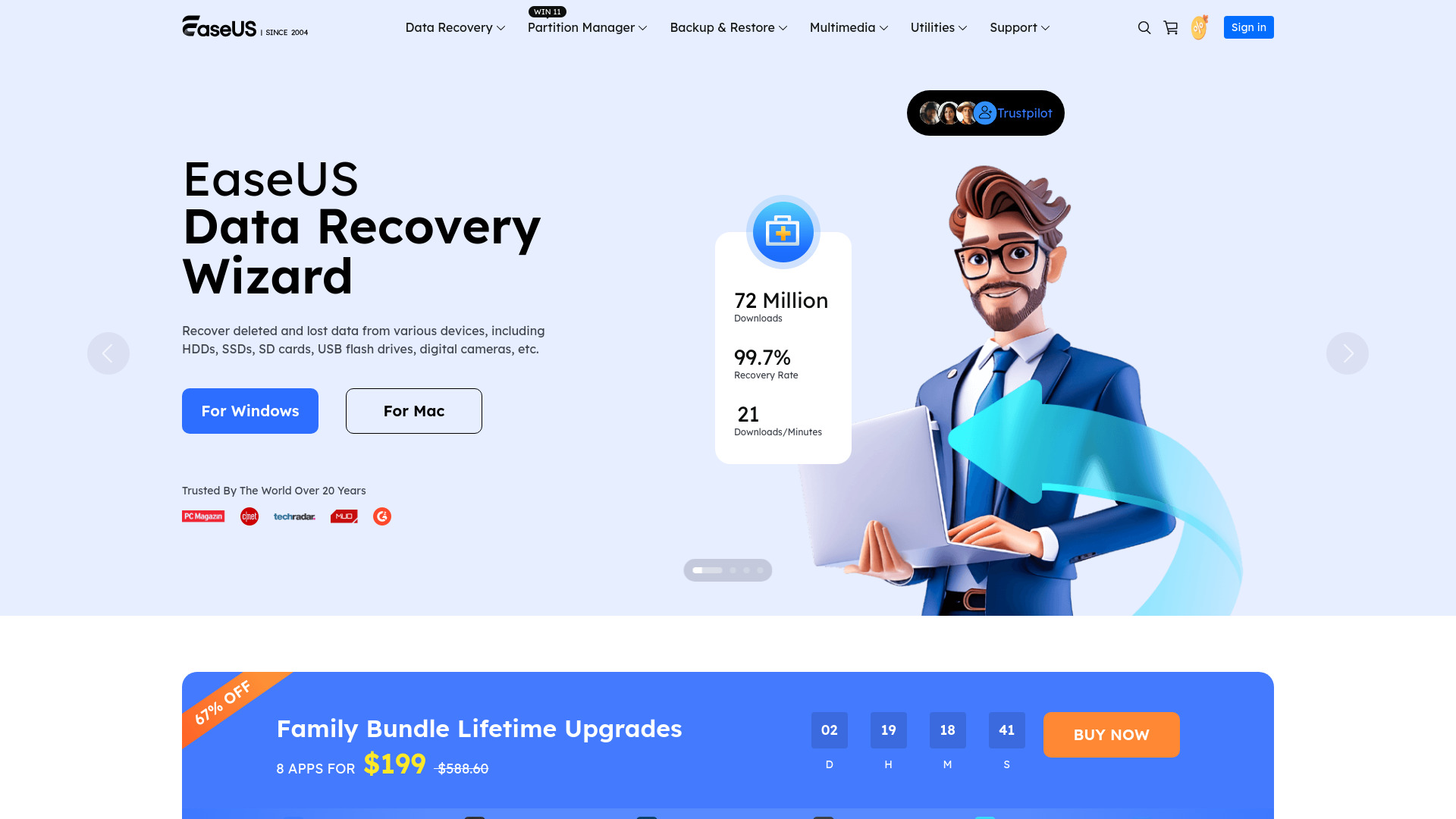
Tool Introduction:AI data recovery, backup & partition suite by EaseUS. Official store.
-
Inclusion Date:Oct 21, 2025
-
Social Media & Email:


Tool Information
What is EaseUS AI
EaseUS AI is the intelligence layer integrated across the EaseUS software suite—covering data recovery, backup, partition management, data transfer, and media tools—to improve accuracy and speed. It adds content-aware analysis, smarter ranking, and guided suggestions so you can locate lost files faster, plan safer backups, optimize disk layouts, streamline PC migration, and enhance recordings and videos. Built into familiar EaseUS apps and available via the EaseUS Store Center, it elevates productivity while keeping workflows simple and consistent.
EaseUS AI Main Features
- AI-assisted data recovery: Prioritizes likely recoverable files and groups results by type, time, and relevance to reduce manual sifting.
- Content-aware previews and repair hints: Helps verify recoverability and suggests next steps before you commit to restore.
- Smart backup planning: Recommends schedules, retention, and exclusions based on file change patterns to balance safety and storage.
- Disk and partition insights: Highlights space usage trends and offers guided partition suggestions for safer resizing and migration.
- Migration mapping: Assists with app/file transfer plans to minimize downtime when moving to a new drive or PC.
- Media enhancement: Improves audio clarity, reduces noise, and aids caption generation in the video editor and screen recorder.
- Natural-language guidance: Offers step-by-step tips inside workflows to shorten learning curves and avoid common errors.
- Unified experience: Consistent AI prompts and insights across EaseUS products streamline daily operations.
Who Should Use EaseUS AI
EaseUS AI suits IT professionals, small businesses, creators, educators, and home users who need reliable data recovery software, efficient backup software, a safe partition manager, frictionless data transfer, and practical video editing and recording. It is ideal for teams seeking faster troubleshooting, reduced manual effort, and clear guidance during critical operations like recovery, migration, or disk resizing.
How to Use EaseUS AI
- Choose the relevant EaseUS product (Data Recovery, Backup, Partition Manager, Data Transfer, Video Editor/Recorder).
- Install and open the app, then enable available AI options or tips in Settings if they are not on by default.
- Start your task (scan a drive, set a backup, resize a partition, migrate data, or edit media).
- Use AI recommendations to refine scope, prioritize targets, preview results, and avoid risky operations.
- Review suggested actions, confirm changes, and validate outcomes with built-in previews or verification checks.
- Purchase or upgrade licenses through the EaseUS Store Center as needed to unlock advanced features.
EaseUS AI Industry Use Cases
An MSP restores accidentally deleted project assets faster by using AI-ranked recovery results and content-aware previews. An e-commerce team migrates to a larger SSD with AI-guided partition sizing to preserve performance and reduce downtime. A marketing group cleans webinar audio, auto-generates captions, and trims clips in the editor to accelerate content delivery. A school IT admin plans smarter backups based on change patterns, cutting storage use while safeguarding endpoints.
EaseUS AI Pricing Model
Pricing depends on the specific EaseUS product and edition. Many tools offer free trials or limited free versions to evaluate core features before purchase. Licenses are available online through the EaseUS Store Center, where you can compare plans and upgrade to access advanced capabilities powered by EaseUS AI.
EaseUS AI Pros and Cons
Pros:
- Speeds up recovery, backup, and migration with context-aware guidance.
- Improves result quality through relevance ranking and smarter previews.
- Reduces manual effort and common mistakes in complex disk operations.
- Enhances recorded audio/video for clearer, more usable output.
- Consistent AI experience across multiple EaseUS utilities.
Cons:
- AI suggestions may require expert review in high-stakes scenarios.
- Outcomes depend on data condition; severely damaged media can limit results.
- Some advanced capabilities may require a paid license.
- Certain features can vary by product version and platform.
EaseUS AI FAQs
-
Does EaseUS AI replace manual recovery or backup planning?
No. It accelerates and guides the process, but expert review remains important for critical decisions.
-
Is there a free trial?
Many EaseUS products provide trials or free editions. Check the EaseUS Store Center for current options.
-
Can I disable AI features?
AI-driven tips and recommendations can typically be adjusted or toggled in product settings.
-
Which platforms are supported?
Platform support depends on the specific EaseUS product. Review the product’s system requirements before installation.
-
Where do I purchase or upgrade?
Visit the EaseUS Store Center to compare editions and buy licenses for Data Recovery, Backup, Partition Manager, and more.