
- Home
- AI Voice Changer
- Applio
Applio
Open Website-
Tool Introduction:VITS-powered voice conversion for Windows: simple, high quality, fast.
-
Inclusion Date:Nov 09, 2025
-
Social Media & Email:

Tool Information
What is Applio AI
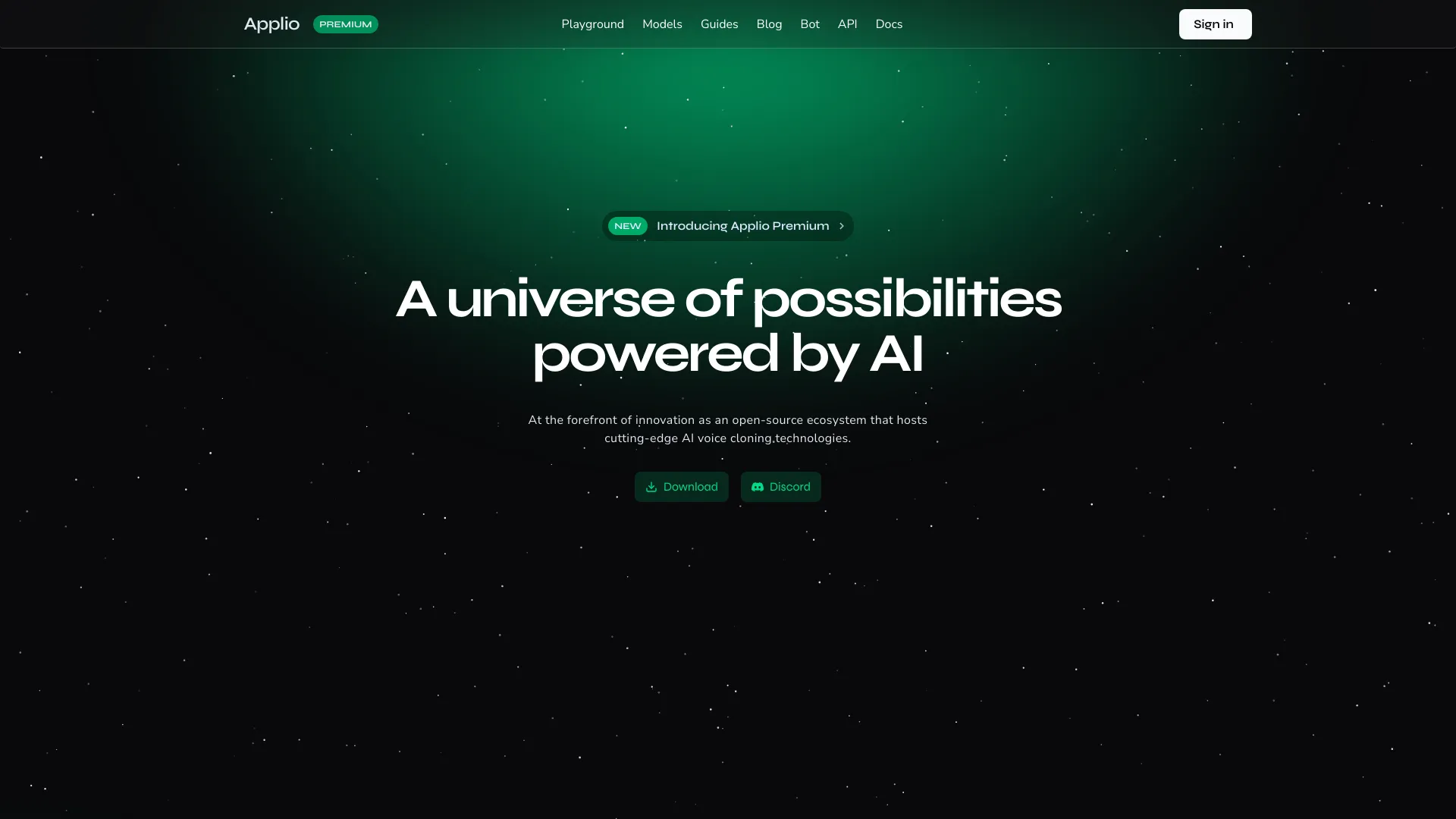
Applio AI is a VITS-based voice conversion application designed to transform one speaker’s voice into another while preserving natural tone and expressiveness. Built around simplicity, quality, and performance, it delivers an intuitive Windows desktop experience with minimal setup and fast processing. Users can import voice models, refine input audio, and adjust conversion controls to achieve clear, consistent results. Currently in closed alpha for Windows, Applio AI emphasizes reliable, local voice conversion that fits streaming, dubbing, and content production workflows without a steep learning curve.
Main Features of Applio AI
- VITS-powered conversion: High-quality timbre transfer for natural-sounding results.
- Simple Windows interface: Clean, guided workflow that minimizes configuration overhead.
- Performance-focused processing: Fast inference tuned for modern Windows PCs.
- Model management: Import and organize voice models for different speakers or styles.
- Audio preprocessing: Tools to clean input (e.g., trim and level) for better output quality.
- Adjustable controls: Fine-tune conversion strength, pitch, and other parameters.
- Preview and export: Check results before exporting for editing, dubbing, or publishing.
- Local workflow: On-device processing to maintain control over your audio assets.
Who Can Use Applio AI
Applio AI suits creators and teams who need fast, high-quality voice conversion on Windows. Typical users include streamers and VTubers seeking consistent vocal personas, video editors producing voice-overs or dubs, podcasters refining narration, game developers prototyping character voices, and educators or researchers exploring speech synthesis and voice style transfer in a practical, approachable tool.
How to Use Applio AI
- Request access to the closed alpha and download the Windows build once approved.
- Install the application and complete any prompted setup steps.
- Open Applio AI, then import or select the desired voice model.
- Load your source audio or record a sample directly within your preferred workflow.
- Adjust conversion settings (e.g., strength and pitch) to match your target style.
- Preview the output, refine parameters if needed, and recheck the result.
- Export the converted audio for editing, dubbing, streaming, or publishing.
Applio AI Use Cases
Creators use Applio AI for content dubbing on YouTube and TikTok, maintaining a branded voice for livestreams, producing character voices for indie games, refining narration for podcasts and documentaries, and accelerating localization workflows by converting guide tracks into target speaker styles before final studio recording.
Pros and Cons of Applio AI
Pros:
- High-quality VITS voice conversion with natural timbre preservation.
- Streamlined Windows UI and minimal setup.
- Fast processing optimized for modern hardware.
- Local, on-device workflow supports privacy and control.
- Useful for streaming, dubbing, and content production.
Cons:
- Closed alpha access limits availability and features may change.
- Windows-only environment at this stage.
- Best performance may require a capable GPU.
- Early builds can include bugs or incomplete documentation.
- Users must manage voice rights and consent for ethical, legal use.
FAQs about Applio AI
-
Is Applio AI suitable for real-time use?
It focuses on quality and performance with responsive processing; practical latency depends on your hardware and workflow.
-
Does Applio AI work offline?
Processing runs locally on Windows; online access may be required for updates or obtaining models during the alpha phase.
-
What hardware works best?
A modern Windows PC with a compatible GPU typically delivers smoother, faster inference.
-
How do I join the closed alpha?
Apply through the official Applio AI channels; access is limited and not guaranteed during the testing phase.