
- Home
- AI Audio Editing
- Revocalize AI
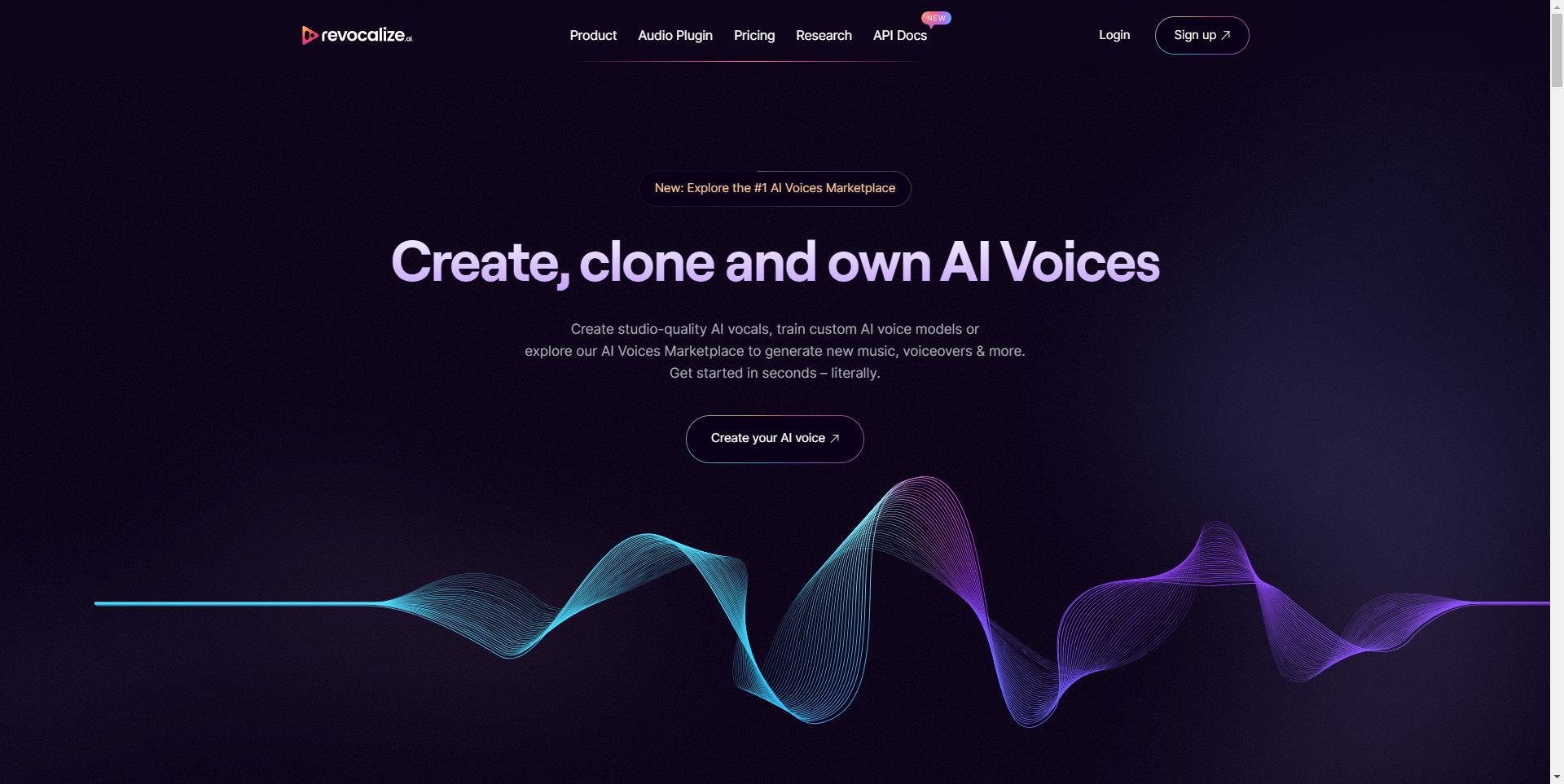
Revocalize AI
Open Website-
Tool Introduction:Create studio-grade AI voices, train custom models, and monetize.
-
Inclusion Date:Nov 10, 2025
-
Social Media & Email:


Tool Information
What is Revocalize AI
Revocalize AI is an AI voice platform for creating studio-quality voices, training custom AI voice models, and discovering talent through an AI Voices Marketplace. It combines voice generation, transformation, and beautification so creators can shape timbre, pitch, and style with fine control. Musicians, engineers, and artists can turn text or reference vocals into natural performances, refine them with enhancement tools, and export polished audio for songs, demos, ads, podcasts, and games. The marketplace also enables licensing and monetization with transparent creator controls.
Main Features of Revocalize AI
- Custom voice model training: Fine-tune custom AI voice models from clean, consented recordings to capture a unique tone and performance style.
- AI voice generation: Convert text to natural vocals or use voice-to-voice transformation to re-render performances with different timbres and emotions.
- Voice beautification: Enhance clarity, warmth, and presence with intelligent enhancement tools designed for studio-quality results.
- AI Voices Marketplace: Explore, license, and monetize voices; discover curated models for quick production workflows.
- Style and performance control: Adjust pitch, intensity, pacing, and expressiveness for precise vocal direction.
- Batch rendering & versioning: Generate multiple takes, compare variations, and manage projects efficiently.
- High-quality export: Render and export audio in common formats for seamless use in DAWs and post-production.
- Rights-aware creation: Tools and guidance that support ethical, rights-respecting voice model training and use.
Who Can Use Revocalize AI
Revocalize AI suits musicians, producers, and audio engineers crafting demo vocals, hooks, and harmonies; voice artists developing branded voices; content creators and podcasters seeking consistent narration; advertisers testing multiple voice directions; and indie game or film teams prototyping character dialogue. It also benefits educators and researchers exploring AI voice generation and sonic design.
How to Use Revocalize AI
- Sign up and create a project in the Revocalize AI dashboard.
- Choose a voice from the AI Voices Marketplace or start a custom model training workflow.
- Prepare and upload clean, consented recordings; follow dataset guidelines for best results.
- Configure training options and initiate model training; review quality checkpoints.
- Enter text or upload a reference vocal to generate or transform a performance.
- Use beautification and style controls to refine timbre, emotion, and pacing.
- Preview, compare takes, and iterate until the vocal fits your mix.
- Export high-quality audio for your DAW, or publish the model to the Marketplace with licensing settings.
Revocalize AI Use Cases
In music production, creators generate demo vocals, background harmonies, and alternate artist styles without extra studio time. Post-production teams craft clear narration or ADR-like lines quickly. Advertising agencies test multiple voice tones for campaigns. Podcasters maintain a consistent brand voice across episodes. Game and indie film studios prototype character voices and iterate dialogue rapidly before final casting.
Pros and Cons of Revocalize AI
Pros:
- Studio-quality AI voice generation with detailed style controls.
- Train custom AI voice models tailored to unique creative needs.
- Marketplace enables discovery, licensing, and monetization.
- Efficient workflow with previews, batch rendering, and version management.
- Exports compatible with standard DAW pipelines.
Cons:
- High-quality results require clean datasets and proper rights clearance.
- Training and long renders may be resource-intensive and take time.
- Ethical and legal compliance remains the user’s responsibility.
- Some users may face a learning curve with parameter tuning and mixing.
FAQs about Revocalize AI
-
Can I train my own voice model?
Yes. Provide clean, consented recordings and follow dataset guidelines to train a custom AI voice model.
-
Does it support both text-to-speech and voice transformation?
Revocalize AI supports generating vocals from text and transforming reference vocals into new styles or timbres.
-
Can I use the output commercially?
Commercial use is possible; ensure you comply with licensing terms and have rights to any training data you use.
-
How do I use the AI Voices Marketplace?
Browse available voices, review licensing details, and select a model; creators can also list their models for monetization.
-
Is it compatible with my DAW?
You can export in standard audio formats and import the files into most digital audio workstations.