
- Home
- Text to Image
- SoulGen
SoulGen
Open Website-
Tool Introduction:SoulGen: anime/real soulmates from text/tags; edit, face swap, video.
-
Inclusion Date:Nov 10, 2025
-
Social Media & Email:


Tool Information
What is SoulGen AI
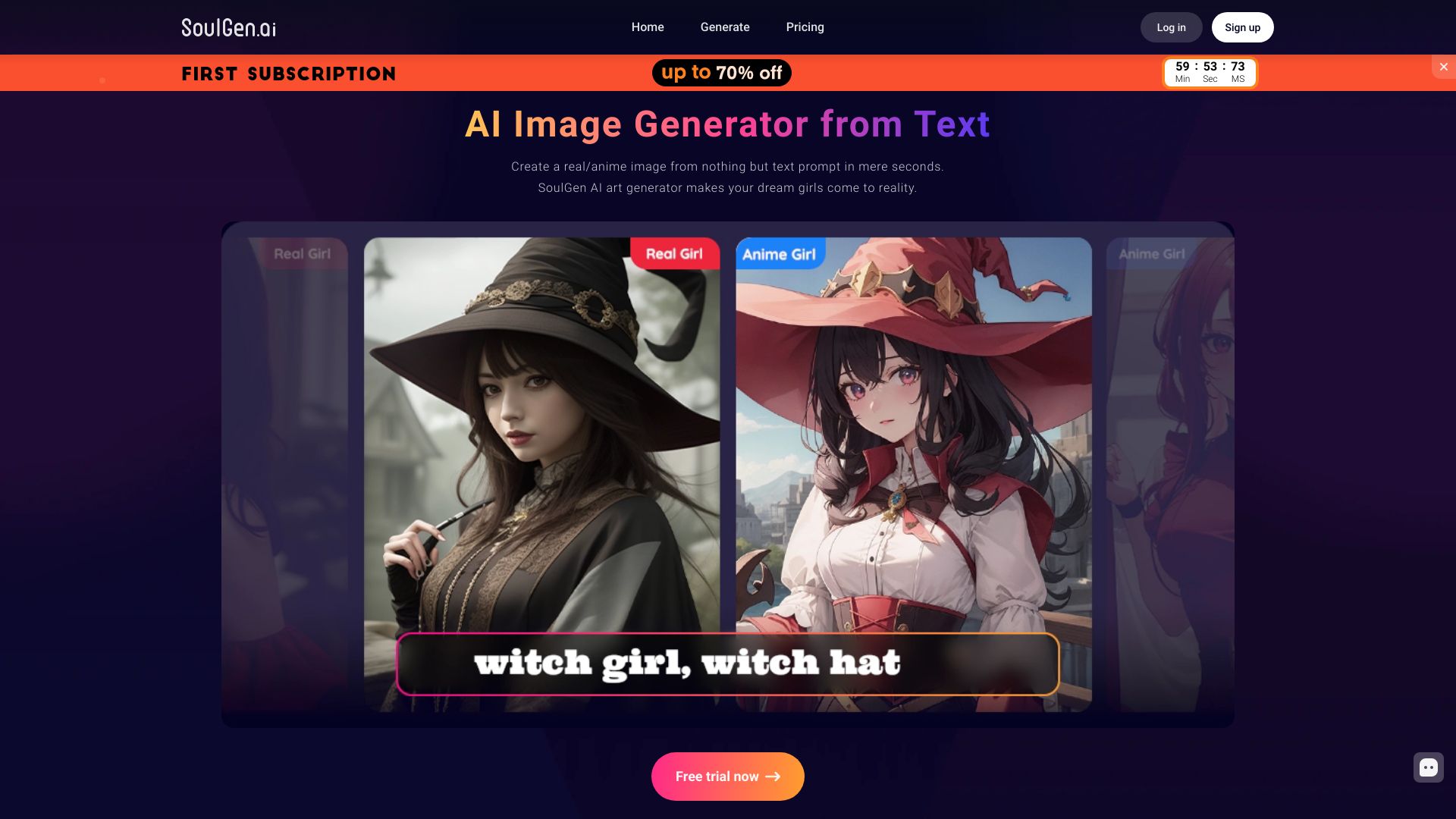
SoulGen AI is an AI-based soulmate generator that creates character images from natural language prompts and tags. It specializes in both anime-style and photorealistic female portraits, giving you precise control over appearance, pose, and style. Beyond text-to-image generation, its AI Magic Tools let you edit and extend images, swap faces with consented references, generate short videos, and chat with an AI for prompt ideas. Designed for creators and hobbyists, SoulGen AI streamlines concepting, avatar design, and visual content production in a fast, browser-based workflow.
Main Features of SoulGen AI
- Text-to-Image Generation: Turn prompts and tags into anime or photorealistic portraits with fine-grained control over style and attributes.
- AI Magic Tools: Edit, retouch, enhance, and outpaint (extend) images to reframe or add background details.
- Face Swap (consent-based): Swap faces using approved reference images for ethical, controlled transformations.
- Video Generation: Create short AI-generated clips from images or prompts for teasers and social posts.
- Prompt & Tag System: Use descriptors, styles, and metadata to guide composition, lighting, and aesthetics.
- Reference/Image-to-Image: Upload an image to match pose, framing, or style while iterating.
- Upscaling & Refinement: Improve clarity, resolve artifacts, and export higher-resolution results.
- AI Chat Assistance: Get prompt suggestions, variations, and troubleshooting tips directly in the app.
Who Can Use SoulGen AI
SoulGen AI suits digital artists, VTubers, streamers, indie game developers, writers, and marketers who need fast character concepts, avatars, thumbnails, and social visuals. Hobbyists can design original characters or portraits without advanced design skills. Educators and researchers can explore generative art workflows. Always follow platform policies, obtain consent for face swaps, and respect intellectual property and privacy.
How to Use SoulGen AI
- Sign up and open the generator in your browser.
- Select a mode: Anime or Real (photorealistic).
- Enter a clear prompt and tags (style, lighting, pose, mood, outfit, background).
- Adjust settings such as guidance strength, number of images, and resolution if available.
- Optionally upload a reference image to guide pose or style.
- Click Generate and review the results; pick your favorites.
- Use AI Magic Tools to edit, outpaint, swap faces (with consent), or create a short video.
- Upscale and refine, then download or save to your gallery.
SoulGen AI Use Cases
Creators use SoulGen AI for character design and concept art, profile pictures and streaming avatars, social media thumbnails, book and visual novel mockups, cosplay planning, and promotional imagery. Marketing teams produce quick lookalikes for A/B testing styles, while indie studios generate style frames or storyboards. Short video generation helps make teasers and loops for TikTok, YouTube Shorts, and Reels.
SoulGen AI Pricing
SoulGen AI typically offers a free tier or trial with limited generations, alongside paid options such as credit packs or subscriptions that unlock higher resolution, priority processing, and advanced tools like face swap or video generation. Availability and limits can change; check the official pricing page in-app for current plans and features.
Pros and Cons of SoulGen AI
Pros:
- Fast, high-quality text-to-image for both anime and photorealistic portraits.
- Comprehensive toolkit: editing, outpainting, face swap, and video generation.
- Granular control via prompts, tags, and reference images.
- Web-based, no complex setup; AI chat helps with prompt crafting.
- Upscaling and refinement reduce artifacts and improve detail.
Cons:
- Results vary with prompt quality; learning curve for precise control.
- Face swap and uploads require careful consent and privacy considerations.
- Free usage may be limited by credits, watermarks, or resolution caps.
- Photorealism can struggle with complex hands, accessories, or intricate backgrounds.
- Video outputs are typically short and may need additional editing elsewhere.
FAQs about SoulGen AI
-
Does SoulGen AI have a free plan?
It commonly provides a free tier or trial with limited generations; details vary by time and region.
-
Can I use generated images commercially?
Usage rights depend on your plan and the service’s terms. Review the license in the app before commercial use.
-
How do I get better results?
Use specific prompts and tags, add reference images, iterate with variations, and apply upscaling and refinement tools.
-
Is face swapping allowed?
it's offered with consent-based references. Always ensure you have rights and follow platform policies.
-
Are my uploads private?
Privacy settings and data handling depend on the platform’s policy. Check in-app privacy options before uploading.