
SiteSpeak AI
Open Website-
Tool Introduction:One-line install: ChatGPT site chatbot, trained on your content 24/7.
-
Inclusion Date:Nov 09, 2025
-
Social Media & Email:


Tool Information
What is SiteSpeak AI
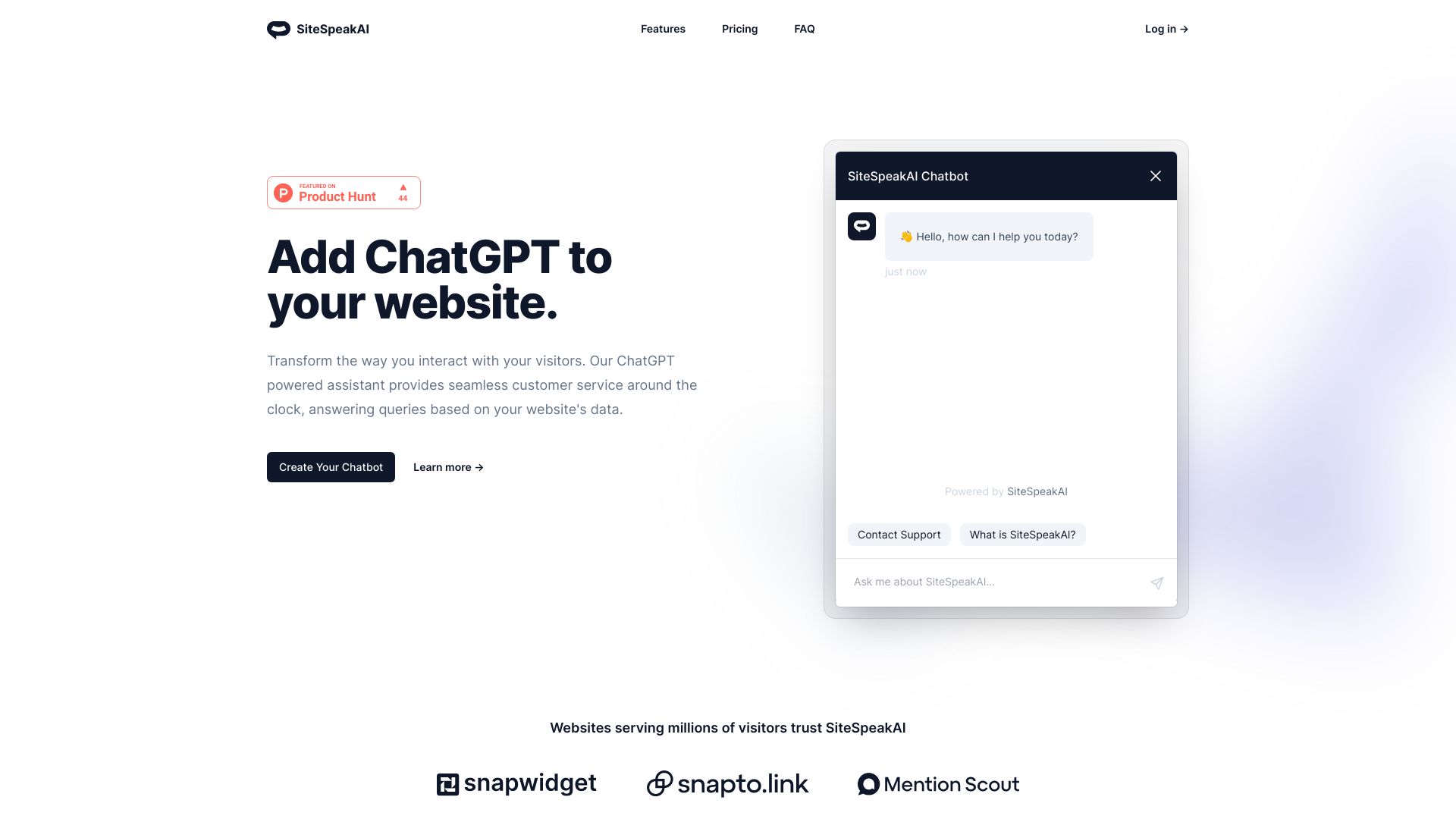
SiteSpeak AI is a ChatGPT-powered website chatbot that lets you add a smart on-site assistant in seconds. Trained on your own content—web pages, support docs, PDFs, APIs, databases, and plugins—it delivers accurate, real-time answers about your products and services 24/7. With a lightweight embed and customizable behavior, it turns your knowledge base into instant self-service support, reduces repetitive tickets, and guides visitors toward key actions. Use it to automate FAQs, qualify leads, and scale customer service without extra headcount.
Main Features of SiteSpeak AI
- One-line embed: Add a responsive website chatbot to any page with a single line of code.
- Train on your data: Ingest website content, support docs, PDFs, APIs, databases, and plugins to build a rich knowledge base.
- Real-time answers: ChatGPT-powered responses grounded in your content for fast, relevant Q&A 24/7.
- Custom behavior: Configure tone, instructions, and preferred actions to match your brand and support goals.
- Continuous updates: Refresh or sync data sources so the assistant reflects new pages, policies, and product changes.
- Low maintenance: No complex deployment; focus on keeping content accurate while the model handles conversations.
Who Can Use SiteSpeak AI
SiteSpeak AI suits teams that need scalable, self-service support and on-site guidance. Typical users include eCommerce stores answering product and policy questions, SaaS companies deflecting support tickets with documentation, B2B sites qualifying leads and explaining features, publishers and communities offering knowledge base search via chat, and startups that want a 24/7 AI assistant without building a custom bot from scratch.
How to Use SiteSpeak AI
- Collect your sources: list key URLs, help center articles, PDFs, and any API or database fields to include.
- Import content: crawl your site, upload documents, or connect data via API, database, or supported plugins.
- Train the assistant: let the system index content and build a searchable knowledge base.
- Configure behavior: set tone, instructions, fallback replies, and suggested prompts.
- Embed the widget: copy the single-line code snippet and paste it into your site’s template or tag manager.
- Test and iterate: ask common questions, fill content gaps, and schedule periodic refreshes to keep answers current.
SiteSpeak AI Use Cases
Retail brands use it to handle sizing, shipping, and return FAQs. SaaS teams rely on it for troubleshooting, onboarding guidance, and linking to relevant docs. B2B marketers deploy it to explain product capabilities, surface case studies, and guide visitors to contact or signup pages. Education and training sites use it to answer curriculum and enrollment questions. Knowledge-heavy portals turn static documentation into interactive, AI chatbot-driven support.
SiteSpeak AI Pricing
SiteSpeak AI typically follows tiered pricing that scales by usage and feature needs (for example, chat volume, number of data sources, and domains). For current plan details and any trial options, review the official pricing page on the provider’s website.
Pros and Cons of SiteSpeak AI
Pros:
- Fast deployment with a single-line embed.
- Grounded, real-time answers trained on your own data.
- Reduces repetitive tickets and improves self-service support.
- Supports multiple content types: website pages, PDFs, APIs, and databases.
- Customizable behavior to match brand voice and goals.
Cons:
- Answer quality depends on the coverage and freshness of your content.
- May produce inaccurate responses if data is incomplete or outdated.
- Advanced sources (API/database) can require technical setup.
- Not a full replacement for complex, human-led support workflows.
FAQs about SiteSpeak AI
-
How does SiteSpeak AI learn our content?
It indexes your website pages and any uploaded or connected sources (docs, PDFs, APIs, databases) and uses retrieval to ground ChatGPT responses in that data.
-
Do I need to code to install it?
Basic installation is low-code: paste a single embed snippet. Connecting advanced sources may require developer assistance.
-
Will it update when my site changes?
Yes, you can refresh or schedule re-crawls and syncs so the assistant reflects new or edited content.
-
Can I customize the chatbot’s tone and behavior?
You can set instructions, tone, and preferred actions so responses align with your brand and support policies.
-
Is it suitable for lead generation?
Yes. By answering product questions and guiding users to key pages or forms, it can support lead qualification and conversions.