
- Home
- No-Code&Low-Code
- Akkio
Akkio
Open Website-
Tool Introduction:No-code ML & Generative BI: clean data, forecast, act instantly.
-
Inclusion Date:Nov 09, 2025
-
Social Media & Email:


Tool Information
What is Akkio AI
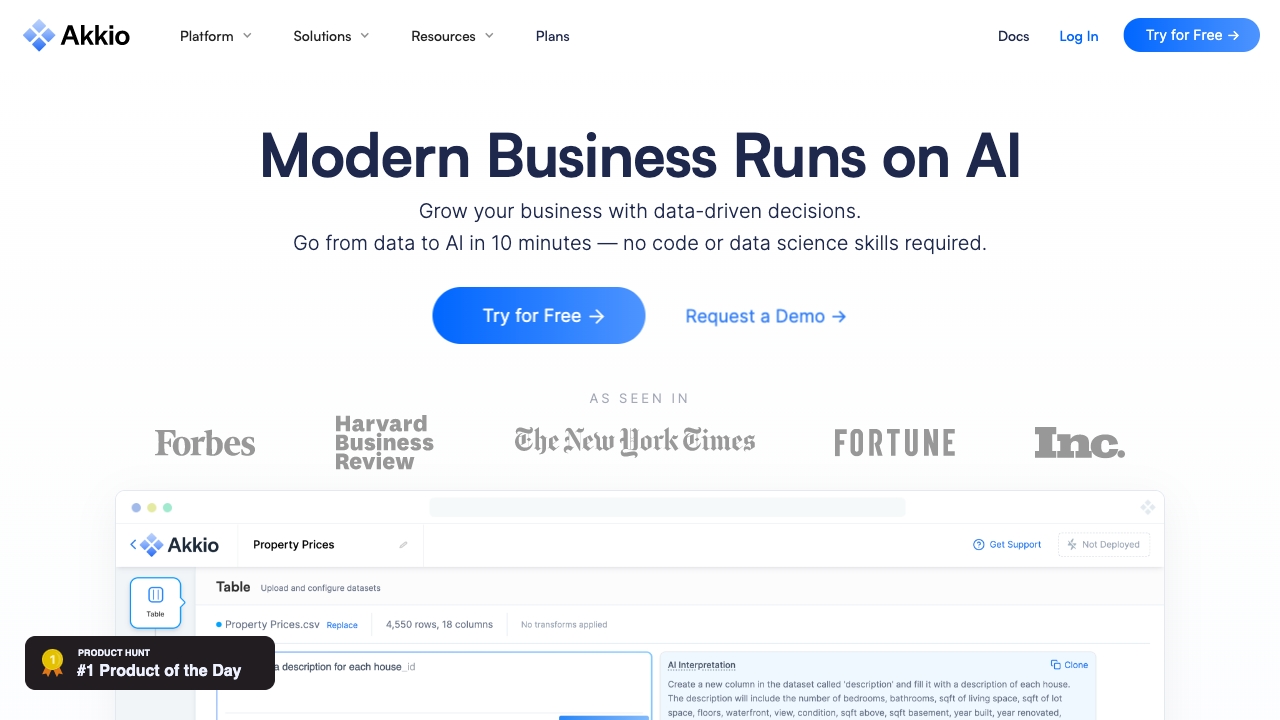
Akkio AI is a no-code machine learning and Generative BI platform that helps teams turn raw data into real-time decisions. With an intuitive, code-free workflow, users can clean datasets, combine columns, reformat dates, handle outliers, and train predictive models from historical data for classification, forecasting, and scoring. Natural-language analytics lets analysts ask questions, build dashboards, and share insights fast. Designed for non-technical and technical users alike, Akkio AI accelerates data-driven operations at an accessible, scalable cost.
Main Features of Akkio AI
- No-code model building: Create classification, regression, and forecasting models without writing code.
- Data preparation tools: Combine columns, summarize records, reformat dates, clean data, and remove outliers in a guided workflow.
- Generative BI: Ask questions in natural language to explore data, build visuals, and generate dashboards automatically.
- Automated feature engineering: Let the platform detect useful patterns and relationships to improve accuracy.
- Real-time predictions: Deploy models to score records instantly via dashboards or API.
- Evaluation metrics: Review accuracy, ROC/AUC, confusion matrix, and error metrics to validate models.
- Collaboration & sharing: Share projects, dashboards, and prediction endpoints securely with teams.
- Scalable integrations: Connect spreadsheets, databases, and cloud data warehouses for continuous analytics.
- Governance controls: Manage access, versioning, and audit-friendly workflows for analytics oversight.
Who Can Use Akkio AI
Akkio AI suits business analysts, operations teams, marketers, sales and RevOps leaders, product managers, finance and FP&A, and data-driven founders. It enables quick predictive analytics for lead scoring, churn prevention, demand forecasting, budgeting, and KPI monitoring—without relying on data science resources or complex coding.
How to Use Akkio AI
- Connect your data source (spreadsheets, databases, or a warehouse) and import historical records.
- Use built-in prep tools to clean data, reformat dates, handle missing values, and remove outliers.
- Select a target variable (e.g., conversion, churn, revenue) and define the prediction goal.
- Train the model; review performance metrics and compare versions to choose the best fit.
- Explore insights with Generative BI, asking questions and generating charts or dashboards.
- Deploy to production as a live dashboard or API endpoint for real-time scoring.
- Share results with stakeholders and set a schedule for refreshed predictions.
- Monitor outcomes and iterate on features, filters, or data sources to improve accuracy.
Akkio AI Use Cases
Companies use Akkio AI for sales forecasting and pipeline prioritization, marketing lead scoring and campaign optimization, customer churn prediction and retention, demand and inventory forecasting in retail and eCommerce, fraud or anomaly detection in operations, and finance planning scenarios like revenue projection and cash-flow analysis. Generative BI supports ad hoc data exploration, executive dashboards, and rapid decision support.
Akkio AI Pricing
Akkio AI typically follows a tiered subscription model for individuals, teams, and enterprises, with access to core no-code ML and Generative BI features. A free trial is commonly available so teams can evaluate data connections, modeling, and dashboards before upgrading. Pricing and plan details may vary by feature limits, users, and deployment needs.
Pros and Cons of Akkio AI
Pros:
- No-code interface that shortens time to value for analytics and ML.
- Powerful data preparation and cleaning built into the workflow.
- Generative BI for natural-language queries and automated dashboards.
- Fast deployment to real-time predictions via dashboards and API.
- Scalable connections to spreadsheets, databases, and data warehouses.
Cons:
- Less granular control than code-first ML frameworks for advanced users.
- Model customization and algorithm tuning can be limited compared to open-source stacks.
- Data size, users, or API limits may apply on lower-tier plans.
- Results depend on data quality; preparation and governance are still essential.
- Highly specialized or niche modeling tasks may require expert tooling.
FAQs about Akkio AI
-
Does Akkio AI require coding?
No. Akkio AI is built for no-code machine learning and analytics, so analysts can build models and dashboards without programming.
-
Can I connect my existing data sources?
Yes. You can connect spreadsheets, databases, and cloud data warehouses to import, analyze, and continuously refresh data.
-
What types of models can I build?
Akkio AI supports classification, regression, and forecasting for use cases like lead scoring, churn, and demand planning.
-
How do I deploy predictions?
Deploy models to live dashboards for instant scoring or publish an API endpoint to integrate predictions into apps and workflows.
-
Is there a free trial?
A free trial is typically available, allowing teams to test data prep, modeling, and Generative BI before selecting a paid plan.