
- Home
- No-Code&Low-Code
- Chatling
Chatling
Open Website-
Tool Introduction:No-code AI chatbots for web & WhatsApp—support, leads, 85+ langs.
-
Inclusion Date:Nov 08, 2025
-
Social Media & Email:

Tool Information
What is Chatling AI
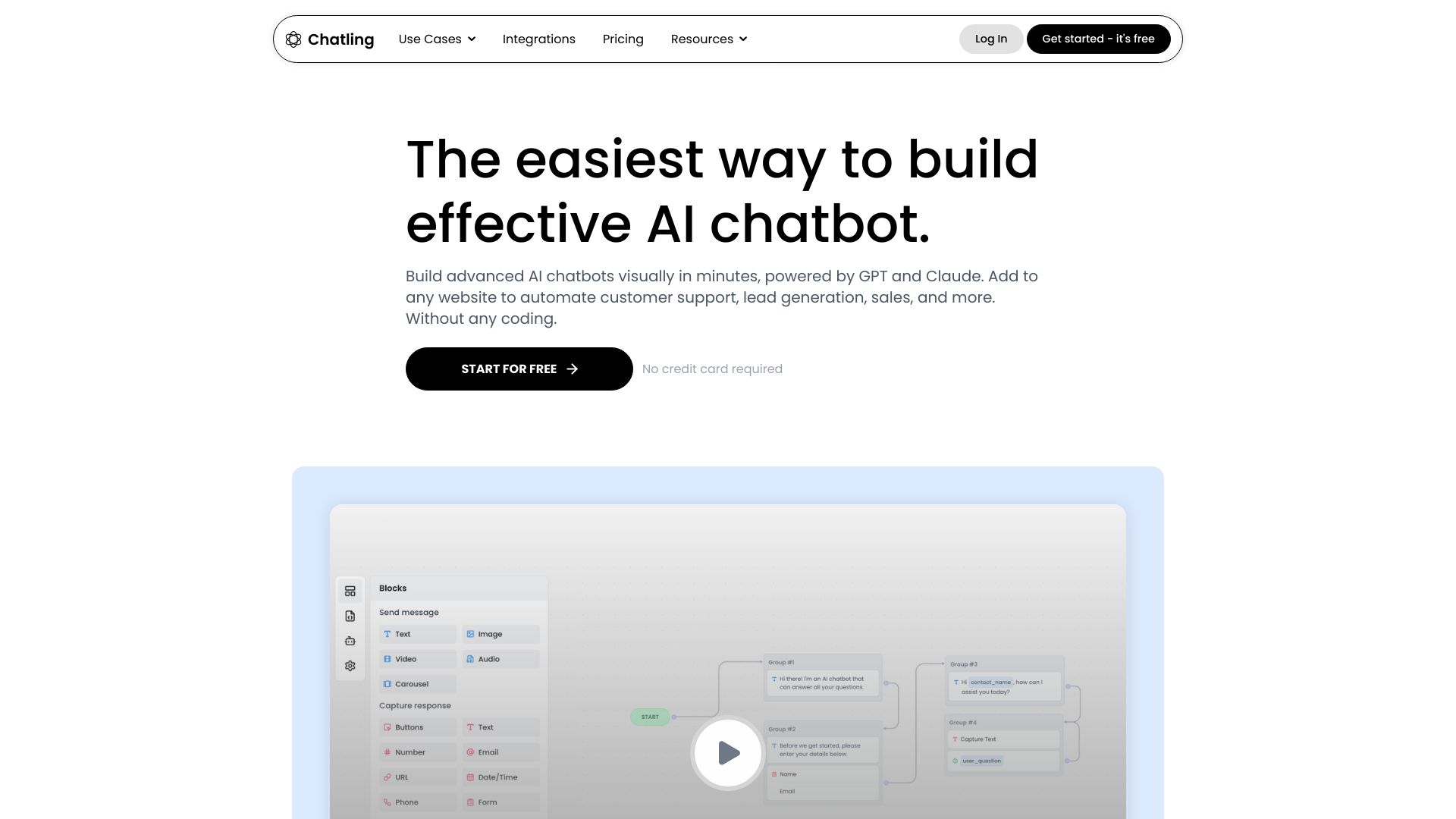
Chatling AI is a no-code chatbot platform that helps teams build, train, and deploy AI assistants for websites and WhatsApp in minutes—without writing code. It automates customer support, lead capture, and knowledge base search by learning from your documents, URLs, and FAQs. With support for 85+ languages and integrations like Zapier, it fits smoothly into existing workflows. Customize tone, behavior, and branding, embed a lightweight website widget, sync leads to your tools, and use analytics to uncover FAQs and improve self-service over time.
Main Features of Chatling AI
- No-code chatbot builder: Create and launch AI chatbots quickly with an intuitive setup and zero development.
- Website and WhatsApp deployment: Embed a site widget or connect to WhatsApp to support users where they are.
- Multi-source training: Ingest URLs, PDFs, docs, knowledge bases, and FAQs to ground answers in your content.
- 85+ language support: Serve global audiences with automatic language detection and multilingual responses.
- Knowledge base search: Provide accurate, context-aware answers pulled from approved sources.
- Lead generation tools: Capture emails, qualify prospects, and route conversations to sales or support.
- Integrations and automation: Connect via Zapier, webhooks, and CRMs to sync contacts, tickets, and events.
- Behavior controls: Configure tone, guardrails, fallback behavior, and handoff to human agents.
- Branding and UI customization: Match widget colors, avatar, prompts, and triggers to your site.
- Analytics and insights: Track volume, resolution rates, top intents, and content gaps to optimize performance.
Who Can Use Chatling AI
Chatling AI is ideal for customer support teams, SaaS and eCommerce businesses, agencies, and startups that need a scalable, multilingual chatbot without engineering resources. Marketers can qualify leads and collect contact details, product teams can deliver instant knowledge base answers, and operations can deflect repetitive inquiries while maintaining consistent, branded responses across web and WhatsApp.
How to Use Chatling AI
- Sign up and create a new chatbot from the dashboard.
- Connect data sources (website URLs, PDFs, help center, FAQs) to train the bot on your content.
- Set behavior: choose tone, define allowed topics, add fallback messages, and configure human handoff.
- Enable languages and localization settings to support your audience.
- Customize the widget’s branding, greeting, and triggers for web; connect WhatsApp if needed.
- Integrate tools via Zapier or webhooks to sync leads, tickets, and CRM records.
- Test in a staging environment, fine-tune prompts and rules, then publish.
- Monitor analytics, review conversations, and update content to improve accuracy and coverage.
Chatling AI Use Cases
Retail and eCommerce use Chatling AI to answer product questions, check order status, and recover carts. SaaS teams deflect support tickets, guide onboarding, and surface relevant docs from a knowledge base. Agencies capture and qualify leads 24/7, then push them to a CRM. Education and nonprofits provide multilingual FAQs for applicants and donors. Service providers use WhatsApp chatbots for appointment requests, pricing inquiries, and quick triage.
Chatling AI Pricing
Chatling AI typically uses tiered, subscription-based pricing with plans that vary by features such as number of chatbots, message or session limits, integrations, and team seats. Many teams start on an entry tier or trial to validate value before upgrading. For current plan details, feature limits, and annual discounts, visit the official pricing page.
Pros and Cons of Chatling AI
Pros:
- No-code setup enables fast deployment to web and WhatsApp.
- Grounded answers via multi-source knowledge ingestion.
- Supports 85+ languages for global coverage.
- Zapier and webhook integrations for flexible automation.
- Custom branding and behavior controls to stay on-brand.
- Analytics reveal content gaps and optimization opportunities.
Cons:
- Accuracy depends on the quality and freshness of your training content.
- Advanced workflows may require integration setup and ongoing maintenance.
- High traffic or volume may necessitate higher-tier plans.
FAQs about Chatling AI
Does Chatling AI require coding?
No. it's a no-code builder with guided setup for non-technical users.
Can it connect to my CRM or help desk?
Yes. You can use Zapier or webhooks to sync leads, tickets, and conversation data.
How does the chatbot learn our content?
Upload documents or point it to URLs and help center pages; it uses those sources to ground responses.
Is multilingual support included?
Yes. Chatling supports over 85 languages for detection and responses.
Can I hand off to a human agent?
You can configure fallback and escalation to route conversations to live support when needed.