
- Home
- AI App Builder
- Momen
Momen
Open Website-
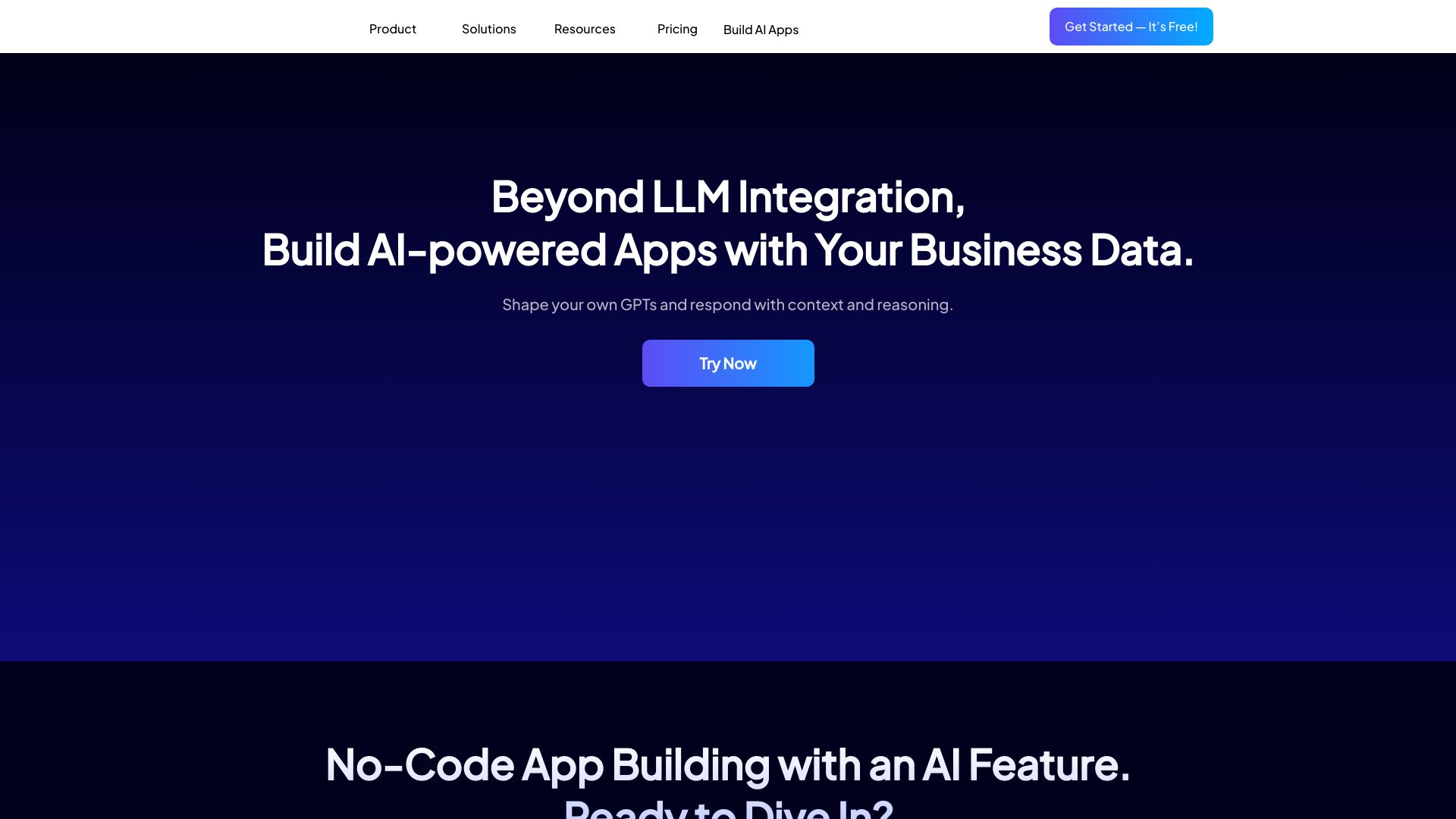
Tool Introduction:Momen AI: no-code agents and apps that plan, execute, and monetize.
-
Inclusion Date:Nov 08, 2025
-
Social Media & Email:
Tool Information
What is Momen AI
Momen AI is a no-code platform for building AI-powered apps and agents that plan and execute tasks end to end. It provides a flexible GenAI app development framework so you can create full-stack applications by connecting the frontend, backend, and databases without writing code. Teams design agentic workflows, integrate APIs and services, and automate business processes in minutes. With built-in payments, account systems, and responsive UI components, Momen AI helps you launch, scale, and monetize AI products faster and with less engineering overhead.
Main Features of Momen AI
- No-code builder: Drag-and-drop UI components and layouts to assemble responsive, production-ready interfaces.
- Agentic workflows: Create AI agents that plan, reason, and execute multi-step tasks with tools and conditional logic.
- Full-stack GenAI framework: Orchestrate frontend, backend, and data layers in one place for faster AI app development.
- Data and database connections: Connect to existing databases and manage data flow for stateful, context-aware apps.
- Backend and API integrations: Plug in third-party services and internal APIs to extend app capabilities without code.
- Built-in auth and accounts: Add sign-up, login, and user management to support secure, multi-user experiences.
- Payments and monetization: Enable subscriptions, one-time payments, or usage-based billing directly in your app.
- Responsive UI design: Ensure great performance across devices with prebuilt, mobile-friendly components.
- Automation and orchestration: Schedule tasks, trigger events, and link actions to streamline operations.
- Scalable deployment: Move from prototype to production with a platform designed for reliability and growth.
Who Can Use Momen AI
Momen AI suits founders, product managers, and startups validating AI ideas; ops and support teams automating workflows; agencies building client solutions; and enterprises creating internal tools. Common uses include AI chat apps, customer support agents, lead qualification, content generation pipelines, data-driven dashboards, and process automation that spans multiple systems.
How to Use Momen AI
- Sign up and create a new project from a blank canvas or a starter template.
- Design the frontend with drag-and-drop components and set responsive layouts.
- Connect your backend and databases, configure data models, and add required APIs.
- Define AI agents: set goals, tools, context, and design agentic workflows with steps and conditions.
- Integrate third-party services to extend functionality (notifications, CRM, analytics, etc.).
- Add authentication and user accounts to manage access and roles.
- Configure payments to monetize with subscriptions or one-off purchases.
- Test and debug end-to-end; review logs and refine prompts and logic.
- Deploy to production, share the app, and iterate based on usage and feedback.
Momen AI Use Cases
Businesses use Momen AI to launch customer support assistants that resolve tickets across knowledge bases, build sales and marketing copilots that qualify leads and draft outreach, automate back-office workflows like order updates and invoice handling, create AI content studios for blogs and product listings, power e-commerce shopping assistants, and deliver internal tools that connect data, trigger actions, and report outcomes with minimal engineering effort.
Pros and Cons of Momen AI
Pros:
- Accelerates delivery of full-stack AI apps without heavy coding.
- Agentic workflows enable complex, multi-step automation.
- Built-in auth and payments simplify monetization and user management.
- Flexible integrations connect frontend, backend, and databases seamlessly.
- Responsive UI components reduce design and maintenance overhead.
Cons:
- Complex workflows may have a learning curve for non-technical users.
- Highly specialized edge cases might require custom integrations.
- Agent performance depends on prompt quality, data, and orchestration design.
- Data governance and compliance require careful configuration and review.
FAQs about Momen AI
-
Do I need to write code to build with Momen AI?
No. Momen AI is a no-code platform, though you can extend apps by connecting APIs and services when needed.
-
Can I create AI agents that handle multi-step tasks?
Yes. You can design agentic workflows that plan, call tools, branch on conditions, and execute tasks end to end.
-
Does Momen AI support authentication and user accounts?
It includes built-in account systems for sign-up, login, and managing user access.
-
Is monetization supported out of the box?
Yes. You can configure built-in payments to offer subscriptions or one-time purchases.
-
What kinds of apps can I build?
Examples include AI chat apps, customer support agents, automated content tools, and internal process automation dashboards.