
- Home
- AI Background Generator
- Dynamic Mockups
Dynamic Mockups
Open Website-
Tool Introduction:Generate ecommerce-ready mockups from PSDs via API, AI, and bulk.
-
Inclusion Date:Nov 10, 2025
-
Social Media & Email:


Tool Information
What is Dynamic Mockups AI
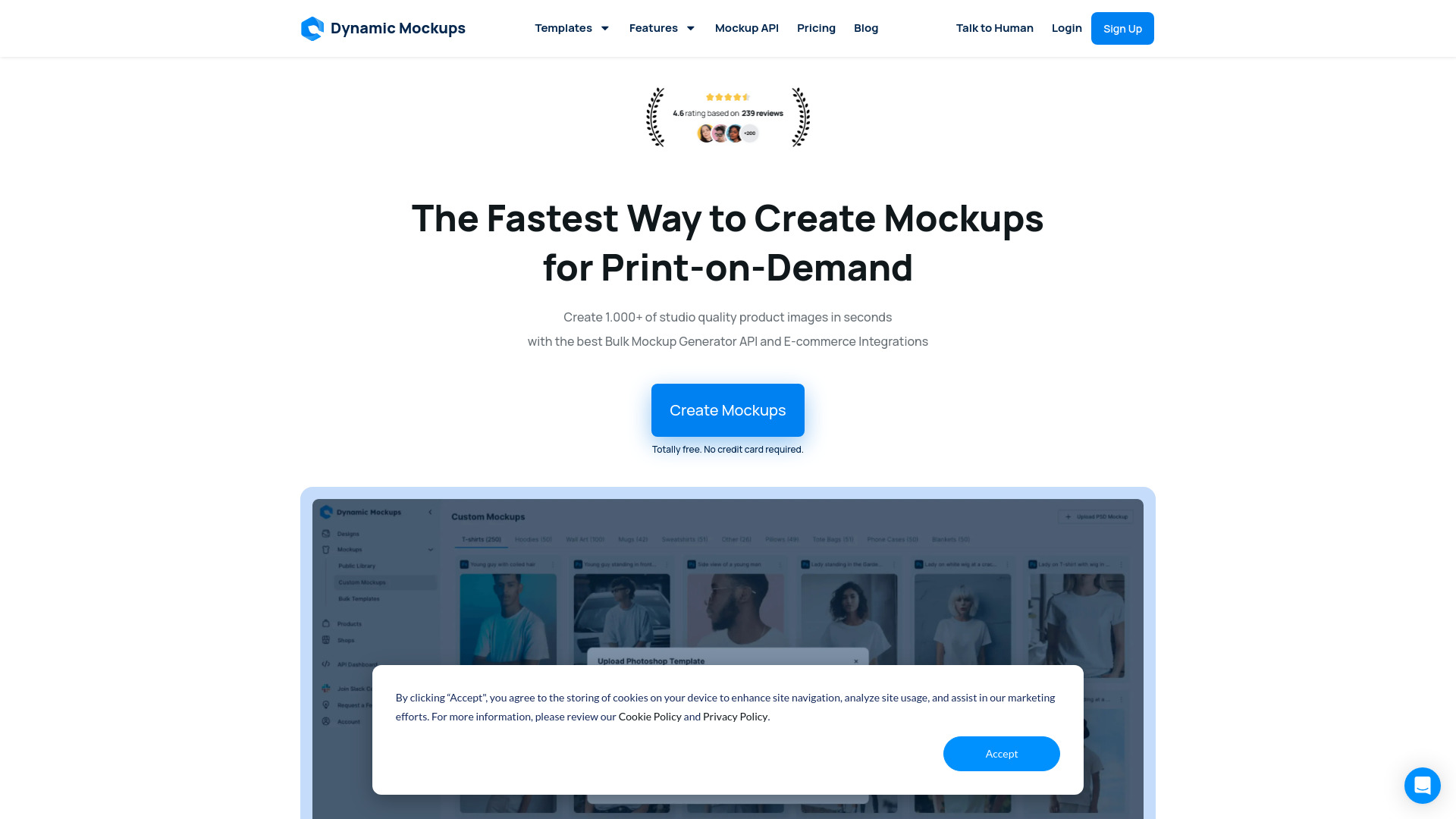
Dynamic Mockups AI is a product mockup automation platform for e-commerce and print-on-demand sellers. It turns your own Photoshop templates into a scalable mockup generator, combining a flexible API and plug-and-play integrations. With AI Photoshoot backgrounds, bulk rendering, and automatic color and design variants, the tool produces consistent, studio-quality images across entire catalogs. By centralizing mockup creation in one workflow, it reduces repetitive photo editing, speeds up product launches, and supports higher conversion with realistic visuals.
Main Features of Dynamic Mockups AI
- Custom Photoshop mockups: Upload PSD files with smart objects and layer rules to keep full creative control and brand consistency.
- AI Photoshoot backgrounds: Generate realistic scenes, lighting, and shadows to place products in on-brand environments without manual compositing.
- Bulk mockup generation: Render large batches at once using folders, CSV data, or queued jobs to scale across entire catalogs.
- Color and design variants: Automatically swap colorways, patterns, and artworks to produce variant-ready product images.
- API and integrations: Connect via REST API and integrations to sync assets, trigger renders, and publish to stores or DAMs.
- Data-driven templates: Map variables (SKUs, sizes, placements) to layers for accurate, repeatable outputs.
- Presets and automation: Save scene presets, naming conventions, and export profiles for consistent workflows.
- Flexible outputs: Control resolution, format, transparency, cropping, and background options for every channel.
Who Can Use Dynamic Mockups AI
Dynamic Mockups AI is ideal for print-on-demand businesses, marketplace and DTC sellers, brand and merchandising teams, creative agencies, and growth marketers. Common use cases include generating apparel and merch images, home decor and accessories mockups, rapid seasonal refreshes, A/B testing hero images, and producing consistent visuals for product pages, ads, and social content at scale.
How to Use Dynamic Mockups AI
- Prepare a PSD template with named smart objects, masks, and layer styles that match your product.
- Upload the template to Dynamic Mockups AI and define editable regions and variables.
- Import designs, connect your catalog, or integrate via API to feed product data and assets.
- Choose AI Photoshoot backgrounds or select clean studio backdrops and styling presets.
- Configure color and design variants, set output formats, sizes, and file naming rules.
- Run a bulk generation job, preview key samples, and adjust settings if needed.
- Export files or auto-sync renders to your e-commerce store, DAM, or marketing channels.
Dynamic Mockups AI Use Cases
Apparel and print-on-demand brands can produce consistent t-shirt, hoodie, and hat mockups for hundreds of SKUs. Home and lifestyle sellers can showcase pillows, posters, and mugs in varied interior scenes. Cosmetics and packaging teams can visualize label iterations and colorways. Agencies can deliver fast client proofs and campaign variants. Retailers can localize imagery for regions, run A/B tests on product detail pages, and standardize visuals across marketplaces.
Pros and Cons of Dynamic Mockups AI
Pros:
- Scales product mockup creation with bulk rendering and automation.
- Keeps full brand control through Photoshop-based templates.
- AI backgrounds reduce reliance on time-consuming photo shoots.
- API and integrations fit into existing e-commerce workflows.
- Consistent, high-quality outputs for product pages and ads.
Cons:
- Initial template setup in Photoshop requires design know-how.
- AI-generated scenes may need human review for brand fit.
- Learning curve for advanced variables and automation features.
- High-volume rendering can impact budget depending on usage.
- Complex 3D or uncommon angles may need custom template work.
FAQs about Dynamic Mockups AI
-
Does Dynamic Mockups AI require Photoshop?
You need PSD templates to define your mockups, but rendering and automation run in the platform via web app or API.
-
Can I use my own backgrounds instead of AI Photoshoot?
Yes. You can upload custom backgrounds or choose clean studio backdrops, then apply shadows and reflections from the template.
-
Is there an API for automating bulk mockups?
Yes. The platform supports API-driven workflows to trigger jobs, pass product data, and sync outputs to your systems.
-
Does it support transparent PNGs and high-resolution exports?
Yes. You can set file formats, transparency, and resolution to match marketplace or print requirements.