
- Home
- AI Social Media
- Engage AI
Engage AI
Open Website-
Tool Introduction:Write authentic LinkedIn comments with AI that spark real conversations.
-
Inclusion Date:Nov 09, 2025
-
Social Media & Email:


Tool Information
What is Engage AI
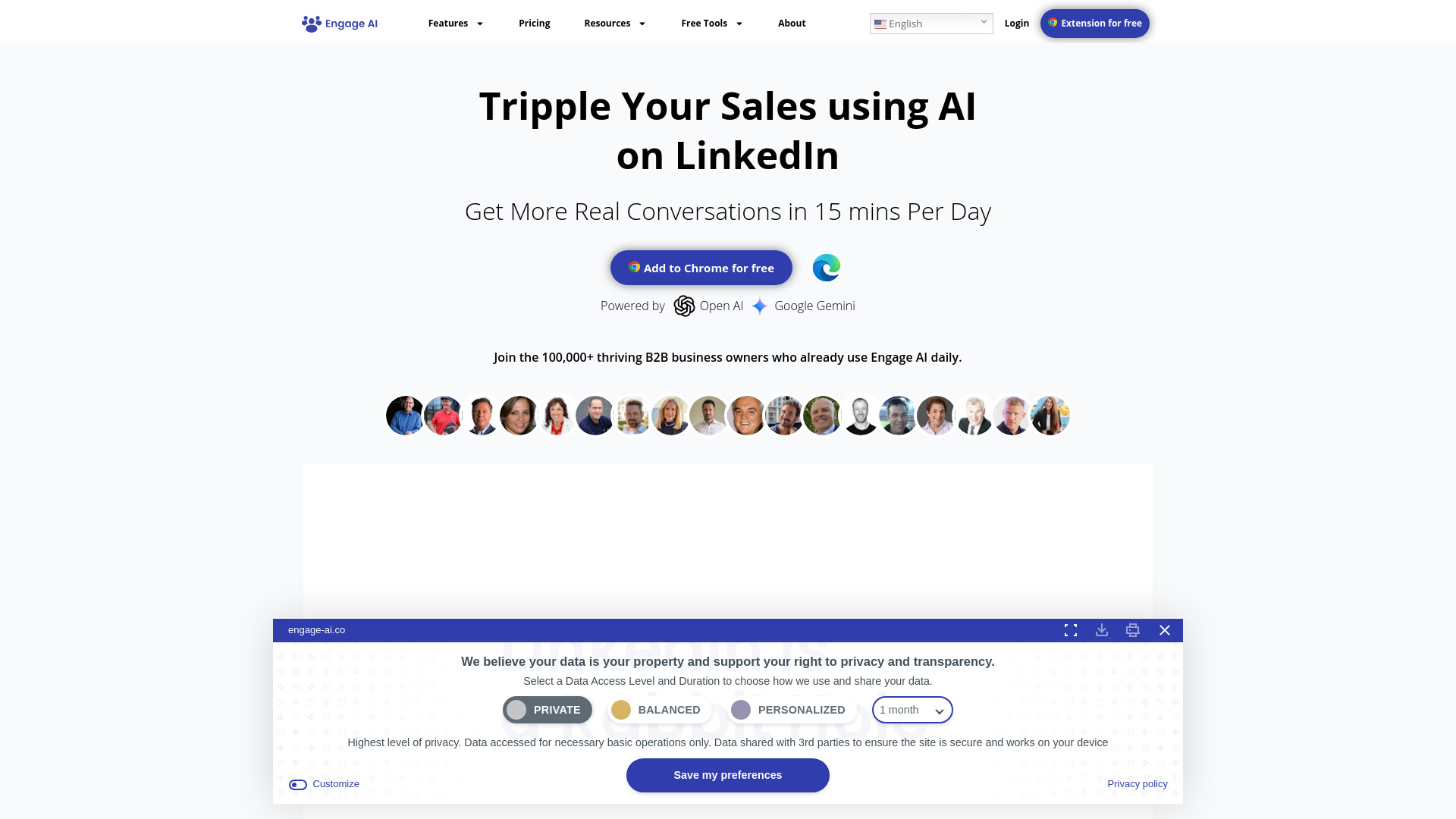
Engage AI is a generative AI assistant for LinkedIn that helps you craft meaningful comments, replies, and content that start real conversations. Powered by OpenAI ChatGPT and Google Gemini, it analyzes post context, suggests thoughtful responses in your chosen tone, and highlights the best moments to join the discussion. By combining AI guidance with your authentic voice, Engage AI streamlines social selling, warms up hard-to-reach prospects, and turns daily scrolling into consistent, genuine LinkedIn engagement.
Main Features of Engage AI
- Context-aware comment generator: Produce tailored LinkedIn comments that reflect the post’s content, author’s angle, and your goals.
- Tone and style controls: Choose from professional, friendly, insightful, or concise tones to match your personal brand.
- Conversation starters: Get icebreakers and probing questions that spark replies and move threads forward.
- Message and post drafting: Draft replies, DMs, and short-form posts to support outreach and thought leadership.
- Engagement timing hints: Identify the right moments to engage so your comment is more likely to be seen and welcomed.
- Human-in-the-loop workflow: Edit, personalize, and approve every output to keep interactions authentic and on-brand.
- Dual-model power: Leverage the strengths of ChatGPT and Gemini for balanced creativity, fluency, and relevance.
Who Can Use Engage AI
Engage AI is ideal for sales reps, SDRs, and BDRs practicing social selling, founders and solopreneurs building relationships, marketers and community managers growing brand presence, recruiters sourcing talent, and job seekers or creators who want to comment thoughtfully and show expertise without spending hours writing.
How to Use Engage AI
- Open a LinkedIn post or conversation you want to engage with.
- Provide context or paste the content into Engage AI, then set your goal (add value, ask a question, build rapport).
- Select your preferred tone and style to match your personal brand.
- Generate suggestions and review the top options for relevance and authenticity.
- Personalize the draft with your experience, examples, or data points.
- Copy and post your comment or message on LinkedIn.
- Monitor responses, follow up with tailored replies, and iterate on what performs best.
Engage AI Use Cases
Sales teams use Engage AI to comment on prospect posts, warm leads, and open doors without cold calls. Recruiters draft empathetic replies and targeted questions on candidate updates. Marketers and founders add insightful commentary to industry discussions to grow visibility and authority. Customer success teams nurture accounts by recognizing milestones and offering helpful tips in public threads.
Engage AI Pricing
Engage AI typically follows a tiered model, with options suitable for individual users and teams. Plans commonly scale by usage limits and feature access, and many users start with a free or trial tier before upgrading for higher volumes and advanced controls. For current details, check the provider’s latest plan descriptions.
Pros and Cons of Engage AI
Pros:
- Saves time crafting high-quality LinkedIn comments and replies.
- Enhances personalization with tone controls and context-aware drafts.
- Improves social selling and prospecting without aggressive outreach.
- Human-in-the-loop keeps your voice genuine and on-brand.
- Powered by both ChatGPT and Gemini for strong language coverage and nuance.
Cons:
- AI drafts still require human review to avoid generic or off-tone messages.
- Focused on LinkedIn engagement, not a full CRM or outreach automation tool.
- Quality depends on the context provided and clarity of your goal.
- Heavy reliance on AI may lead to similar phrasing if not personalized.
FAQs about Engage AI
Does Engage AI automate posting on LinkedIn?
No. It assists with writing and ideation; you remain in control of editing and posting to keep engagement authentic.
Can I keep my personal tone and brand voice?
Yes. Choose a tone, then refine the draft so it sounds natural and reflects your experience.
Is it useful for sales prospecting?
Yes. It helps warm up prospects by crafting relevant comments and questions that start conversations.
What models power Engage AI?
It is powered by OpenAI ChatGPT and Google Gemini to deliver fluent, context-aware suggestions.
Does Engage AI replace outreach tools?
No. It complements your workflow by improving the quality and efficiency of comments, replies, and short-form content.