
- Home
- No-Code&Low-Code
- Kommunicate
Kommunicate
Open Website-
Tool Introduction:Build and manage AI support chatbots with omnichannel and CRM integration.
-
Inclusion Date:Nov 09, 2025
-
Social Media & Email:


Tool Information
What is Kommunicate AI
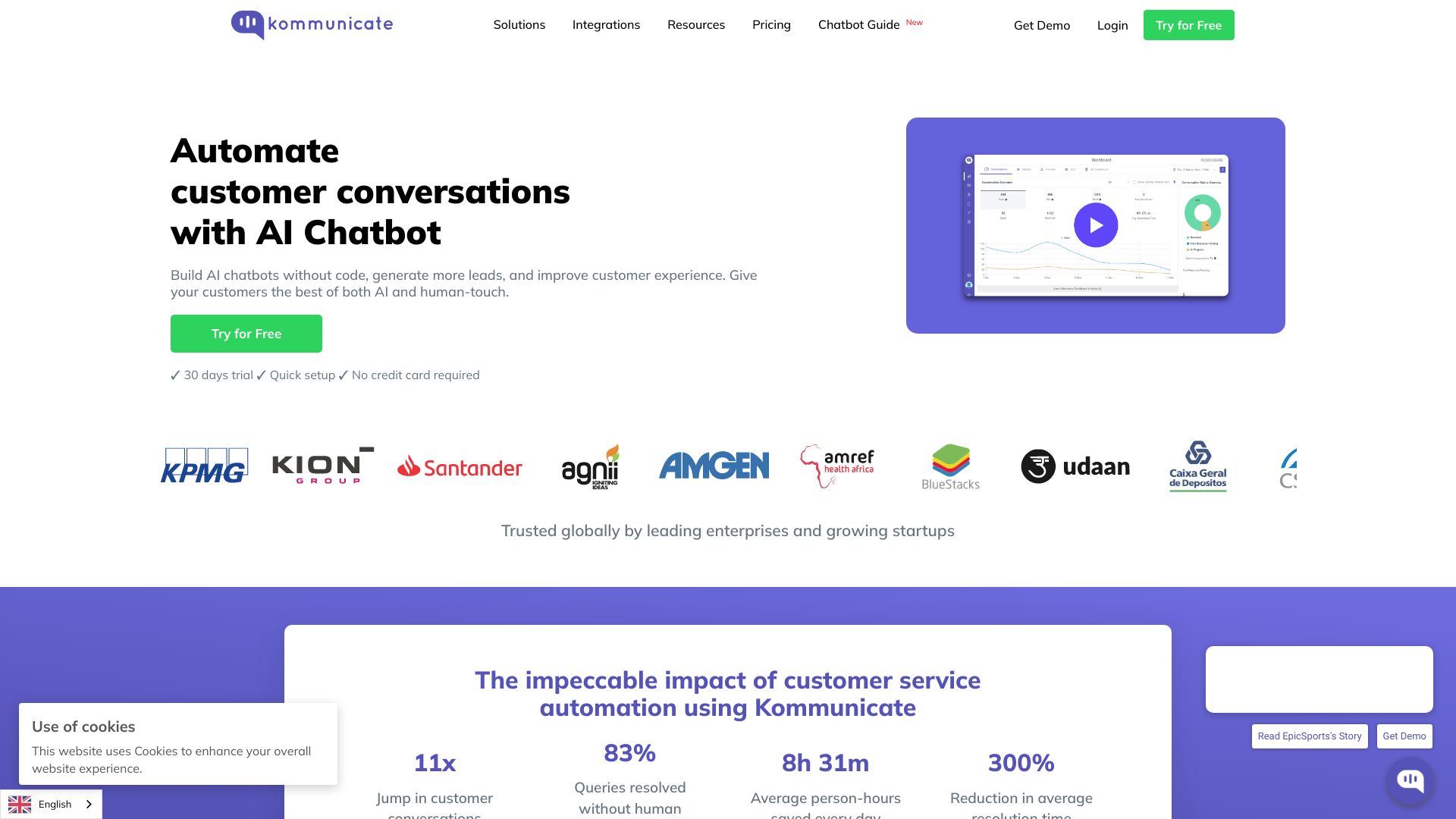
Kommunicate AI is an AI-powered customer service automation platform for building, deploying, and maintaining chatbots on websites and mobile apps. Its no-code Flow Designer, APIs, and native integrations help teams automate FAQs, triage, and lead capture while enabling seamless bot–human handoff. The platform connects with CRM and ticketing systems, supports multiple languages, and lets you train bots from FAQs, knowledge bases, and other data sources. With omnichannel support and analytics, teams improve resolution time and scale support reliably.
Main Features of Kommunicate AI
- No-code Flow Designer: Build conversational flows visually to automate FAQs, routing, and data capture without engineering effort.
- Omnichannel integration: Deploy chatbots across websites, mobile apps, and popular messaging channels to unify support.
- Advanced analytics: Track resolution rates, deflection, CSAT, and conversation trends for continuous optimization.
- CRM and helpdesk integration: Sync customer profiles and tickets to maintain context across tools and reduce manual work.
- Multilingual chatbots: Support global audiences with language detection and localized responses.
- Training from multiple data sources: Feed bots with FAQs, documents, and knowledge bases to improve accuracy.
- Bot–human handoff: Escalate to live agents with full conversation history and assignment rules.
- SDKs and APIs: Web and mobile SDKs, webhooks, and REST APIs for custom logic and enterprise workflows.
- Role-based controls: Manage access, review logs, and maintain governance at scale.
- Proactive messaging: Trigger conversations based on user behavior or events to guide customers.
Who Can Use Kommunicate AI
Kommunicate AI suits customer support teams, product and growth managers, and operations leaders who need scalable conversational support. E-commerce, SaaS, fintech, healthcare, education, and travel brands can automate routine queries, qualify leads, and guide users in-product. Startups gain a quick chatbot builder for MVP support, while enterprises benefit from integrations, analytics, and governance for large agent teams and complex workflows.
How to Use Kommunicate AI
- Sign up and connect your website or mobile app using the provided widget or SDK.
- Open the Flow Designer to create conversation paths for FAQs, routing, and data capture.
- Import or link data sources (FAQs, docs, knowledge base) to train the chatbot’s responses.
- Configure intents, entities, and fallback rules, and set up bot–human escalation conditions.
- Integrate CRM and ticketing tools to sync conversations, contacts, and tickets.
- Enable channels for omnichannel support and set routing rules by team or skill.
- Test in a staging environment, refine messages, and deploy to production.
- Monitor analytics, gather feedback, and iterate flows to improve resolution and CSAT.
Kommunicate AI Use Cases
E-commerce brands use Kommunicate AI to automate order tracking, returns, and product recommendations. SaaS companies guide onboarding, password resets, and feature education while escalating complex issues to agents. Fintech and banking teams handle KYC guidance and account support with secure handoffs. Healthcare and education organizations provide appointment help, eligibility checks, and admissions FAQs. Travel companies streamline booking changes, baggage queries, and disruption updates across channels.
Kommunicate AI Pricing
Kommunicate AI typically offers tiered, subscription-based pricing with plans that scale by features, channels, and team size. A free trial is commonly available to test chatbot building, integrations, and analytics before committing. Entry tiers target small teams that need core automation and live chat, while advanced and enterprise tiers add higher usage limits, premium integrations, and customization. Check the official pricing page for current details.
Pros and Cons of Kommunicate AI
Pros:
- Intuitive, no-code chatbot builder with Flow Designer.
- Robust CRM and ticketing integrations for end-to-end support workflows.
- Omnichannel deployment across web, mobile, and messaging platforms.
- Actionable analytics for deflection, CSAT, and performance optimization.
- Multilingual support and training from diverse data sources.
- Reliable bot–human handoff and agent assignment rules.
Cons:
- Advanced customization may require developer time and API work.
- Performance depends on the quality and coverage of training data.
- Costs can increase with high conversation volumes or premium integrations.
- Complex enterprise workflows may need careful setup and ongoing maintenance.
FAQs about Kommunicate AI
-
Does Kommunicate AI require coding to build a chatbot?
No. You can create flows with the no-code Flow Designer, and optionally extend behavior using APIs and webhooks.
-
Can it integrate with our CRM or helpdesk?
Yes. Kommunicate AI integrates with popular CRM and ticketing systems to sync contacts, tickets, and conversation history.
-
Does it support multiple languages?
Yes. You can configure multilingual chatbots to serve global audiences and localize responses.
-
How does bot–human handoff work?
Set escalation rules so the bot transfers conversations to agents with full context, ensuring continuity and faster resolution.
-
Is there a free trial?
Typically yes. You can trial the platform before selecting a paid plan; refer to the official site for current terms.