
- Home
- AI Prompt Generator
- Msty
Msty
Open Website-
Tool Introduction:Private, offline multi‑model AI app with split chats, RAG, web search
-
Inclusion Date:Nov 08, 2025
-
Social Media & Email:
Tool Information
What is Msty AI
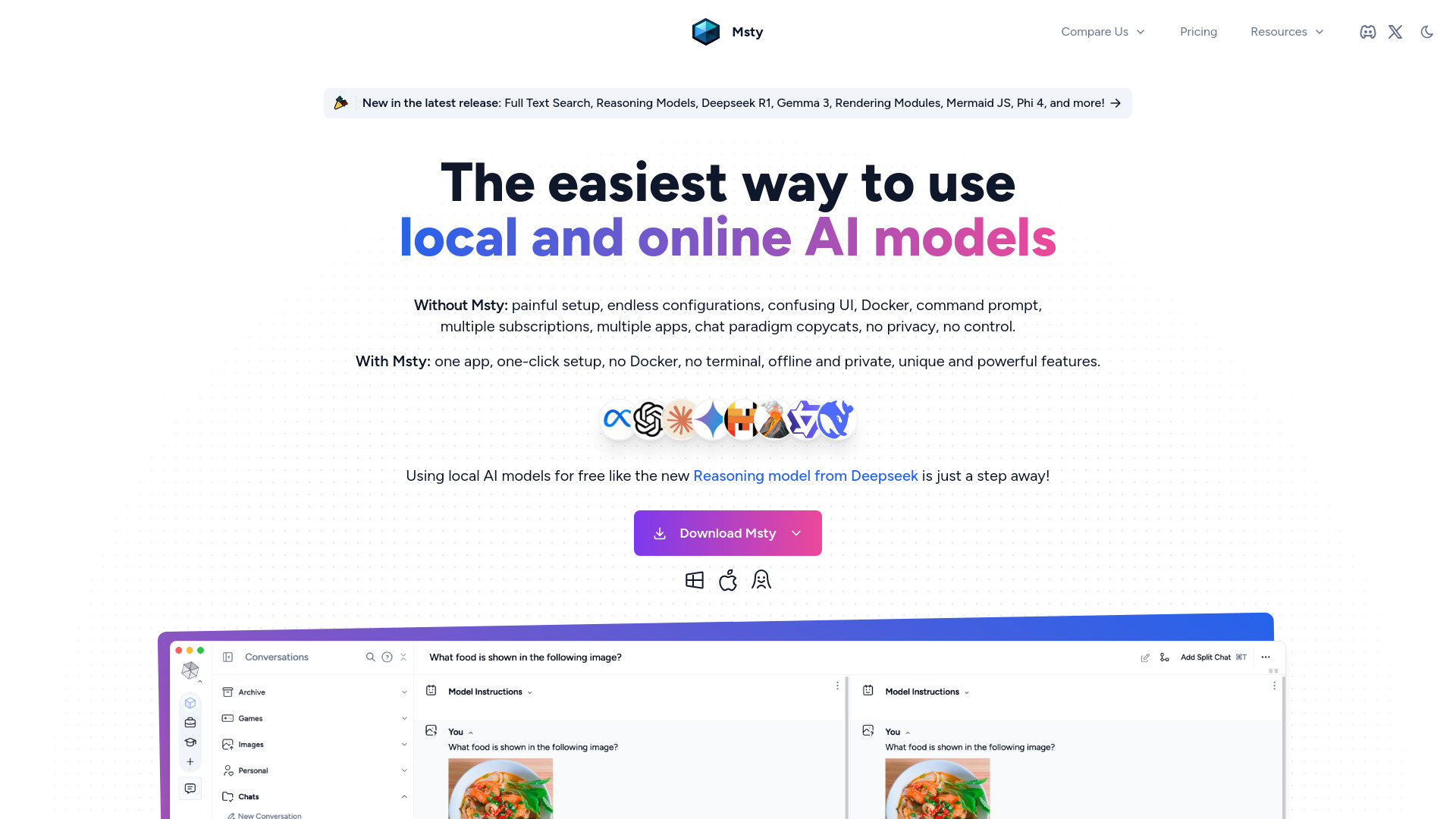
Msty AI is a multi‑model AI chat and research workspace that unifies leading language models in one private, flexible interface. It connects to OpenAI, DeepSeek, Claude, and community models via Ollama or Hugging Face, letting you compare outputs and choose the best model for each task. With offline capability, split and branching chats, concurrent sessions, web search, retrieval‑augmented generation (RAG), and a reusable prompts library, Msty AI streamlines everyday workflows while keeping control of your data—positioned as an alternative to Perplexity, Jan, and LM Studio.
Main Features of Msty AI
- Unified model hub: Use OpenAI, DeepSeek, Claude, Ollama, and Hugging Face models in a single interface for seamless switching and comparison.
- Private and offline mode: Run local models through Ollama or downloaded weights to keep prompts and data on your machine.
- Split and branching chats: Create parallel threads, branch from any message, and compare responses side by side.
- Concurrent chats: Run multiple sessions at once to speed up research and evaluation.
- Web search integration: Enrich answers with live search and sources for better context.
- RAG (retrieval‑augmented generation): Ground responses in your own files or knowledge bases for more accurate, domain‑aware output.
- Prompts library: Save, reuse, and share prompt templates to standardize workflows.
- Granular controls: Manage provider keys, temperature, max tokens, and system prompts per session.
Who Can Use Msty AI
Msty AI suits developers, researchers, analysts, writers, students, and privacy‑conscious professionals who want a unified AI client. It helps compare LLMs for coding, content creation, data exploration, and Q&A, supports offline or air‑gapped environments using local models, and aids teams or individuals who need structured chats, branching experiments, and reliable RAG over internal documents.
How to Use Msty AI
- Install or open Msty AI and create a workspace.
- Add provider credentials for OpenAI, DeepSeek, or Claude, and/or set up local models via Ollama or Hugging Face.
- Start a new chat, select a model, and define system instructions or a prompt template from the library.
- Enable web search if needed, or attach documents to power RAG for grounded responses.
- Use split view to branch from key messages and compare outputs across models.
- Run concurrent chats for different tasks, then review, rename, and organize threads.
- Save effective prompts to the library and export or copy results as needed.
Msty AI Use Cases
Software teams compare code suggestions across models to debug or refactor faster. Content marketers generate briefs, outlines, and variations while testing multiple LLMs side by side. Research and data teams run web‑augmented queries and RAG over reports for evidence‑backed summaries. Customer support builds knowledge‑aware assistants from internal docs. Education and training scenarios benefit from offline study aides in low‑connectivity or privacy‑sensitive settings.
Msty AI Pricing
Msty AI connects to third‑party model providers, so usage of OpenAI, DeepSeek, or Claude is billed by those vendors via your API keys. Running local models through Ollama or Hugging Face typically incurs no per‑token fees, but does require your own compute resources. For current app licensing, tiers, and any free plan or trial, please refer to the official Msty AI channels.
Pros and Cons of Msty AI
Pros:
- Single interface for multiple LLM providers and local models.
- Private and offline workflows with local inference options.
- Split, branching, and concurrent chats improve experimentation.
- Built‑in web search and RAG for more grounded answers.
- Reusable prompts library standardizes outputs and saves time.
Cons:
- Premium provider APIs may require separate paid accounts.
- Local models can be resource‑intensive on older hardware.
- RAG quality depends on the relevance and cleanliness of your documents.
- Managing many models and settings can add setup complexity.
FAQs about Msty AI
-
Which models does Msty AI support?
It can connect to OpenAI, DeepSeek, and Claude via API, and run local/community models through Ollama or Hugging Face.
-
Does Msty AI work offline?
Yes, you can use local models for private, offline inference without sending data to external providers.
-
What is RAG in Msty AI?
Retrieval‑augmented generation lets the model reference your documents or knowledge base to produce more accurate, contextual responses.
-
Can it search the web?
Yes, web search can be enabled to gather recent information and sources that enrich responses.
-
What are split and branching chats?
They let you fork a conversation at any message and compare multiple lines of reasoning or model outputs side by side.