
- Home
- AI Background Remover
- ImgGen AI
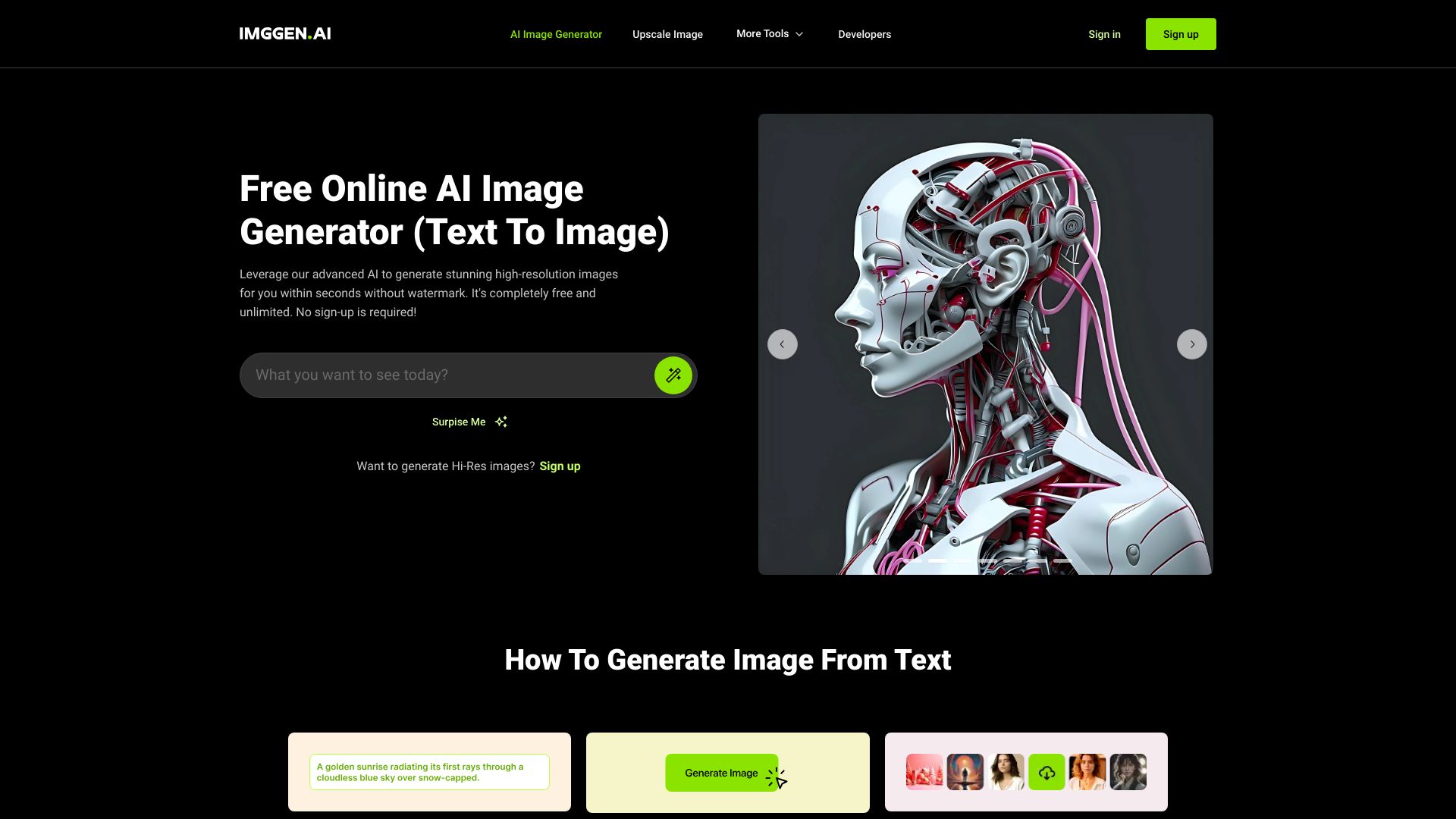
ImgGen AI
Open Website-
Tool Introduction:Free AI image generator with headshots, unblur, upscale, no watermark.
-
Inclusion Date:Oct 21, 2025
-
Social Media & Email:
Tool Information
What is ImgGen AI
ImgGen AI is a free AI image generator and enhancement suite that simplifies complex photo edits. Create studio-quality images from text prompts, produce professional AI headshots, and clean up visuals with background removal, text removal, unblurring, and AI upscaling. There are no watermarks and no sign-up required, so you can move from idea to download in seconds. Designed for creators, marketers, and e-commerce teams, it balances speed with reliable quality. A developer-friendly API exposes the same image processing features for seamless integration into apps and workflows.
ImgGen AI Main Features
- Text-to-Image Generation: Turn prompts into polished images with fast inference for concepting and production visuals.
- AI Headshot Generator: Produce professional headshots suitable for profiles, resumes, and team directories.
- Background Removal: One-click cutouts for clean product photos, marketing creatives, and compositing.
- Text/Object Removal: Erase unwanted text or elements to restore images or repurpose creatives.
- Unblur and Denoise: Recover detail in soft or low-light photos to improve clarity.
- AI Upscaling: Increase resolution while preserving sharpness for print, ads, or high-DPI screens.
- No Watermarks, No Sign-Up: Create and download results without account friction or branding overlays.
- Image Processing API: Integrate generation, background removal, unblur, and upscaling into your own products.
Who Should Use ImgGen AI
ImgGen AI suits marketers, content creators, e-commerce sellers, designers, and social media managers who need fast, consistent visuals. Photographers and agencies can streamline retouching and upscaling, while startups and HR teams benefit from AI headshots for consistent profiles. Developers can embed the image processing API to power in-app editing, automated product imagery, or media pipelines.
How to Use ImgGen AI
- Open ImgGen AI in your browser.
- Choose a task: generate from text, remove background/text, unblur, or upscale.
- Enter a prompt or upload an image, then adjust available settings to guide the result.
- Run the process and review the output; refine your prompt or settings if needed.
- Download the final image without a watermark.
- For integration, consult the API documentation, authenticate as instructed, and call endpoints to automate generation or enhancements.
ImgGen AI Industry Use Cases
E-commerce teams rapidly produce clean, white‑background product shots and upscale images for marketplace listings. Marketing teams generate on-brand campaign visuals, remove distracting text, and iterate ad concepts from prompts. Social media managers create AI portraits and polished thumbnails at speed. Developers integrate the API to automate background removal in seller onboarding flows or to power user-facing photo editors.
ImgGen AI Pricing
ImgGen AI offers free image generation and enhancement with no watermark and no sign-up required. An API is available for integration; refer to the official site for access details and any applicable terms.
ImgGen AI Pros and Cons
Pros:
- Free to use with no watermarks or account requirements.
- Comprehensive toolset: generation, background and text removal, unblur, upscaling.
- Fast, straightforward workflow suitable for non‑experts.
- Developer API for embedding image processing into products.
- Useful for both creative ideation and production‑ready outputs.
Cons:
- Highly specific artistic styles or complex composites may require manual editing.
- Results depend on prompt quality and input image condition.
- Uploading sensitive images may raise privacy considerations; review data policies before use.
ImgGen AI FAQs
-
Q1: Is ImgGen AI really free?
Yes. You can generate and enhance images for free, without watermarks and without creating an account.
-
Q2: Do I need to sign up to download images?
No. Downloads are available without sign-up, enabling quick edits and exports.
-
Q3: What can I do with the API?
The API exposes core features like image generation, background removal, text removal, unblurring, and upscaling so you can automate workflows or add editing features to your app.
-
Q4: Can it fix blurry photos?
Yes. The unblur tool enhances soft or noisy images to improve sharpness and readability.
-
Q5: How do I remove a background?
Upload your image, choose the background removal tool, preview the cutout, and download the cleaned image.