
- Home
- AI Speech-to-Text
- Heidi AI
Heidi AI
Open Website-
Tool Introduction:Heidi AI medical scribe: transcribe visits, auto notes, save clinician time.
-
Inclusion Date:Oct 21, 2025
-
Social Media & Email:


Tool Information
What is Heidi AI
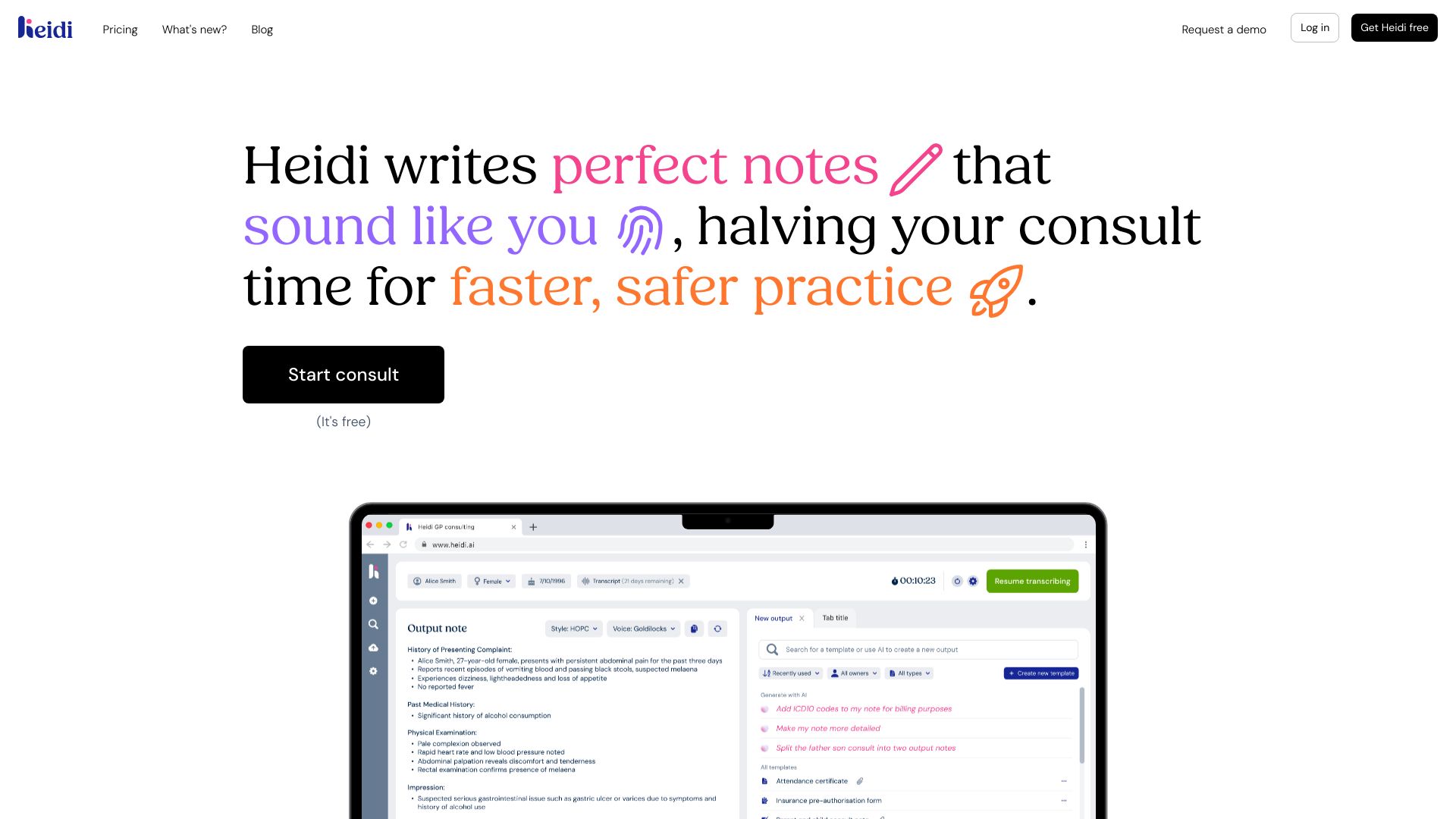
Heidi AI is an AI medical scribe from Heidi Health that captures clinician–patient conversations and turns them into structured, editable clinical notes. Designed to reduce administrative burden, it transcribes encounters, highlights key details, and drafts documentation so clinicians can focus on patient care. With cursor‑guided dictation, voice control, custom templates, and multilingual support, Heidi AI adapts to diverse specialties and workflows across 50+ countries. The result is faster, consistent notes, fewer after‑hours tasks, and better work–life balance.
Heidi AI Key Features
- Real-time transcription: Converts spoken conversations into accurate text during or after a visit.
- AI note generation: Drafts structured clinical notes ready for clinician review and editing.
- Cursor‑guided dictation: Place the cursor where you want text; dictate exactly what belongs in that section.
- Voice control: Hands‑free commands to navigate sections, insert text, or format content.
- Custom templates: Create and reuse templates that match your documentation style and specialty.
- Multilingual support: Capture and document visits in multiple languages to serve diverse populations.
- Editing tools: Quickly refine summaries, correct phrasing, and ensure clinical accuracy before finalizing.
- Consistent formatting: Produces clear, standardized notes that improve readability across teams.
- Global scalability: Used in 50+ countries, supporting varied clinical settings and workflows.
Who Should Use Heidi AI
Heidi AI suits physicians, nurse practitioners, physician assistants, and allied health professionals who want to reduce documentation time. It works well for outpatient visits, specialty clinics, and remote consultations where reliable transcription and structured notes can streamline charting and improve patient-facing time.
How to Use Heidi AI
- Sign up and set your documentation preferences, including templates and preferred language.
- Start a session before the consult to enable transcription or choose guided dictation.
- Use cursor‑guided dictation to place content precisely into the relevant section.
- Leverage voice control to navigate, insert text, and format notes hands‑free.
- Review the AI‑generated draft for accuracy and clinical nuance; make edits as needed.
- Apply or adjust custom templates to maintain consistent structure across notes.
- Finalize and copy your note into your clinical charting system.
Heidi AI Industry Use Cases
In primary care, Heidi AI transcribes comprehensive visits and produces clear summaries that speed up chart completion. Specialty clinics (e.g., cardiology or dermatology) use custom templates to capture focused findings and follow‑ups. Telehealth providers rely on multilingual transcription to serve cross‑border patients, while urgent care teams use voice control to document rapidly during high‑volume shifts.
Heidi AI Pros and Cons
Pros:
- Reduces administrative workload and after‑hours charting.
- Improves note consistency with reusable, custom templates.
- Hands‑free voice control supports documentation during busy encounters.
- Multilingual support helps care teams serve diverse patient populations.
- Flexible workflows with cursor‑guided dictation and real‑time edits.
Cons:
- Audio quality and background noise can affect transcription accuracy.
- Clinical judgment still required; notes must be reviewed and verified.
- May involve a learning curve to optimize templates and voice commands.
- Internet connectivity is typically required for best performance.
- Data handling practices depend on organizational policies and setup.
Heidi AI FAQs
-
Does Heidi AI replace human scribes?
No. It accelerates drafting and transcription, but clinicians should review and finalize notes.
-
What languages does it support?
Heidi AI offers multilingual support; available languages may vary by region and configuration.
-
Can I use my own templates?
Yes. You can create and apply custom templates to match your specialty and documentation style.
-
Does it work for telehealth?
Yes. It can document remote consultations as long as clear audio input is available.
-
What hardware do I need?
A reliable microphone and stable internet connection are recommended for best transcription quality.