
- Home
- AI Summarizer
- Yescribe
Yescribe
Open Website-
Tool Introduction:Transcribe audio/video with AI—98 languages, instant, private.
-
Inclusion Date:Nov 08, 2025
-
Social Media & Email:


Tool Information
What is Yescribe AI
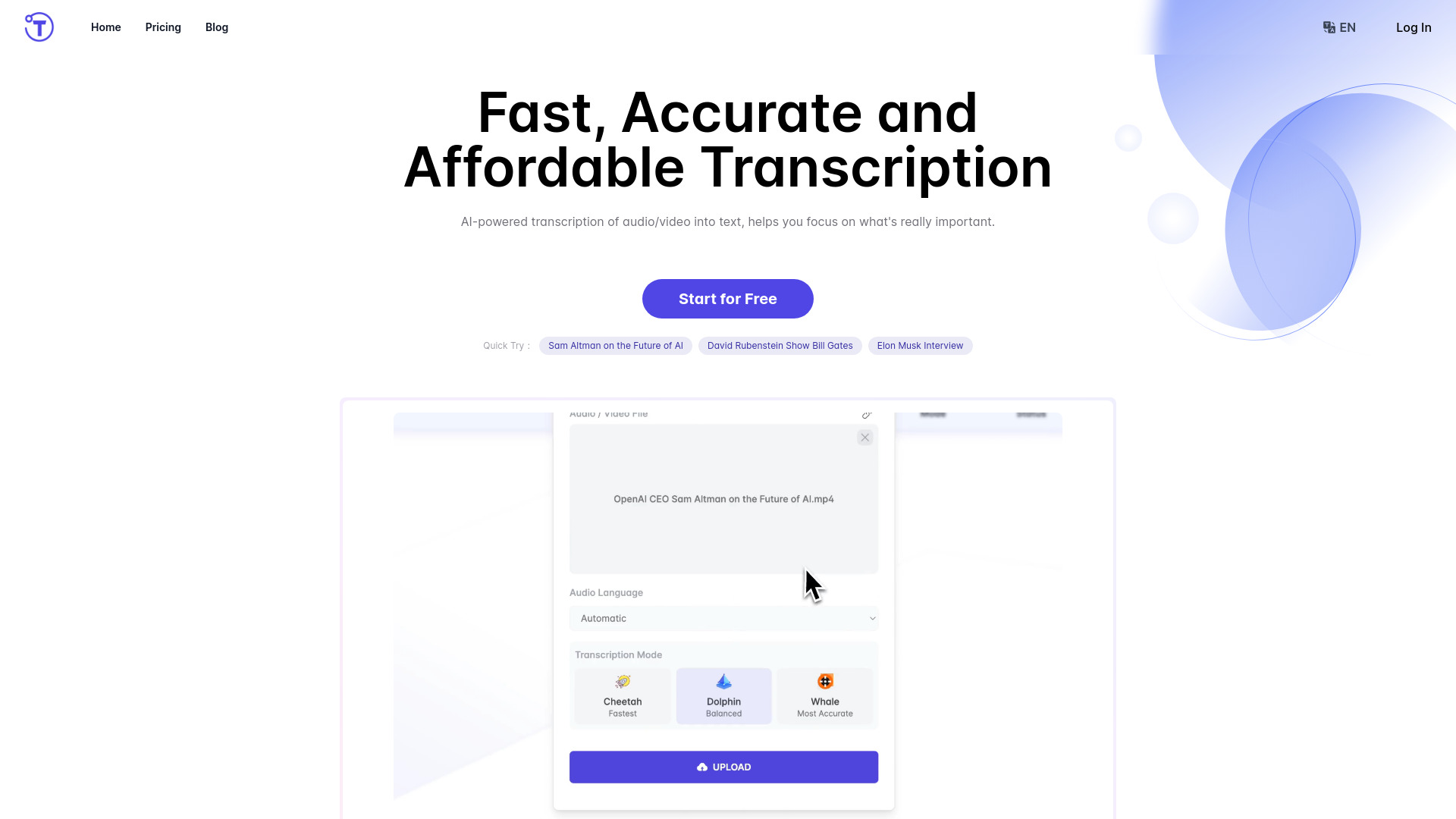
Yescribe AI is an AI-powered transcription platform that converts audio and video into clean, searchable text. Designed for speed and precision, it supports multiple file formats and 98 languages, delivering rapid results with claimed accuracy up to 99.9%. Users can upload recordings up to five hours, receive near-instant transcripts, and generate concise AI summaries for quick context. With private, secure data handling, Yescribe AI helps teams turn meetings, podcasts, lectures, and interviews into actionable content, so they can focus on analysis, publishing, and decision-making.
Main Features of Yescribe AI
- High-accuracy AI transcription: Converts speech to text with up to 99.9% accuracy for clear, reliable transcripts.
- Global language coverage: Supports 98 languages, ideal for multilingual teams and international content.
- Multi-format support: Works with common audio and video files, simplifying uploads from diverse sources.
- Extended file length: Handles recordings up to 5 hours, reducing the need to split long sessions.
- Rapid processing: Delivers instant or near-instant results to speed up workflows.
- AI summaries: Generates concise overviews to help you grasp key points faster.
- Private and secure: Emphasizes secure data handling to protect sensitive recordings.
- Browser-based workflow: Start transcribing without installs or complex setup.
Who Can Use Yescribe AI
Yescribe AI suits journalists, podcasters, YouTubers, researchers, and students who need fast, accurate audio-to-text and video transcription. It also benefits marketing teams creating captions and blogs, product and UX teams analyzing interviews, educators preparing course materials, and business users transcribing meetings and webinars. Legal, compliance, and operations teams can streamline documentation while maintaining secure, consistent records across languages.
How to Use Yescribe AI
- Create an account and sign in to the Yescribe AI dashboard.
- Click upload and add your audio or video file in a supported format.
- Select the language (or use auto-detection if available) and confirm settings.
- Start transcription and wait for the system to process your file.
- Review the generated transcript and use the AI summary to capture key insights.
- Copy or download the text for your documents, captions, or publishing workflow.
Yescribe AI Use Cases
Media teams transcribe podcasts and interviews for articles and show notes. Businesses turn meeting recordings into searchable minutes and action items. Educators convert lectures into study materials and accessibility aids. Researchers transcribe field interviews for qualitative analysis. Marketing teams generate captions and repurpose webinars into blog posts. Multinational organizations leverage the 98-language coverage to standardize documentation across regions.
Pros and Cons of Yescribe AI
Pros:
- High accuracy and fast turnaround for speech-to-text.
- Broad language coverage across 98 languages.
- Handles long recordings up to five hours.
- AI summaries accelerate content review and editing.
- Secure handling supports sensitive use cases.
- Simple, browser-based workflow with multi-format support.
Cons:
- Actual accuracy may vary with audio quality, accents, and background noise.
- Five-hour limit may require splitting very long events.
- Requires a stable internet connection for uploads and processing.
- Specialized jargon may still need human review and light editing.
FAQs about Yescribe AI
-
Which file types can I upload?
Yescribe AI supports multiple common audio and video formats, allowing you to upload recordings from most devices and platforms.
-
How fast are transcriptions?
Transcriptions are designed to be rapid, with instant or near-instant results depending on file length and server load.
-
Does it work with multiple languages?
Yes, it offers global coverage with support for 98 languages for multilingual transcription.
-
Are my files secure?
Yes, the service emphasizes private and secure data handling to protect your recordings and transcripts.
-
Can it summarize my transcript?
Yes, AI-generated summaries provide concise overviews of key points for faster review.