
- Home
- AI Dermatology
- Skinive
Skinive
Open Website-
Tool Introduction:AI skin check for moles, rashes, spots—early, personalized, CE‑marked.
-
Inclusion Date:Nov 08, 2025
-
Social Media & Email:

Tool Information
What is Skinive AI
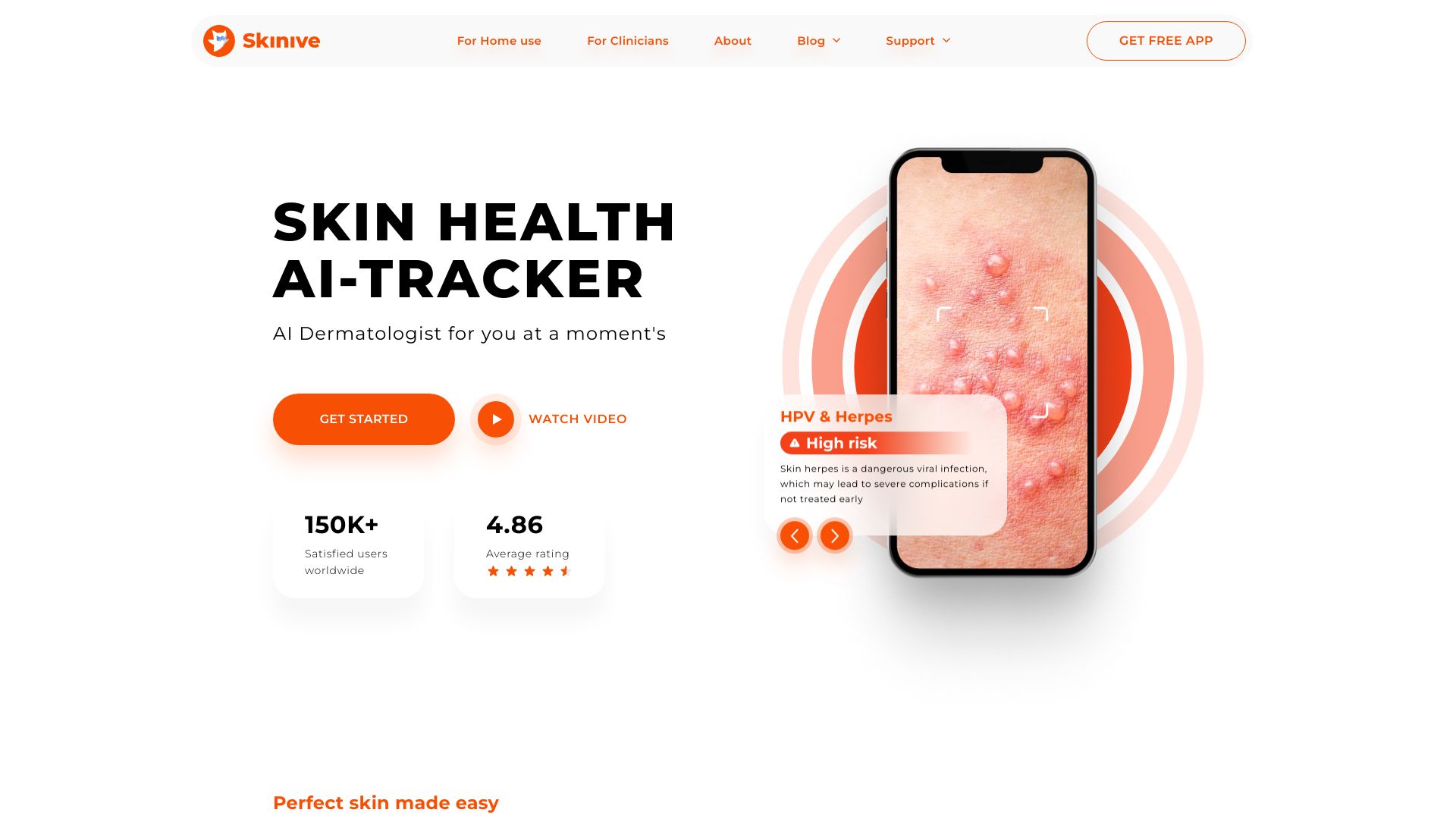
Skinive AI is an AI-powered dermatology app that helps users monitor skin health by analyzing photos of moles, rashes, spots, and other lesions. Using computer vision and medically validated models, it delivers rapid risk assessments, personalized insights, and guidance on when to seek professional care. As CE-Marked medical software, it supports early detection workflows for individuals at home and clinicians in primary care, enabling longitudinal tracking and structured reports. Skinive AI does not provide a diagnosis; it supports decision-making and encourages timely clinical evaluation.
Main Features of Skinive AI
- AI skin analysis: Capture a photo of a mole, rash, or spot to receive an instant, evidence-based risk assessment and guidance.
- Personalized recommendations: Get clear next steps, including self-care tips or suggestions to consult a clinician based on risk level.
- Lesion tracking and timeline: Store images, compare changes over time, and set reminders for follow-up checks.
- Clinical decision support: CE-Marked software that helps primary care professionals triage cases and prepare referrals with structured summaries.
- Quality capture guidance: On-screen instructions for lighting, focus, and framing to improve analysis reliability.
- Privacy-minded workflow: Configurable data handling and consent-driven sharing of reports with healthcare providers.
Who Can Use Skinive AI
Skinive AI serves individuals who want convenient AI skin analysis at home, people with multiple moles who need regular checks, and families monitoring rashes or irritation. It also supports primary care physicians, nurse practitioners, and community health providers seeking quick skin lesion risk assessment to inform triage, documentation, and referrals between visits to a dermatologist.
How to Use Skinive AI
- Download the app and create a profile with basic skin and health context if prompted.
- Select the area of concern and follow the on-screen guide to take a clear, well-lit photo.
- Confirm the image and submit it for AI skin analysis.
- Review the risk level, personalized insights, and suggested next steps.
- Save the case to your timeline, set follow-up reminders, and optionally share a structured report with a clinician.
Skinive AI Use Cases
At home, users perform regular mole checks and track changes between dermatology visits. In primary care, clinicians use Skinive AI for rapid triage, documentation, and referral support. Telehealth and community clinics can apply it to prioritize urgent cases, educate patients on self-monitoring, and standardize follow-up routines for suspicious lesions and inflammatory skin conditions.
Pros and Cons of Skinive AI
Pros:
- CE-Marked medical software designed for both home users and primary care workflows.
- Fast risk assessments with practical guidance and longitudinal tracking.
- Capture guidance that improves image quality and consistency.
- Structured summaries that support referrals and clinical documentation.
- Helps encourage timely consultation for higher-risk findings.
Cons:
- Not a medical diagnosis; professional evaluation is still required.
- Accuracy depends on image quality, lighting, and proper framing.
- Possibility of false positives/negatives like any screening support tool.
- Features and availability may vary by region and regulatory requirements.
FAQs about Skinive AI
-
Is Skinive AI a diagnostic tool?
No. It provides risk assessment and guidance but does not replace a clinician’s diagnosis.
-
Can Skinive AI detect skin cancer?
It can flag lesions that may need urgent attention and suggest seeing a dermatologist, but only a clinician can confirm a diagnosis.
-
Who should use Skinive AI?
Individuals doing routine self-checks and primary care professionals who need decision support and documentation for referrals.
-
What affects analysis quality?
Good lighting, sharp focus, correct distance, and capturing a single, clear lesion improve reliability.