
- Home
- AI Summarizer
- Cleanvoice AI
Cleanvoice AI
Open Website-
Tool Introduction:18+ AI GF/BF chat for roleplay and sexting, with character builder.
-
Inclusion Date:Oct 21, 2025
-
Social Media & Email:


Tool Information
What is Cleanvoice AI
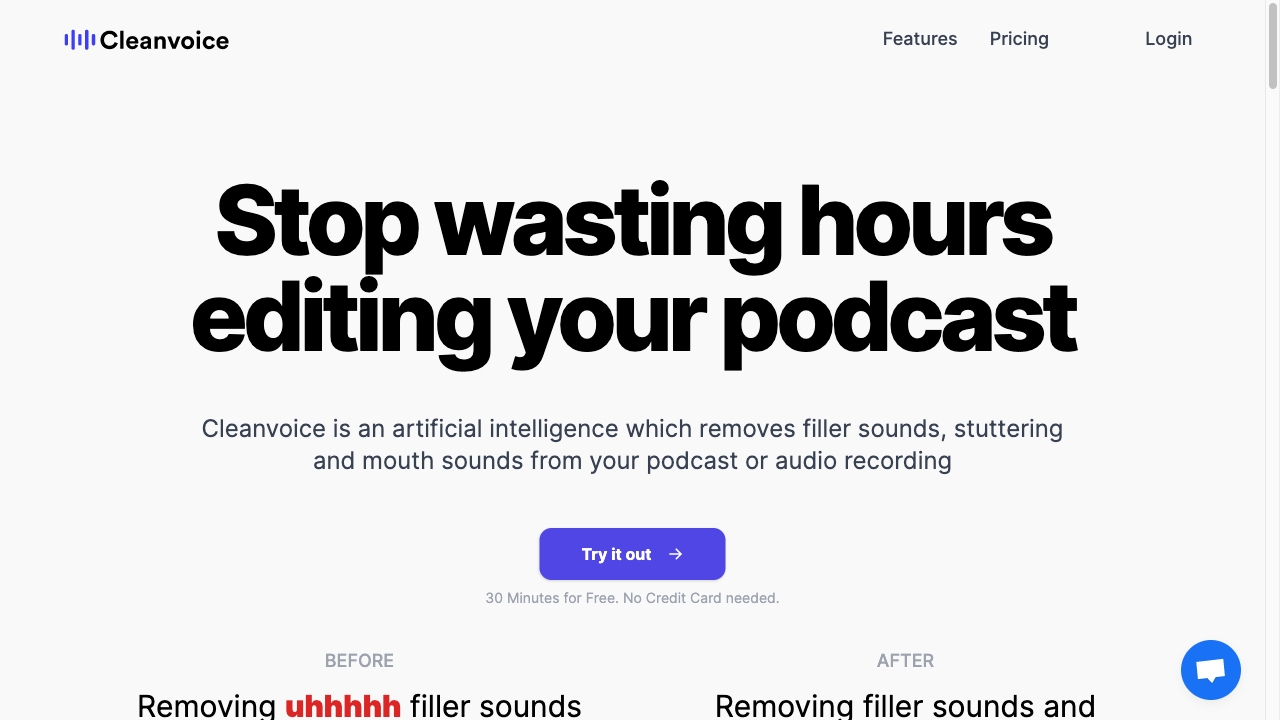
Cleanvoice AI is an audio post‑production platform that automatically removes filler sounds (um, uh), stutters, mouth clicks, and distracting silences from podcasts and voice recordings. Using machine‑learning denoising and content‑aware editing, it helps creators deliver clean, consistent, studio‑quality sound without hours of manual cutting. Beyond cleanup, it offers background noise reduction, intelligent filler word removal, fast transcription, and podcast summarization, enabling teams to streamline editing while preserving the natural flow of speech.
Cleanvoice AI Main Features
- Filler sound and stutter removal: Automatically detects and removes ums, uhs, repetitions, and stammers to improve pacing.
- Mouth sound cleanup: Reduces clicks, lip smacks, and mouth noises for a more polished, listener‑friendly result.
- Background noise reduction: Diminishes room tone, hum, and ambient noise to enhance clarity in spoken audio.
- Filler word detection and trimming: Identifies common filler words and cuts them while keeping speech natural.
- Transcription: Generates transcripts to aid editing, accessibility, and content repurposing.
- Podcast summarization: Produces concise summaries and highlights to speed up show notes and content planning.
- Batch processing: Process multiple files or episodes to scale podcast editing workflows.
- Preview and export: Review changes before export and download cleaned audio for use in any DAW or hosting platform.
Who Should Use Cleanvoice AI
Cleanvoice AI suits podcasters, interviewers, voiceover artists, marketers, educators, and journalists who need fast, reliable podcast editing and audio cleanup. It is ideal for teams seeking to remove filler words, reduce background noise, and generate transcriptions and podcast summaries without deep audio engineering expertise.
How to Use Cleanvoice AI
- Sign in and create a new project for your podcast or recording.
- Upload your audio files by drag‑and‑drop or file picker.
- Select cleanup options: remove filler sounds and stutters, reduce mouth noises, and enable noise reduction, transcription, or summarization.
- Start processing and let the AI analyze and clean your audio.
- Preview the results, adjust sensitivity if available, and restore any segments you want to keep.
- Export the cleaned audio and any transcripts or summaries, then publish or refine in your DAW.
Cleanvoice AI Industry Use Cases
Podcast networks use Cleanvoice AI to deliver consistent quality across multi‑host shows. Marketing teams clean webinars, interviews, and customer stories for clear messaging. Educators improve lecture recordings and e‑learning modules by removing distractions. Journalists and media producers denoise field interviews and tighten pacing for broadcast or online distribution.
Cleanvoice AI Pricing
Cleanvoice AI typically offers tiered plans based on usage and features. Pricing and any free trial availability may change; refer to the official website for current plan details and limits.
Cleanvoice AI Pros and Cons
Pros:
- Significantly reduces manual editing time for podcasts and voice content.
- Improves clarity and listener experience by removing filler sounds and noise.
- Helps preserve natural cadence while tightening pacing.
- Supports long recordings and batch workflows for scale.
- Built‑in transcription and summarization streamline show notes and repurposing.
- Simple, web‑based workflow with minimal learning curve.
Cons:
- Automated cuts can remove intentional pauses or nuance; human review is still advisable.
- Very noisy or poor‑quality source audio may require additional manual repair.
- Cloud processing requires uploading files; review data handling for sensitive content.
- Final mixing, leveling, and mastering may still need a dedicated DAW or engineer.
Cleanvoice AI FAQs
-
Does Cleanvoice AI replace a human audio engineer?
No. It accelerates cleanup and denoising, but final mixing and creative decisions benefit from human oversight.
-
How fast is processing?
Most recordings process in minutes, depending on file length, selected features, and system load.
-
Is it suitable for multi‑speaker podcasts?
Yes. It can clean multi‑speaker audio; for best results, record separate tracks and process them consistently.
-
Will it change my voice tone?
It targets filler sounds, mouth noises, and background noise. The natural tone and content of speech are preserved as much as possible.
-
Can I use it with video content?
Yes. Export or extract the audio track from your video, process it in Cleanvoice AI, then replace the audio in your video editor.